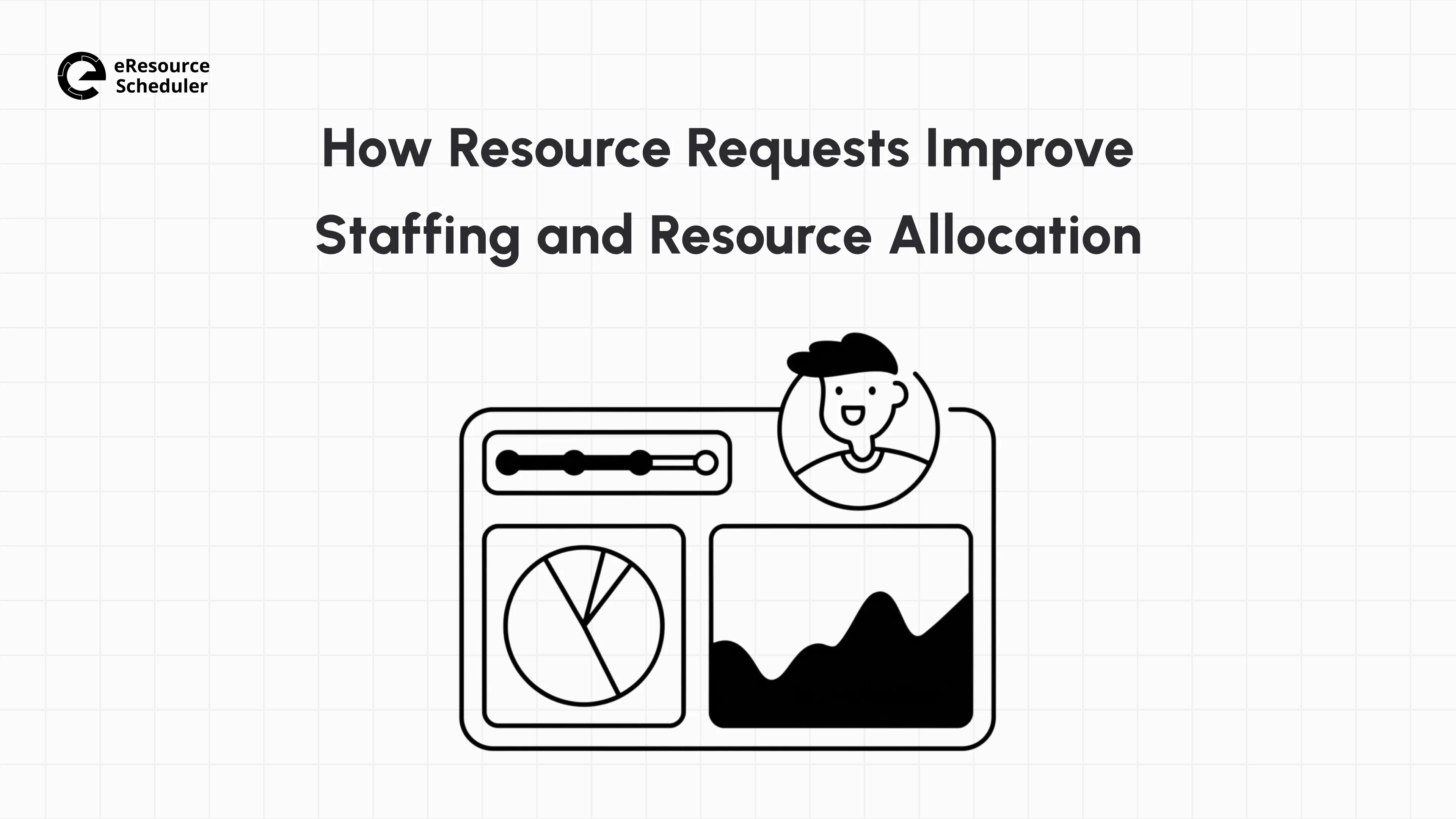
Ask ten project managers how someone ended up on their team, and at least half will shrug and say something like ‘they were just free’. This isn’t staffing; it is luck, and it tends to run out fast. Somewhere between deciding a project needs help and someone actually showing up to do the work lies a resource request: a clear ask for who is needed, what skills they bring, and for how long.
Written down and tracked instead of passed along in a hallway, this one ask does two things. It improves staffing by giving you real visibility into who is available and where the gaps are before they turn into missed deadlines. It also improves allocation because you can assign the person supposed to do the work, not just whoever answers first.
This blog breaks down the connection, plus how resource requests play out day by day, including their effect on your staffing levels.
A resource request, in practice, is a formal ask that names the role or skill needed, the project it's for, and the timeframe, submitted and tracked instead of passed along informally. This structure is what lets it do more than just get someone assigned. Here's what it actually does for a team.
| Why Resource Requests Matter | The Impact |
| Prevents unplanned overtime | Keeps budgets and team morale in check |
| Feeds better forecasting and budgeting | Past requests inform smarter hiring and planning ahead |
| Makes staffing decisions visible, not arbitrary | Builds trust between teams and leadership |
| Shortens project stalls caused by missing skills | Work keeps moving instead of waiting for the right person |
| Cuts down on back-and-forth chasing availability | Managers get time back in their week |
| Reduces reliance on one person's institutional memory | The process holds up even when a manager is out or the team changes |
These are the outcomes. One half of what produces them shapes who ends up on your team in the first place. The other half decides how well the people you already have get put to use once they're there. The next two sections cover how the request itself drives both sides.
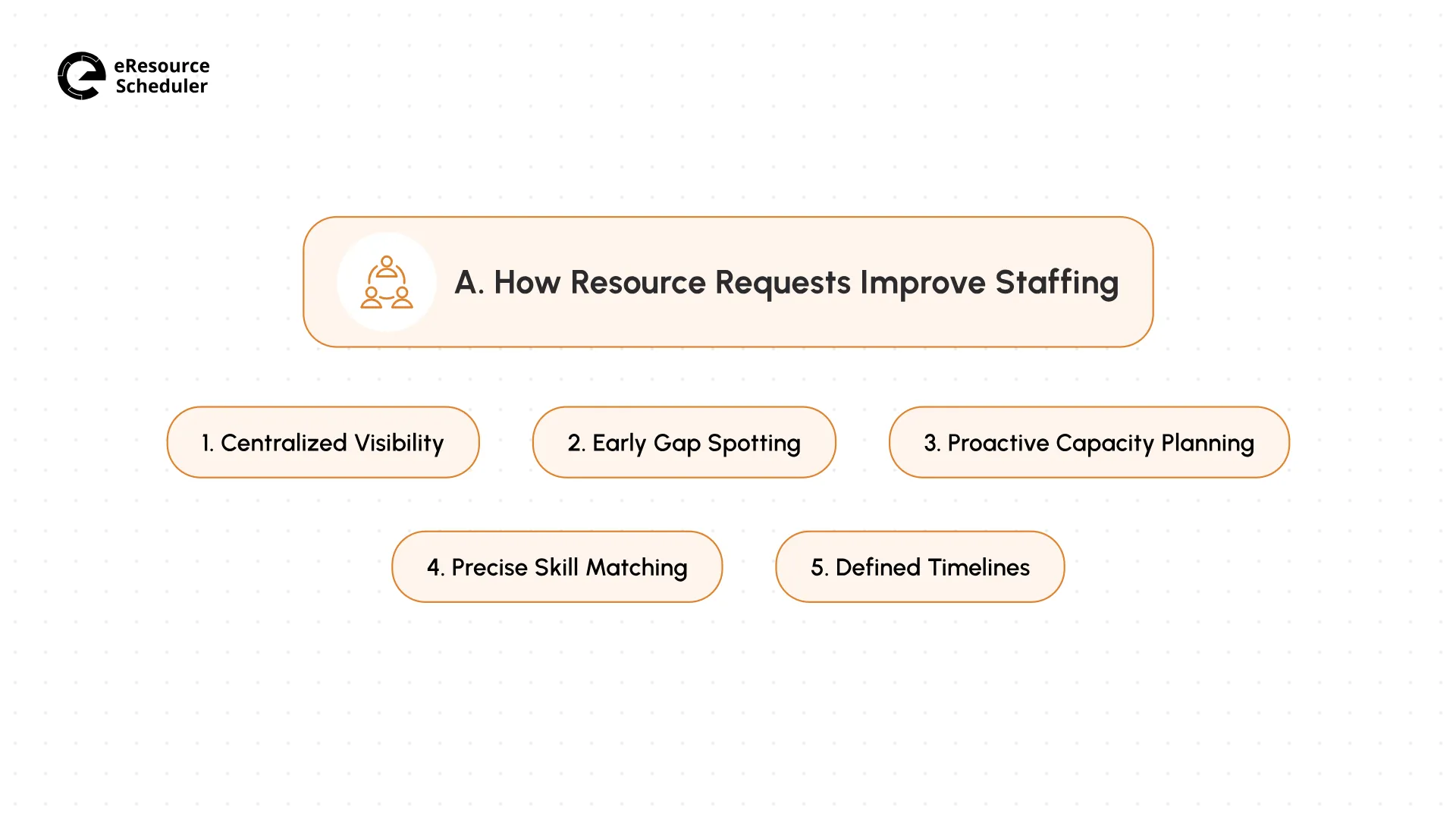
So what does this structure actually look like once it's in place? It starts with something as simple as seeing everyone in one view.
When every ask for help lives in one place instead of scattered across emails and chat messages, you finally get a full picture of who is stretched thin and who has room to take something on. You stop relying on memory or gut feeling to know if a teammate can help with a new task. One view shows exactly what has been asked for, by whom, and for how long. This alone removes a huge amount of the back-and-forth.

A logged and tracked resource request shows you patterns you would otherwise miss. If the same skill keeps getting requested and nobody is available to fill it, you are looking at capacity falling behind demand well before it becomes a crisis. Catching this early gives you time to hire, train, or shuffle work around rather than scrambling once a project is already stuck.
Once you can see requests coming in over time, you start to plan rather than react. You notice marketing always needs an extra design hand in Q4, or your dev team is constantly stretched when a client project overlaps with an internal one. This pattern recognition lets you build a buffer or plan hiring ahead of the crunch.
A request is not just ‘we need one more person’. A good request spells out the skills, the experience level, and sometimes even the certifications needed for the task. This level of detail means you are not just filling a seat. You are filling it with someone who can actually do the work well. It also opens the door to requesting people by role rather than by name, which broadens your options without lowering your standards.
Here is What You are Missing
A good skill match saves more than just time.
Drop someone into work that actually fits their experience, and they ramp up faster and second-guess
themselves less than someone patched in as a stopgap. This confidence shows up in work quality, not
just the pace.
Every request must include a start date, an end date, and, ideally, a rough estimate of the hours needed. Without this, people get assigned to tasks that never seem to end, and nobody is sure when they will be free again. A clear timeline attached to the resource request gives everyone, including the person doing the work, a sense of when they can plan their next commitment.
Staffing tells you who is on the team and how ready they are. The next question is what happens once these people are assigned to work. This is where allocation takes over.
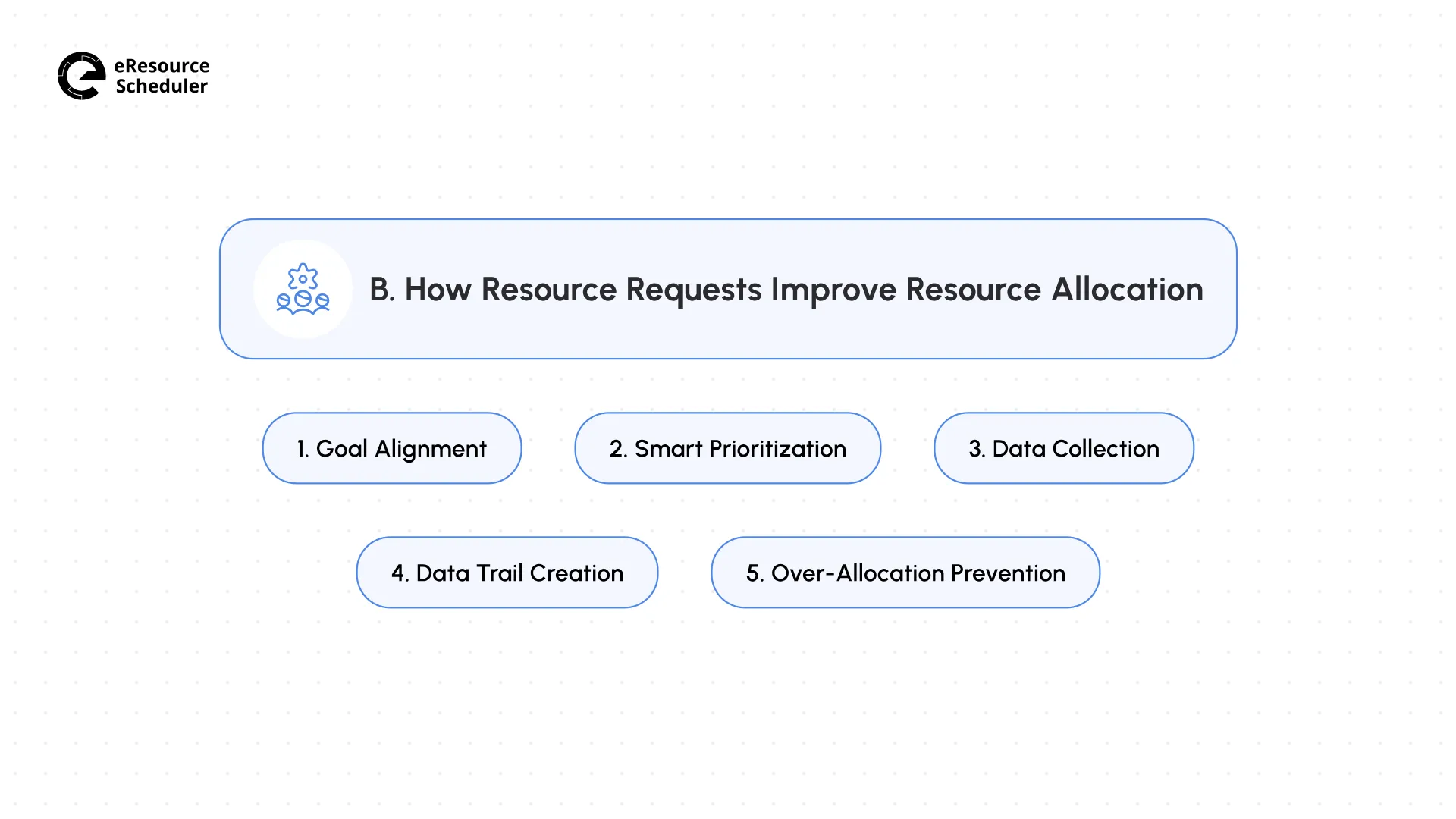
The shift in how allocation is treated starts before anyone's even assigned, with the reason the request went out in the first place.
Every request should trace back to something bigger than the task itself. Are you allocating this person because it moves a strategic project forward, or just because a manager asked first? Tying requests to real business goals (the kind mapped out across a project's life cycle) keeps you from spending your best people on the loudest requester rather than the most important work.
Not every request deserves the same response time. When you see all open requests side by side, you can rank them by urgency and impact rather than answering whoever emailed you most recently. It is the same logic behind a good approach to task prioritization, just applied to who gets assigned first instead of which task gets tackled first.
Every request you log becomes a data point about actual demand: which skills are asked for, how often, and by which teams. If three different teams request the same kind of specialist inside a single month, this is not a coincidence; it is a signal you are short by one. Reviewed continuously for a quarter, this pattern tells you where to focus hiring or training long before shortage forces the decision.
There is also a second benefit which has nothing to do with spotting trends. Each logged request also leaves behind a record of who was assigned to what and who approved it. If a client ever asks why a specific person was pulled onto their account, or a manager questions a staffing call made months ago, you have the answer in seconds. This record matters most during audits, performance reviews, and the occasional dispute over who signed off on a decision.
Without visibility into existing commitments, it is easy to say yes to a new request for someone who is already stretched across three other projects. A tracked system flags this before you approve it, protecting both the project timeline and the person’s ability to do good work. Most of the fixes come down to a handful of resource allocation tips that are easy to apply once you can see who is overloaded.
Knowing all of this is one thing. Actually keeping track of it by hand (across a dozen people and projects) is where most teams start looking for a better way to manage the whole process.
This is usually where you are tracking more than a handful of requests at once, and spreadsheets are no longer enough. You have one sheet for who is assigned where, another for pending requests, maybe a third someone started for planning capacity but did not maintain.
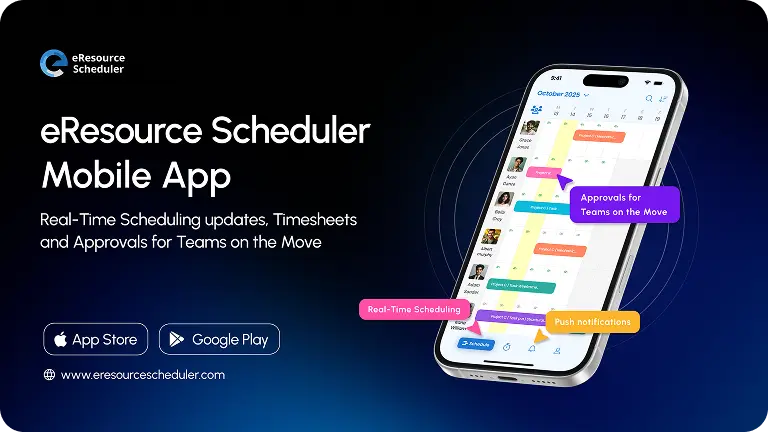
None of them talk to each other, so answering a simple question like ‘who can start on this next week’ means checking three places and hoping they still match. Resource scheduling software brings every request, every approval, and every person’s availability into one place. So you are not stitching five different documents just to answer one staffing question.
Here is what this shift actually looks like in practice. Picture a mid-sized architecture firm juggling six live projects at once, each needing structural engineers, drafters, and project leads at different stages. Before, a request like this went by email and hallway check-ins, approvals took two or three days, and the final call sat buried in someone’s inbox (if anyone needed to check later).
Now, every engineer and drafter’s skills, qualifications, and certifications are logged in one place. When a request goes out for a certified structural engineer, it is checked against actual data rather than someone’s memory of who is good at what.
If nobody matches the request, a gap report surfaces it right away, not three weeks later. Around the same time, a heatmap catches whether someone is already running hot on another project. You know before you commit their time to a new one rather than finding out after they are double-booked. This is the kind of layered checking eResource Scheduler handles behind the scenes.

Approval is quick once the groundwork is done. You review the match, drag the assignment onto the schedule, and it is confirmed. All in the same record as the original request. Once someone is on the job, timesheets track the actual hours against the plan, so you know where your estimate held up and where it didn’t.
This is the full loop: from the original request to the hours logged at the end. It is what turns a single ask for help into a system you can trust.
| Resource Request Workflow | Before | After |
| How Requests Were Made | Email and hallway check-ins | One shared form with role, dates, and skill level |
| Visibility into Availability | Guesswork | Real-time view of who is free, ranked by fit |
| Approval Time | Two to three days | A few hours, often same-day |
| Risk of Double-Booking | High. Caught only after the fact | Low. Flagged automatically before approval |
| Record of Decisions | Scattered across inboxes | Centralized and searchable |
None of this means software replaces good judgment. It just means you have better information when you make the call. This is exactly what a good resource request workflow is for.
Strip away the tools and process maps, and it comes down to this. Resource requests turn a vague need for help into a decision someone can actually act on. Every gap caught early, every mismatch avoided, and every person placed on the right project instead of the nearest one traces back to the one ask being clear instead of casual.
The next time someone taps you on the shoulder wanting ‘just one more person,’ run the request through a few quick questions before you say yes.
Answer these questions before you approve, and staffing and allocation both start taking care of themselves.
1. Who usually approves a resource request?
Depends on the team. A project lead can often say yes on the spot for a small ask. Once a request eats into budget or pulls someone off a project for weeks, it usually needs a resource manager or department head in the loop too.
2. What happens if a resource request gets rejected or delayed?
Usually it means the skill just isn't there right now, or the timing clashes with something already committed. A decent process tells you why instead of leaving you guessing. If it's delayed rather than flat-out rejected, it is often worth flagging up the chain since it might point to a staffing gap nobody's addressed yet.
3. How is a resource request different from a resource booking?
The resource request is the ask. The resource booking is what happens once someone says yes and the person's time actually gets locked into the schedule. Skip this distinction, and it's easy to assume a request is a done deal before it's actually confirmed, which is exactly how people end up double-committed.
4. Do resource requests work for fast-moving or agile teams, not just long, planned projects?
They do, just lighter. A sprint team isn't writing up a six-week request with a full skills breakdown. It's more likely a quick ask tied to one task or story, sometimes decided in a standup rather than a form. The same principles apply, just with a smaller footprint.
5. How often should a team review its resource requests?
Monthly or quarterly seems to be the sweet spot for most teams. Go too infrequently, and a skill gap can sit unnoticed for an entire project cycle. Reviewing every request as it lands, on the other hand, buries you in noise. You miss the pattern underneath all the requests.


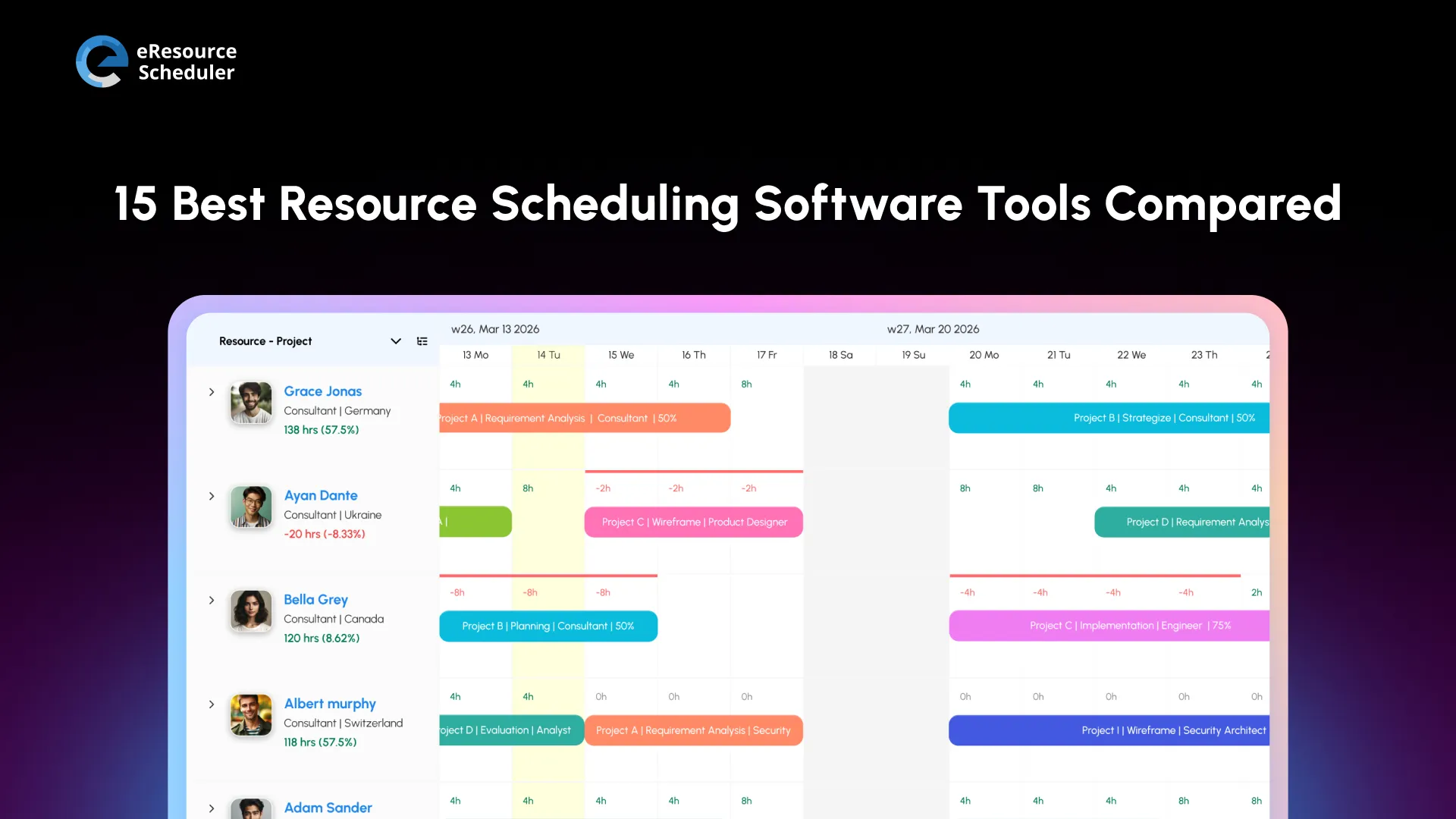
Plan Smarter. Schedule Faster. For Free.
Join thousands already using eResource Scheduler to align teams, time, and tasks seamlessly.
 ALL FEATURES INCLUDED