Learn more
Tax season hits, and suddenly your senior auditor is triple-booked while two associates are sitting idle. Sounds familiar?
If you’re still juggling resource allocation with spreadsheets and sticky notes, you’re not just risking burnout. You’re bleeding billable hours. Modern resource management software for accounting and audit firms is changing how practices balance workloads, forecast capacity, and actually see where their people’s time goes.
But here’s the thing. Not all tools understand the unique rhythm of accounting work. Between compliance deadlines, busy season madness, and the constant dance battle of billable vs non-billable hours, you need software that speaks your language.
The right software for accounting and audit firms doesn’t just track who’s doing what. It tells you if you can actually take on that new client without working your team into the ground. In this blog, we’ll break down what actually matters in 2026, compare the tools that get accounting workflows, and help you figure out which one fits your firm's size and sanity level.
Let’s be honest. Most accounting firms are running on hope and hustle when it comes to resource planning. Partners' eyeball capacity, managers scramble to cover gaps, and nobody really knows if the team can handle one more engagement until someone’s already drowning.
The numbers back this up. According to the 2025 SPI Professional Services Benchmarks, average billable utilization across professional services dropped to 68.9% in 2024, well below the 70-80% sustainable range. Every point below this target is recoverable revenue that’s simply not being captured.
Here’s what makes this year different. Remote work isn’t going anywhere; clients expect faster turnarounds, and your team is one bad busy season away from updating their LinkedIn profiles. A Wolters Kluwer 2026 report found that 88% of large accounting firms expect talent challenges to hit hard this year, with burnout cited as a leading cause of attrition. You can’t afford to guess anymore.
Excel was great in 1995. Today? It’s a liability.
When you’re tracking resources manually, you’re always working with yesterday’s information. Sarah got pulled into an urgent tax amendment. Mike’s taking PTO next week. That new audit client needs three people starting Monday. By the time you update the spreadsheet, the reality has already shifted.
Here’s what this actually costs:
The smarter firms are shifting to resource planning software for accounting firms that gives them real-time visibility. Because when you see utilization, forecast capacity, and balance workloads before people burn out, you stop playing defense and start scoring wins.

The difference between guessing and knowing is everything in accounting. When you can actually see your team’s capacity, you stop saying ‘I think we can take this client’ and start saying ‘We have exactly 120 available hours in August’.
Utilization becomes visible, so you know who’s buried and who has bandwidth before someone’s already drowning. Forecasting gets real, so busy-season planning stops being a panic scramble, and billable hours stop disappearing.
According to the Eagle Hill Consulting Workforce Burnout Survey 2025, more than 55% of US workers report burnout. This is more than half of the US population. In accounting, where busy season workloads spike sharply, the risk is even more concentrated.
But here’s the part nobody talks about: retention. When the workload is actually balanced, people don’t burn out and bail. Your best senior associate isn’t fantasizing about industry jobs because they can see the chaos is temporary, not the norm.
Pro Tip
Before evaluating any tool, audit your current utilization rate by role. If you don’t know it off the top of your head, that’s the first problem the right software will solve. Aim for 72-78% as your sustainable target for accounting teams.
Now that you know why it matters, here’s what to actually look for when evaluating your options.
Use this as a starting point, not the final verdict. Your firm workflow, team size, and planning maturity should drive the final call.
| Tool | Best For | Complexity |
| eResource Scheduler | Mid to large firms (50-5000) | Low-Medium |
| Float | Small to mid-sized practices | Low |
| Resource Guru | Teams needing quick setup | Low |
| Mango Practice Management | Workflow-first firms | Medium |
| Monday.com | Custom workflow builders | Medium-High |
Now let’s go deeper into each option so you can see exactly what you’re getting.
Before we dive into the deep waters, let us give you a reality check. You don’t need the fanciest tool. You need the one that fits how accounting firms actually operate during busy seasons and beyond.
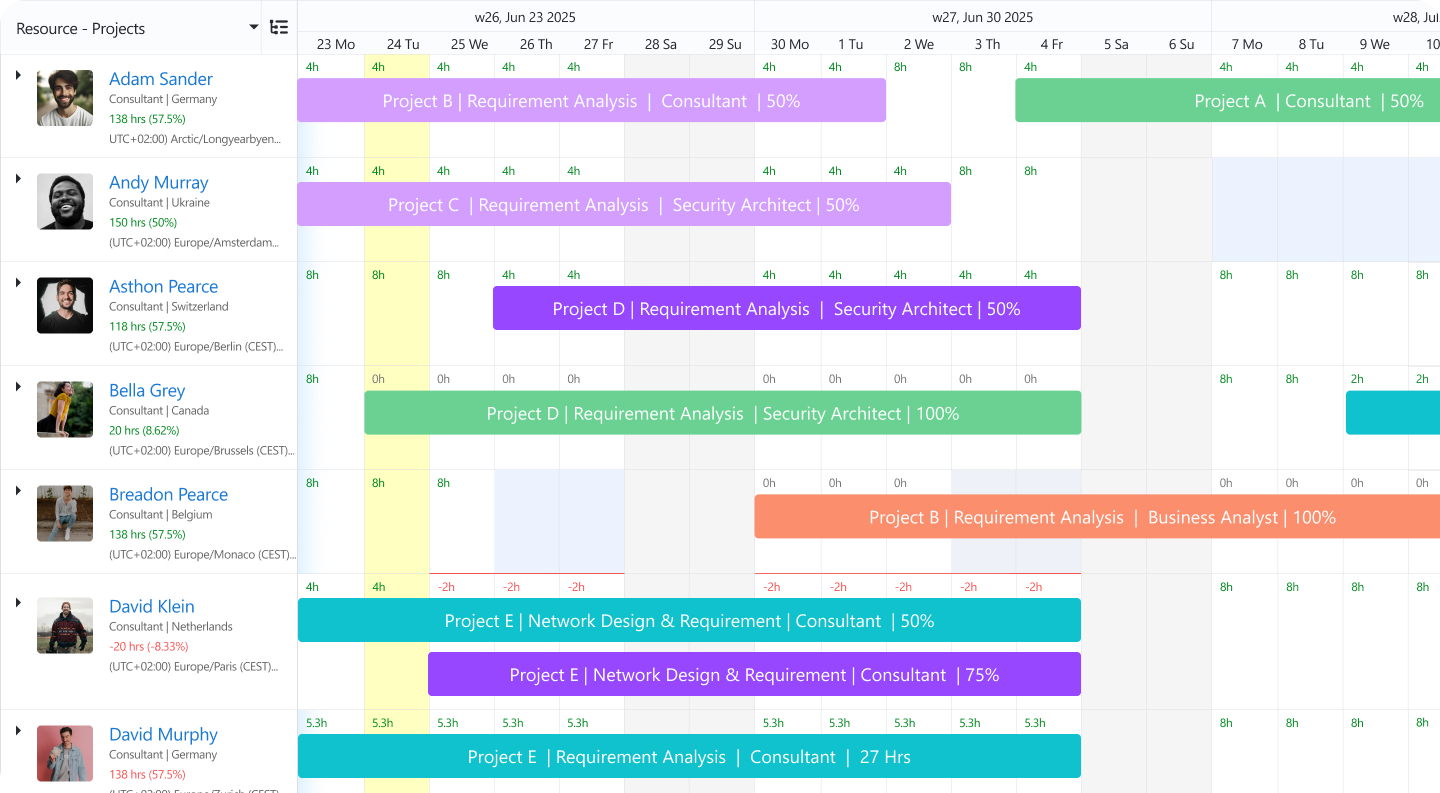
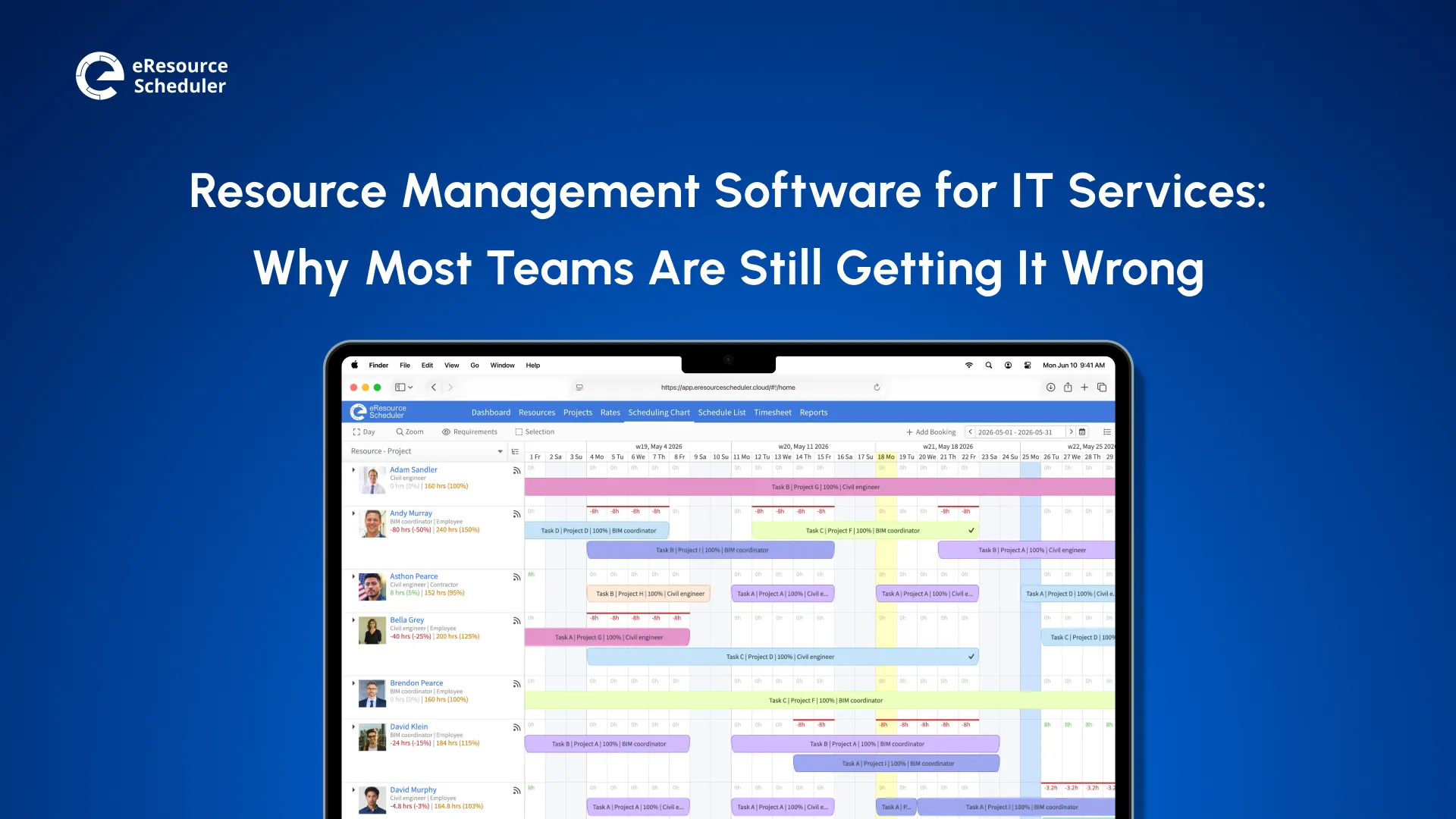
If your firm needs real resource visibility across audit, tax work, and advisory at the same time, eResource Scheduler is built for this kind of complexity. It’s not just ‘who is booked’. ‘It’s who is booked, why, for how long, and what that means for margin and workload’.
What it handles well:
Pricing: Module-based options starting at $5 per resource/month, billed annually. You can pay for what you choose and scale as needed.

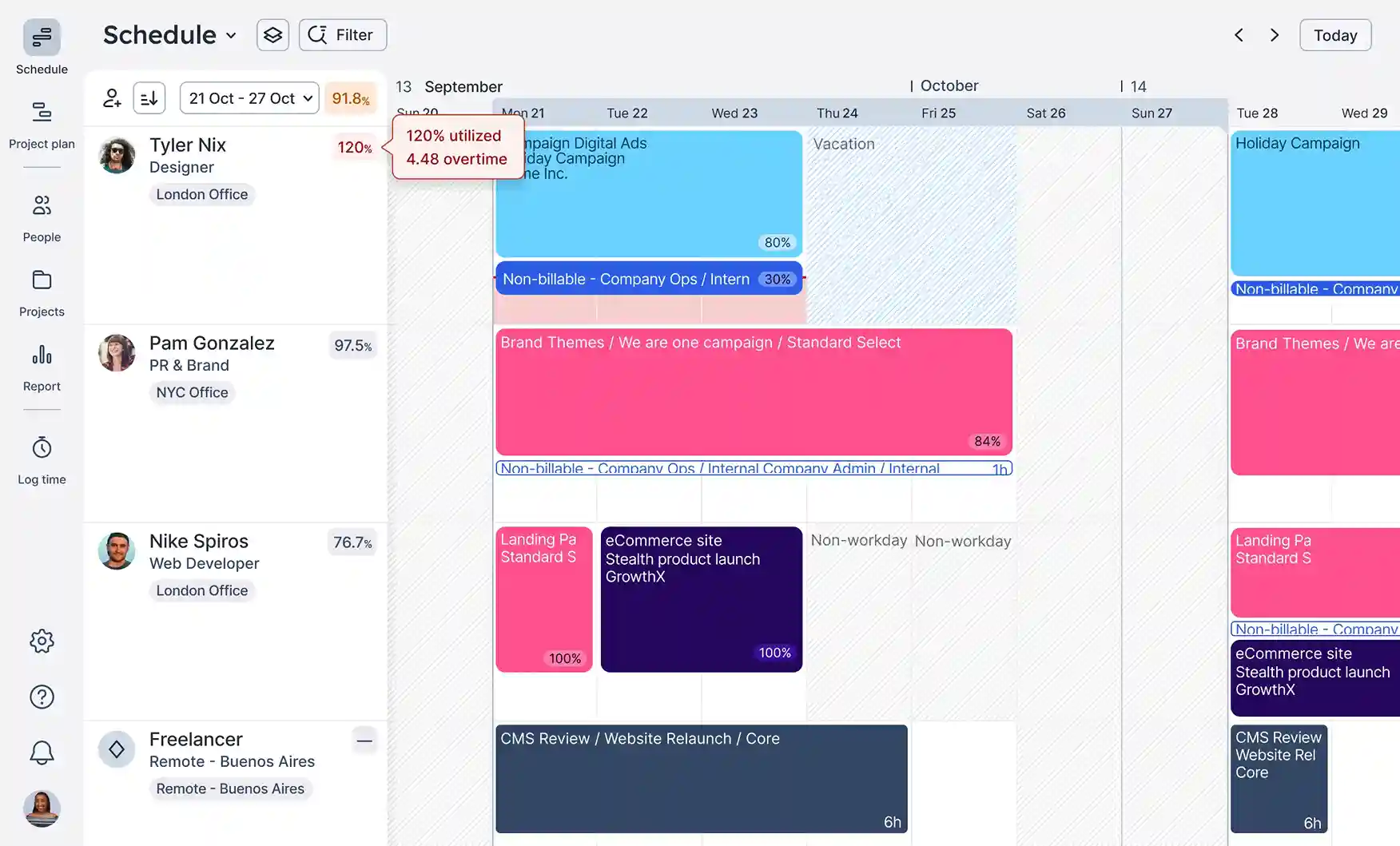
This tool is typically chosen when firms want to reduce double booking, improve planning hygiene, and keep things lightweight.
Good fit when:
Pricing: Plan-based options starting at $7 per scheduled person/month, billed annually.
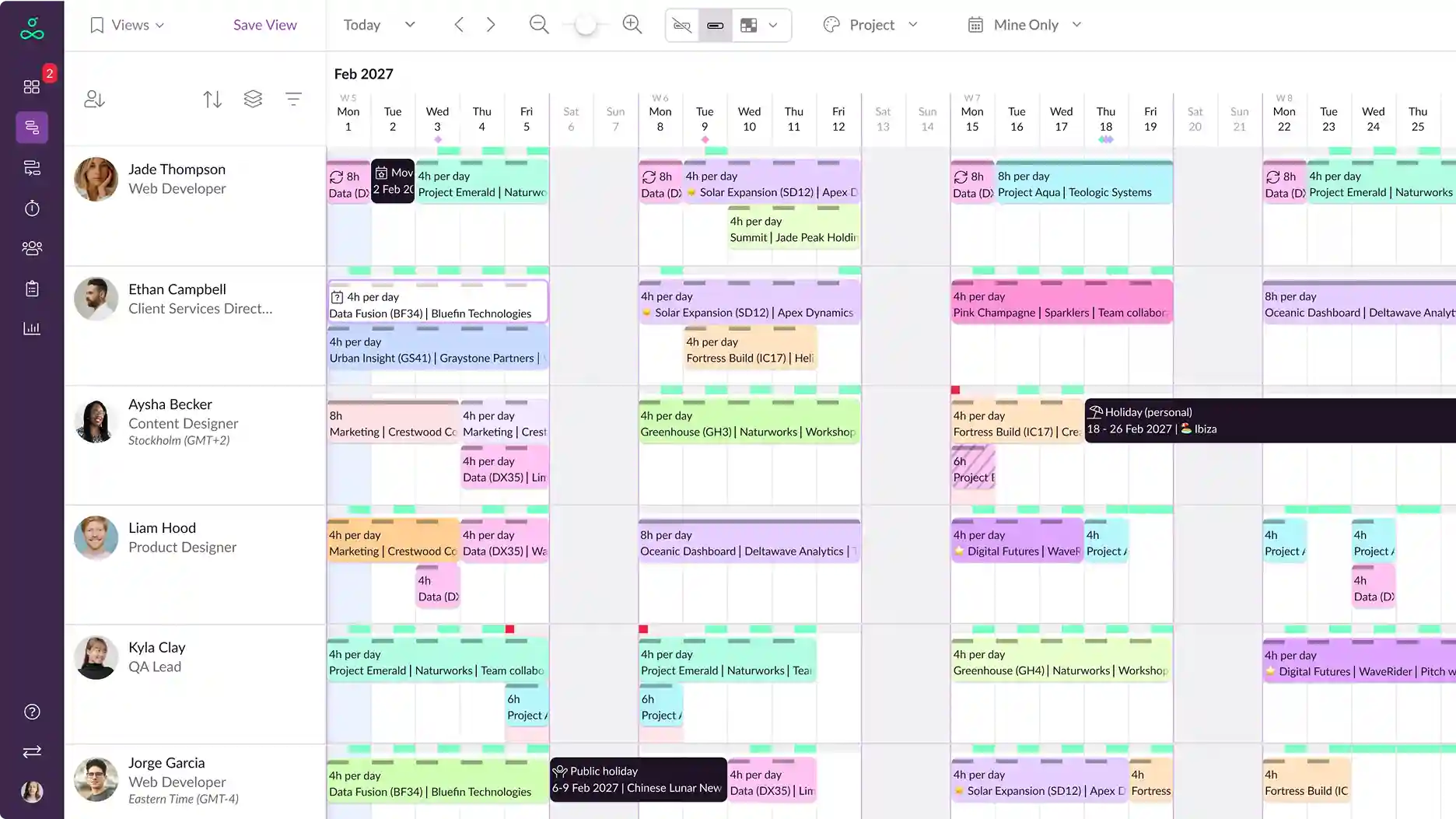
It tends to work well when a firm needs basic capacity clarity, leave visibility, and fewer scheduling conflicts.
Good fit when:
Pricing: Plan-based options starting at $4.16 per person/month, billed annually. Additional charges apply for other resources.
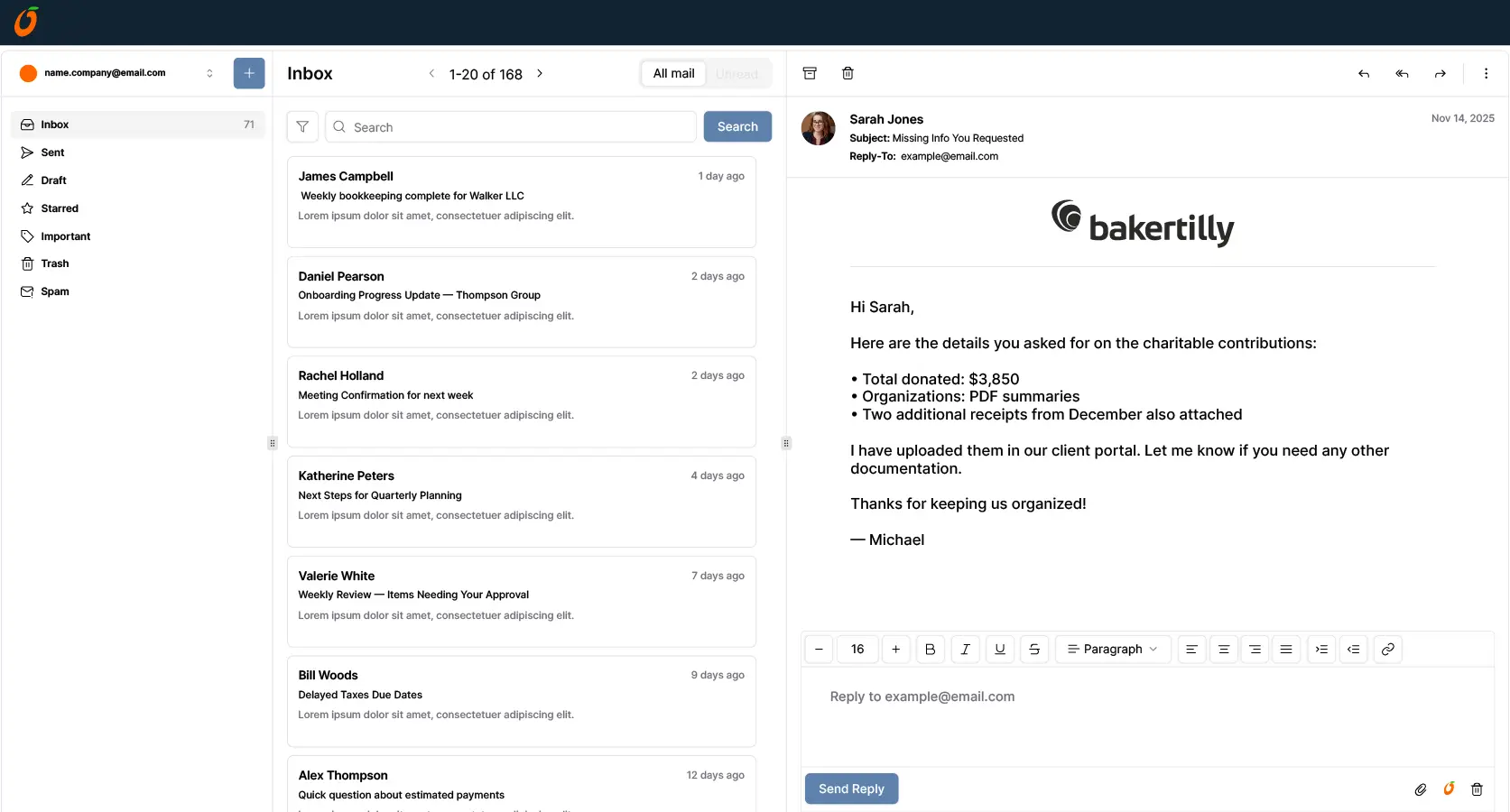
This software is often evaluated for workflow, time billing, and client management. Resource planning exists, but the core value is to practice operations.
Good fit when:
Pricing: Plan-based options starting at $35 per user/month, billed annually.
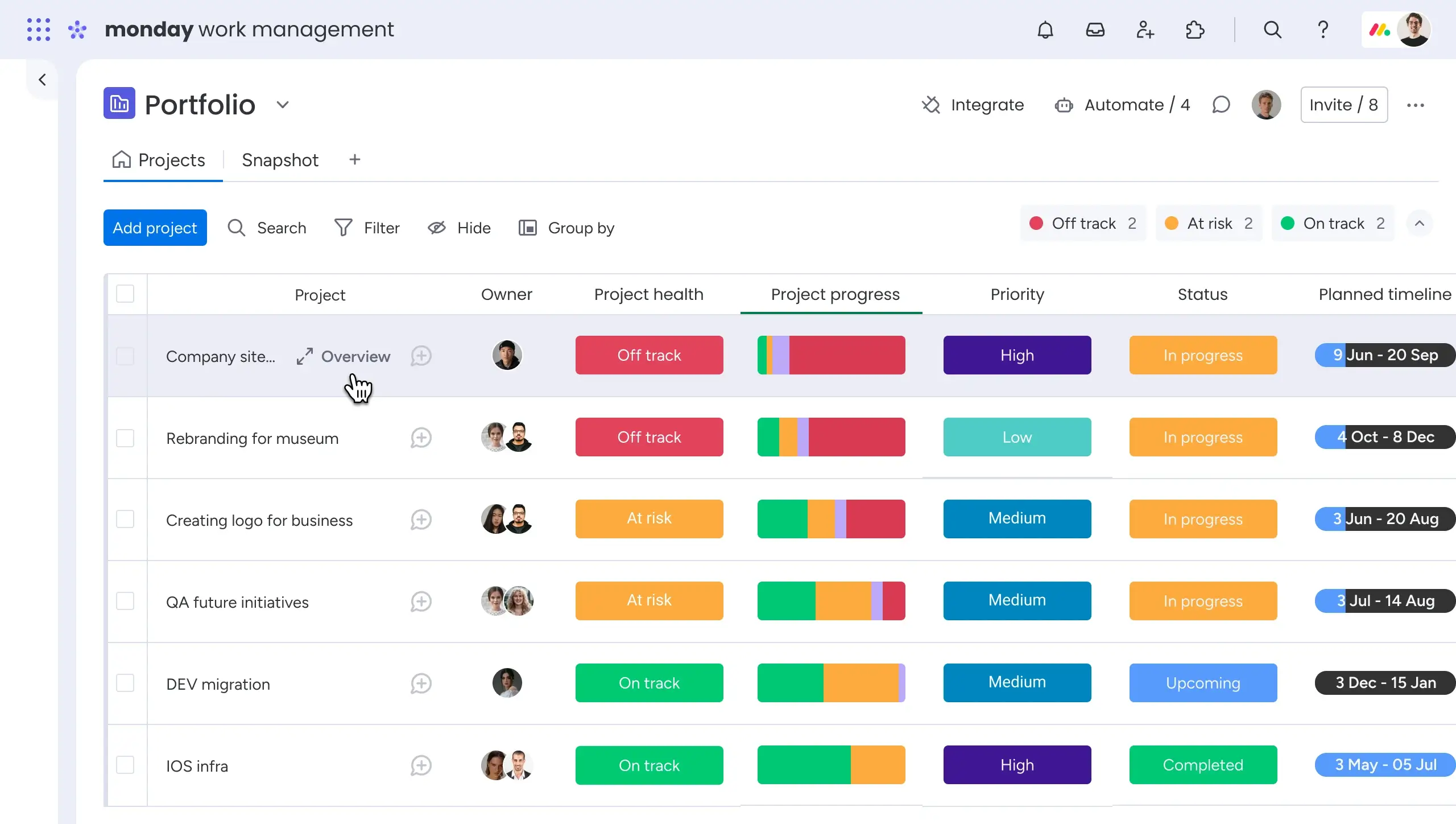
It can support resource planning, but the outcome depends on how your firm designs boards, workload views, and governance.
Good fit when:
Pricing: Plan-based options starting at $9 per seat/month, billed annually. Free plan available for up to 2 seats.
Knowing what each tool does is only half the equation. The other half is matching it to your firm’s actual size and planning complexity.
Not every tool is built for accounting workflows. Some are built for agencies, some for construction, some for generic ‘project work’. You need resource management software that understands the difference between audit season and tax season, not just ‘busy periods’.
Here’s what separates tools that work from tools that collect dust:
1. Skill-based allocation: Your tax specialists can’t cover audit work and vice versa. The software needs to track certifications, expertise areas, and client history so you’re not assigning a first-year associate to a complex regulatory filing.
2. Real-time utilization tracking: If the data updates once a week, it’s already useless. You need to see the current capacity, not the last Tuesday snapshot.
3. Busy season forecasting: Can the tool handle seasonal spikes? Does it let you model ‘what if we take on three more clients in February?’ If not, keep looking.
4. Integration with your existing stack: If it doesn’t play nice with your practice management software, accounting tools, or calendar systems, you are creating more work. Look for native connections to QuickBooks, Xero, Outlook, and whatever CRM you’re running.
5. Billable vs non-billable visibility: This one is non-negotiable. You need to see where time is actually going, not just that people are ‘busy’.
The biggest mistake? Buying enterprise software when you’re a 15-person firm. You’ll spend six months on implementation, never use half the features, and your team will hate you for it. The second biggest mistake? Going too simple. If the tool is just a prettier spreadsheet, you haven’t solved anything. You just paid for color-coding.
Match the tool to your actual size and complexity. A solo practitioner with two staff members doesn't need what a 200-person firm needs, and that’s okay. With this in mind, here’s a quick side-by-side of the tools most accounting firms are comparing in 2026.
Forget ‘best tool’. Pick the tool that matches your planning horizon and capacity complexity. Here’s the quickest, data-first way to do it.
| Solo to 10 People | Mid-Sized Firms (10-50) | Enterprise (50+) |
|
Minimum you need: • Next 4-week capacity in one view • Billable vs non-billable by person |
Minimum you need: • Utilization by role, not just total hours • Skills tags for tax, audit, and advisory |
Minimum you need: • 12-16 week forecast across teams • Approval workflows and permissions |
| • Planned vs actual hours by engagement | • 6-10 week forecast with what-if view | • Variance reporting: planned vs actual |
| Keep it simple and fast to update. | If seniors keep getting pulled into everything, you need skills and workload visibility, not prettier calendars. | If staffing needs coordination across offices, you need governance plus forecasting, not just scheduling. |
If you are mid-sized and growing fast, don’t pick the smallest-tier tool just to save budget. The cost of switching tools 18 months later, plus lost productivity during the transition, almost always outweighs the savings.
Plan for where you’ll be. Not just where you are.
If busy season planning in your firm depends on who shouts the loudest, who is ‘usually available’, or who can pull another ‘all-nighter’, that’s not planning. That’s firefighting.
Tools built for resource visibility and capacity forecasting help you engage staff with actual numbers: skill coverage, utilization, and available hours before the deadline collide. According to the AICPA 2025 Trends Report, bachelor’s degree completions in accounting have dropped over 13% since 2021-22. The number of new CPA candidates fell to 28,082 in 2024, the lowest in over 15 years.
The professionals you have right now are harder to replace than ever. Burning them out is the most expensive mistake a firm can make. You don’t need a perfect plan. You just need planning you can trust, week after week.


Plan Smarter. Schedule Faster. For Free.
Join thousands already using eResource Scheduler to align teams, time, and tasks seamlessly.
 ALL FEATURES INCLUDED