It's 3 PM. You're grabbing coffee. Your phone buzzes. Client emergency. They need someone on their project NOW, or the whole thing stalls for two days.
Five years ago? You'd be scrambling back to your laptop, sweating bullets, praying traffic cooperates.
Today? You fix it before the barista calls your name.
Welcome to a world where managing resources from your couch, your car, or that weirdly comfortable airport chair isn't just possible; it's how work actually gets done. With 76% of workers refusing to go back to the "chained to a desk" life, resource management applications went mobile or went extinct.
Here's how mobile resource management tools are making project managers look like wizards and keeping teams productive without the burnout.
Let's cut through the noise. Mobile resource management isn't about checking your schedule from Starbucks. It's about actually running projects when life doesn't cooperate with your 9 to 5. Here's where the real transformation happens.
Here's how things used to go: You discover a resource shortage Tuesday morning. By the time you're back at your desk, check who's available, fire off a dozen emails, it's Wednesday afternoon. Congrats, you just lost 36 hours.
Now? Push notification hits your phone. Capacity issue detected. You pull up resource capacity planning, see who's free, reassign someone in literally 90 seconds. The project stays on track. You stay sane.
The difference isn't small. It's the gap between "we caught it early" and "well, this just cascaded into a dumpster fire."
You know what kills projects? Waiting. Waiting for someone to get back to their desk. Waiting for approvals. Waiting for the stars to align so everyone's online at the same time.
Mobile resource allocation cuts through that mess. Approve resource requests during your commute. Pivot allocations between meetings. Shuffle people around from literally anywhere.
Real example: Agency creative director gets pinged. Emergency client fix needed. The designer has to move from Project A to Project B. Two minutes on their phone, done. Not two hours of email tennis.
Studies back this up. Remote workers with proper mobile tools clock 13% higher productivity. The math is simple: when decisions take minutes instead of hours, entire timelines compress.
Ever check project costs on Friday and discover your team burned through budget on Thursday? Yeah, that stings.
Live timesheet software integrated with mobile resource management fixes this. You're scrolling budget data over lunch. Notice one team tracking way higher hours than estimated. Investigate today, not next week when it's too late.
With margins tighter than ever, this isn't nice to have. It's how you keep projects profitable instead of learning expensive lessons after the fact.
Productivity isn't about working harder or longer. It's about removing the friction that makes work feel like wading through mud. Mobile resource management does exactly that, and teams notice the difference immediately.
Here's what nobody tells you about resource management: half the productivity drain isn't the work itself. It's the seventeen emails asking "What am I working on next?" or "Why did my schedule change?"
Mobile resource management flips this:
When people understand the allocation logic, resistance drops and trust goes up.
The average worker drowns in 126 emails daily. Most of them? Noise masquerading as urgency.
Mobile resource management fixes this:
Spreadsheets with 47 tabs don't work on monitors. They definitely don't work on phones.
Visual planning tools built mobile first change the game:
When dashboards are designed for thumbs instead of cursors, teams make better decisions faster.

Not all mobile resource management tools are created equal. Some are genuinely built for mobile workflows. Others? Desktop software awkwardly squeezed onto a smaller screen. Here's what actually matters.
Full Mobile Functionality, Not Just Viewing
Look for tools that let you actually manage resources from your phone, not just peek at schedules. The best solutions work on smartphones and tablets, letting managers check schedules, approve requests, log hours, and update tasks on the move. If you can't make decisions and take action from mobile, what's the point?
Instant Syncing Across Every Device
When teams update their status, resource utilization data should be shared across the software instantly, even when data is entered via mobile app. Nobody has time to hit refresh seventeen times. Changes made on mobile should appear immediately on desktop and vice versa.
Calendar Integration Your Team Already Uses
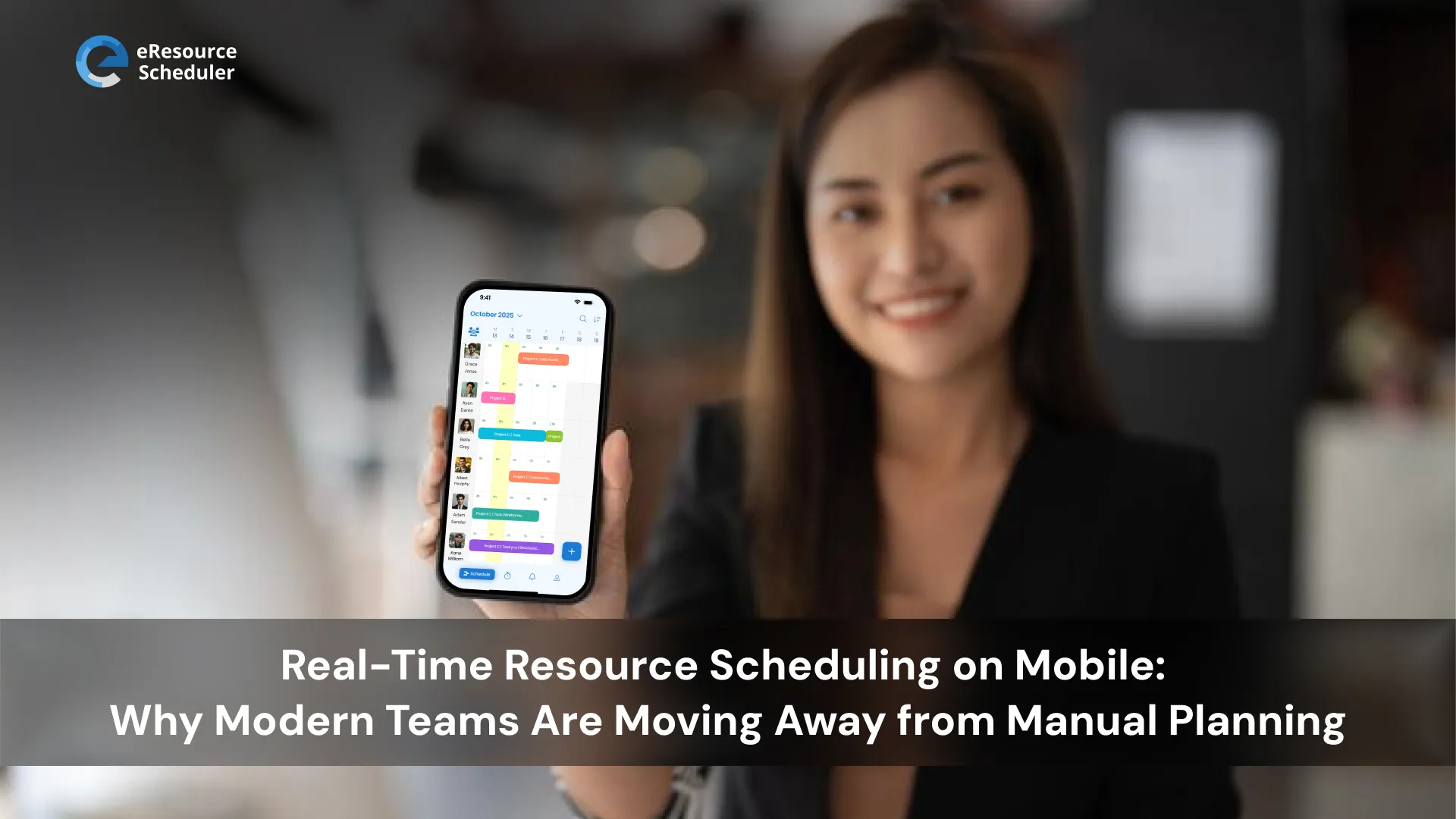
Smart platforms let users publish resource schedules on mobile devices through Apple Calendar, Outlook Calendar, Google Calendar and others, keeping everyone updated on schedule changes without needing to login repeatedly. Your team can see assignments wherever they already check their calendar.
Visual Planning That Works on Touchscreens
Drag and drop interfaces built for fingers, not mouse cursors. Color coded views that show resource availability at a glance. Tools that make complex scheduling decisions feel simple, even on a phone screen.
Built for Real World Mobility
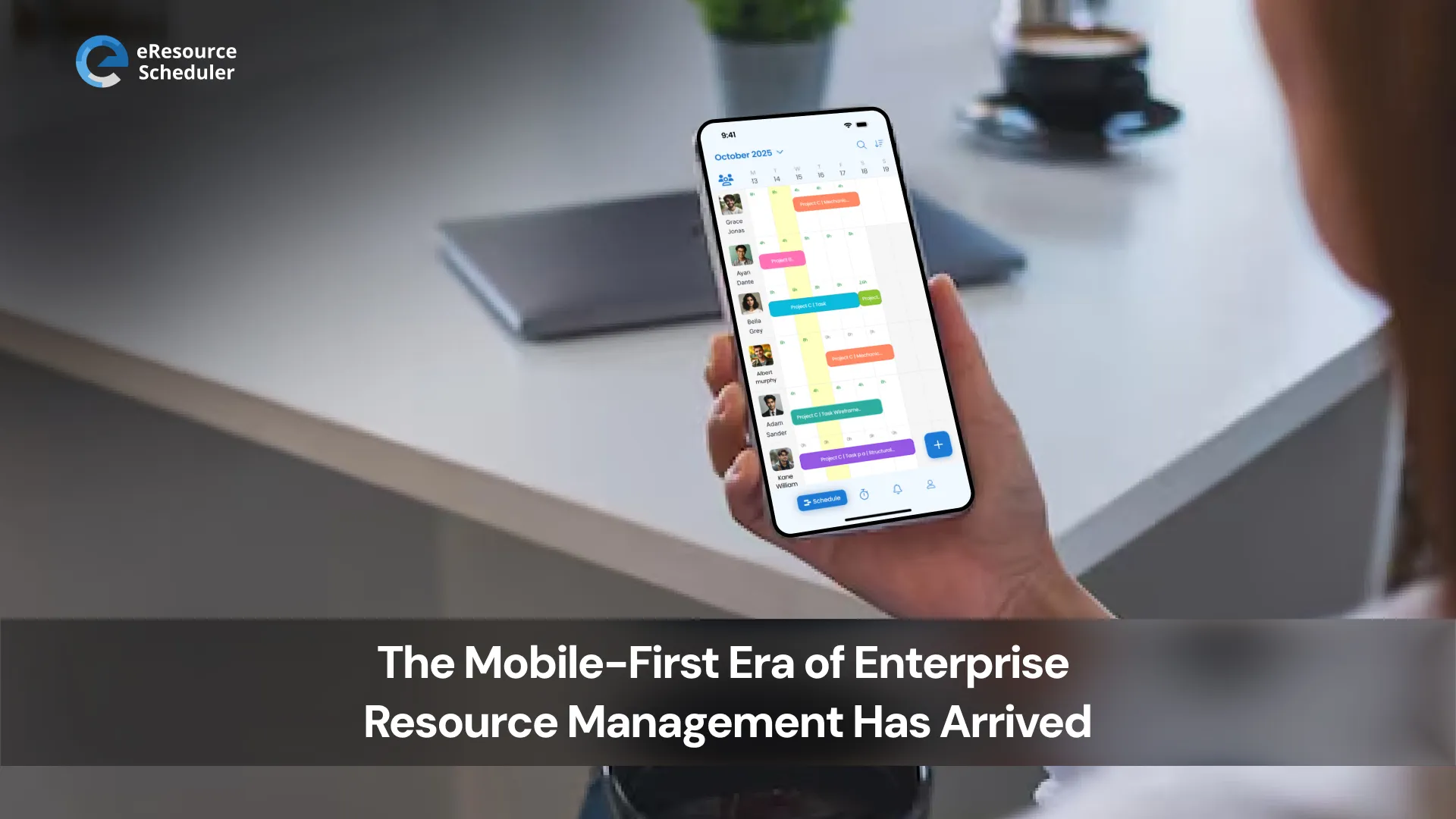
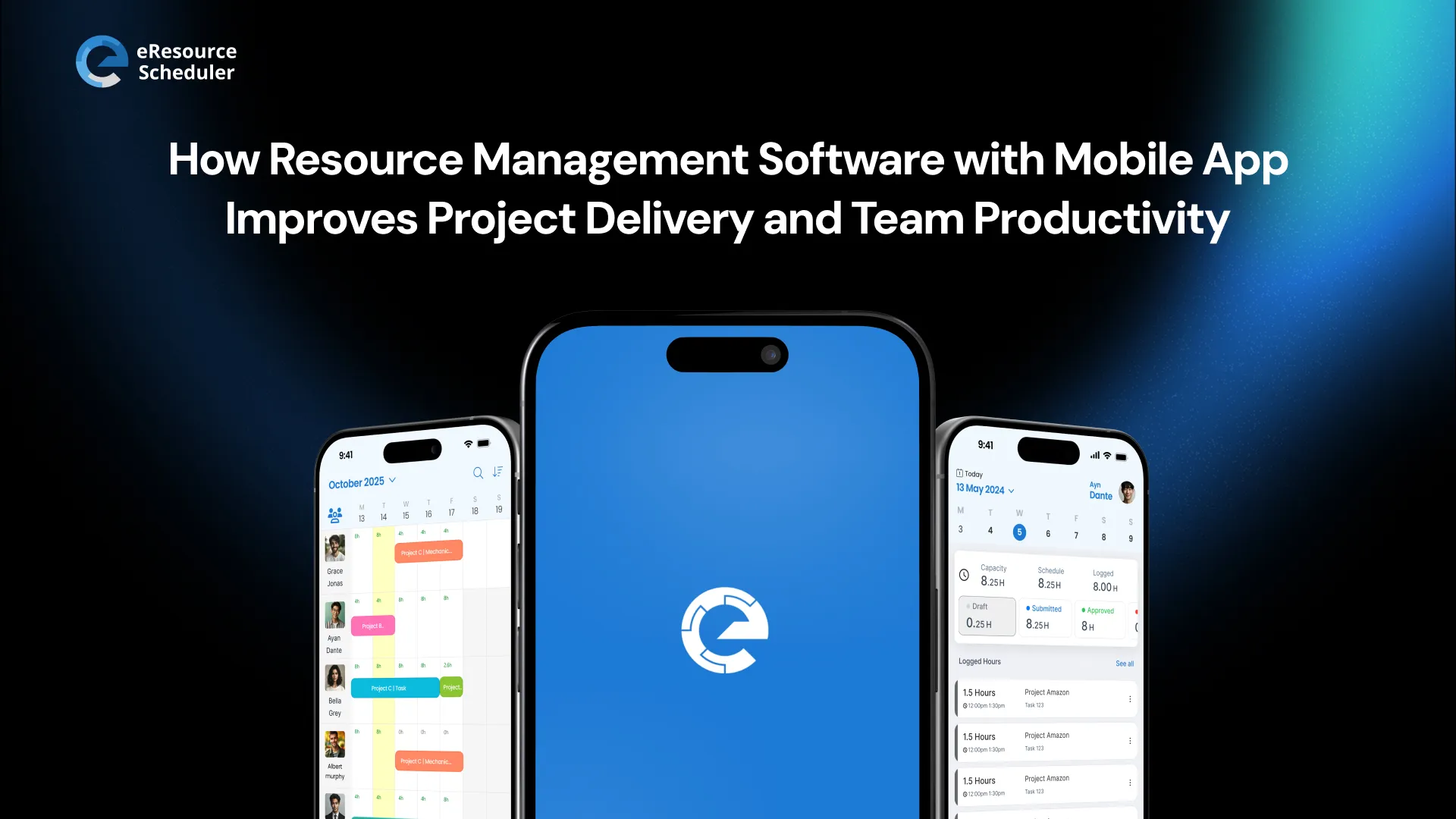
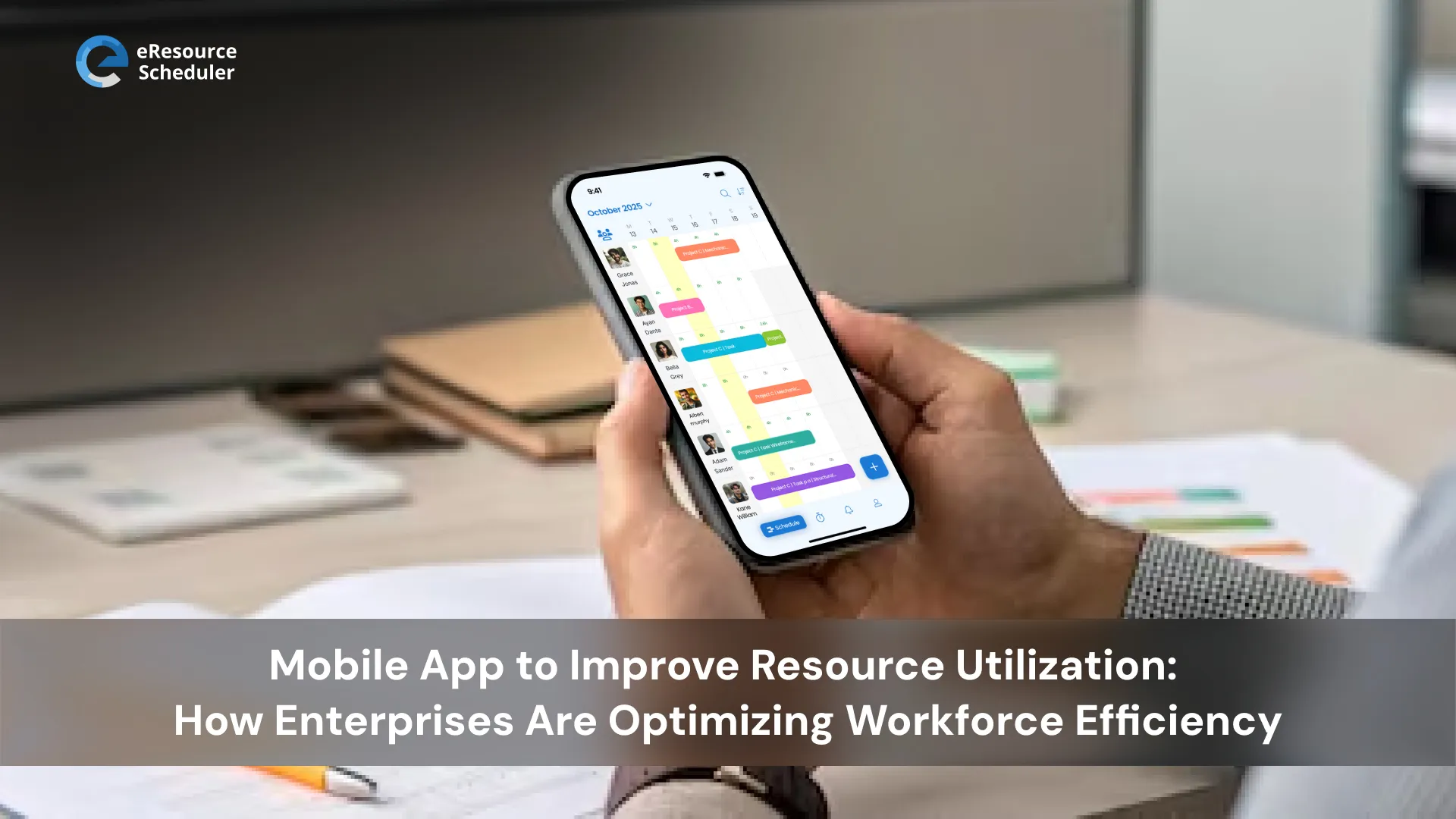
Tools like eResource Scheduler offer mobile apps where resource scheduling, capacity planning, and timesheet management work as smoothly on phones as desktops. Because managing projects means managing them from anywhere, whether that's your home office, a client site, or the airport lounge.
Let's be honest. The resource management market hitting $15.4 billion by 2030 isn't hype. It's a response to how work actually happens now.
Hybrid teams aren't going anywhere. Distributed workforces are the norm, not the exception. And if your resource management still requires "getting back to your desk" to make decisions, you're managing projects like it's 2019. Your competitors aren't.
Mobile resource management software isn't about checking schedules from Starbucks. It's about preventing project delays in real time, making budget decisions before problems spiral, and giving teams the transparency they need to work smarter instead of harder.
The bottom line? Project delivery demands tools that work wherever your team works. eResource Scheduler's mobile application brings resource scheduling, capacity planning, and real time collaboration to your pocket because great project delivery doesn't wait for you to find a desk.
Ready to manage resources from anywhere? See how mobile first tools change the game. Try eResource Scheduler for free and explore the newly launched mobile application today.
1. What is mobile resource management software?
Mobile resource management software lets you manage team assignments, track project resources, and make scheduling decisions from your phone or tablet. Unlike desktop only tools that require you to be at your computer, mobile solutions give you full functionality on the go. This means approving requests during your commute, reassigning resources between meetings, and tracking project costs from anywhere.
2. How does mobile resource management software improve project delivery?
It eliminates the waiting game. Real time visibility means you catch resource shortages before they cause delays. Mobile approvals mean decisions happen in minutes instead of hours. Live budget tracking prevents cost overruns before they spiral. Studies show remote workers with proper mobile tools are 13% more productive because they're not constantly waiting for someone to get back to their desk.
3. Can mobile resource management software work offline?
Yes, the best tools like eResource Scheduler offer offline capabilities. They cache data locally so you can view schedules, make changes, and track time even without internet connection. When connectivity returns, everything syncs automatically. Research shows offline capable apps deliver 38% productivity improvements for field teams who deal with spotty wifi regularly.
4. Which industries benefit most from mobile resource management?
Professional services like agencies and consultancies need mobile scheduling for client site work. Construction and architecture teams manage resources across multiple job sites. IT and engineering teams coordinate distributed technical staff. Transportation and logistics companies optimize delivery scheduling. Healthcare organizations manage shift workers and equipment. Basically, any industry with teams working outside traditional office settings sees major benefits.
5. What features matter most in mobile resource management tools?
Look for full functionality on mobile, not just read only viewing. Real time syncing across all devices so changes appear instantly. Calendar integration with tools teams already use like Google, Outlook, and Apple Calendar. Visual planning interfaces designed for touchscreens. Offline capabilities for when wifi is spotty. And integration with your existing project management, HR, and financial systems without expensive custom development.

Plan Smarter. Schedule Faster. For Free.
Join thousands already using eResource Scheduler to align teams, time, and tasks seamlessly.
 ALL FEATURES INCLUDED