Learn more
Two engineers get scheduled onto the same client site for the same week. Your finance lead is asking why nobody can say whether the project turned a profit until it is already over. This is usually what sends people comparing eResource Scheduler and Milient Resource Flow (formerly Hub Planner) to figure out which one closes the gap.
Either way, you are closing the gap when you move to resource management software. If you are a resource manager, an operations lead, or a COO tired of guessing, a generic feature list won’t tell you which software actually prevents misses like these.
The Quick Answer
Milient Resource Flow suits smaller agencies that want a simple visual
schedule. eResource Scheduler is designed for 100- to 5,000-person engineering, AEC, and consulting
firms that need scheduling, timesheets, and margin tracking in one place. It offers enterprise depth
at mid-market pricing.
This mismatch discussed in the introduction is not rare. Run the math across a 150-person team working a dozen concurrent projects. A size realistic for the engineering firms and consulting practices this comparison focuses on, and the stakes get real fast.
Even a modest 5% overbooking rate at typical billing rates can quietly waste $55,000 to $65,000 a month in billable time. Money that is gone before anyone spots the pattern. This is the specific gap a structured resource management software is designed to catch.
Neither eResource Scheduler nor Milient Resource Flow solves this by looking fancy in a demo. Both solve it (or don’t) based on how well they surface overcommitment before it turns into a client-facing problem. This is the actual lens for the rest of this comparison.
| Aspect | eResource Scheduler | Milient Resource Flow |
| Best Fit | 100- to 5,000-person engineering, AEC, and consulting firms | Small to mid-sized agencies and consultancies |
| Starting Price | $5 per resource/month (annually) | $7 per resource/month (annually) |
| Pricing Model | Modular, pay per module | Fixed tiers, pay per resource |
| Free Trial | 30 days | 14 days |
| Mobile App | Available | Available |
| Deployment | Cloud-based and self-hosted | Cloud-based |
| Skills Matching | Included in every module | Locked behind premium tier and up |
| G2 Rating | 4.9 out of 5 | 4.2 out of 5 |
Numbers alone would not tell you which one fits your team. Let's look at where each one delivers.
Enbraun Technologies designed eResource Scheduler for project-driven teams that cannot afford to guess (think AEC consultancies, engineering firms, and architecture agencies) where a missed deadline carries a real dollar figure. The company reports 850+ enterprise customers across 29+ countries, with typical accounts running 100 to 5,000 people.
If your work is billable and organized around active projects rather than fixed shifts, this is the crowd it was designed around from day one. This combination: enterprise-grade features without enterprise-only pricing is what keeps larger project-driven teams evaluating it in the first place.
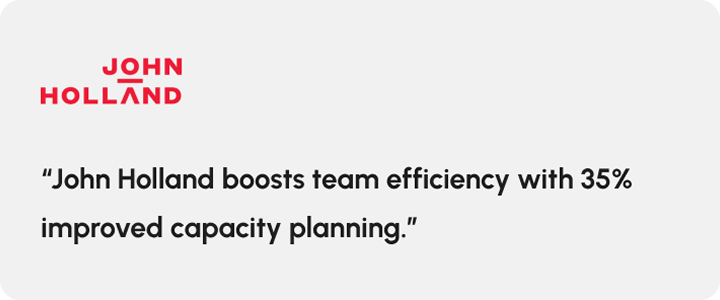
The reviews back this positioning. G2's verified feedback calls out a ‘clean and intuitive scheduling interface’ as one of the most repeated themes across a dozen reviews. John Holland shows what this looks like in practice. The engineering firm moved from reactive scheduling to proactive capacity planning, and scheduling clashes fell by 17 to 23.4% after adopting the software.
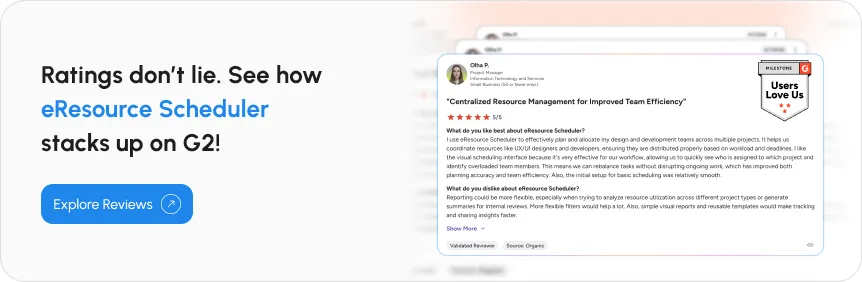
It is not flawless, though. The most repeated complaint is reporting flexibility; users want more customizable, exportable reports without extra manual work.
Known for its visual, drag-and-drop scheduling, Milient Resource Flow is designed for agencies that need something simpler than a spreadsheet and lighter than an ERP. The software delivers on this promise in ways worth naming directly. A new team can be up and scheduling within a day; the board is intuitive enough to hand to a non-technical hire without training, and at $7 per resource, its entry tier (Plug-and-Play) is priced for exactly what a small team needs.
For agencies and consultancies that need a shared schedule, not full financial tracking, this combination (fast setup, simple interface, accessible price point) is a genuine advantage. One that has earned it a loyal following amongst smaller, agency-sized teams.
Its reviewer base skews small and more agency-heavy. One G2 reviewer summed up the appeal well, writing that the software ‘makes scheduling work and updating schedules very simple’. Mobile access is a clear pain point, though. Reviewers describe it as unreliable often enough that it is the single most repeated con in the product’s own review summary. The premium extensions can also add up fast for smaller teams watching costs. (Source: G2)
You have got the surface picture now. The real differences live in the next section.
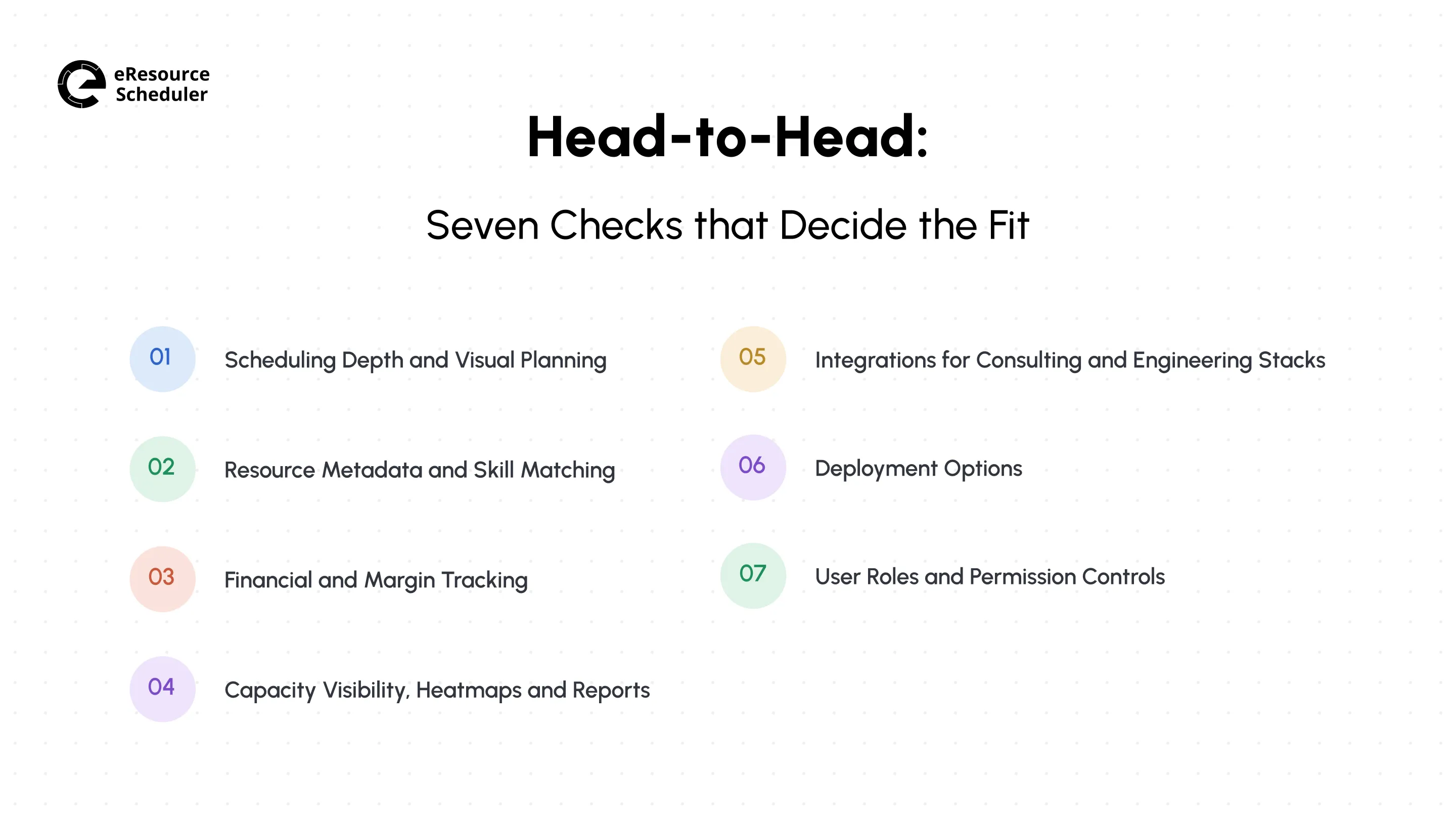
Feature lists look nearly identical from a distance. The gap only shows when you are living a real week, so here is what the week actually looks like on each software.
Monday 9 AM, a client calls to move their project’s kickoff up by a week. Now four people’s bookings need to shift without breaking anything else on the calendar.
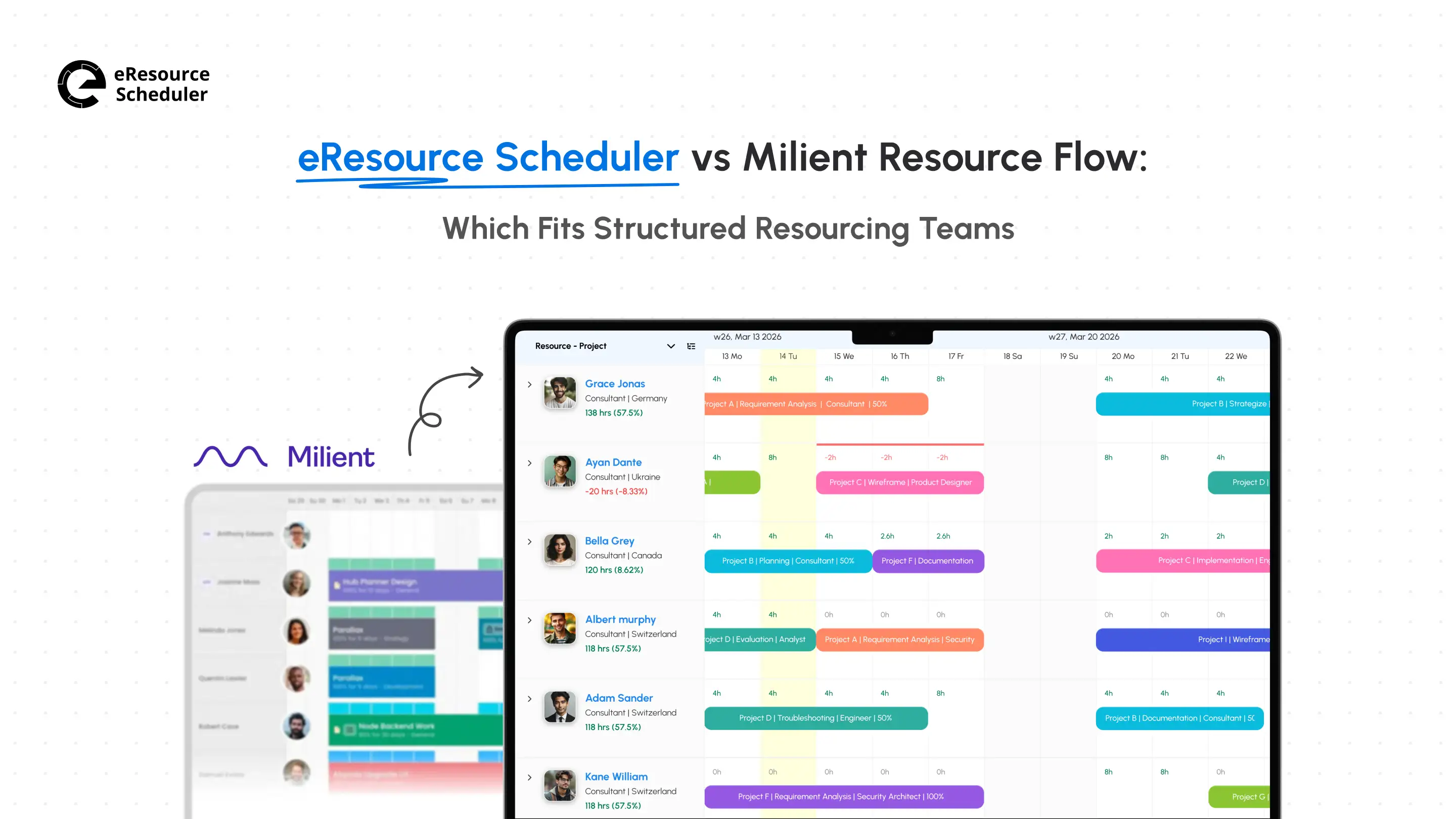
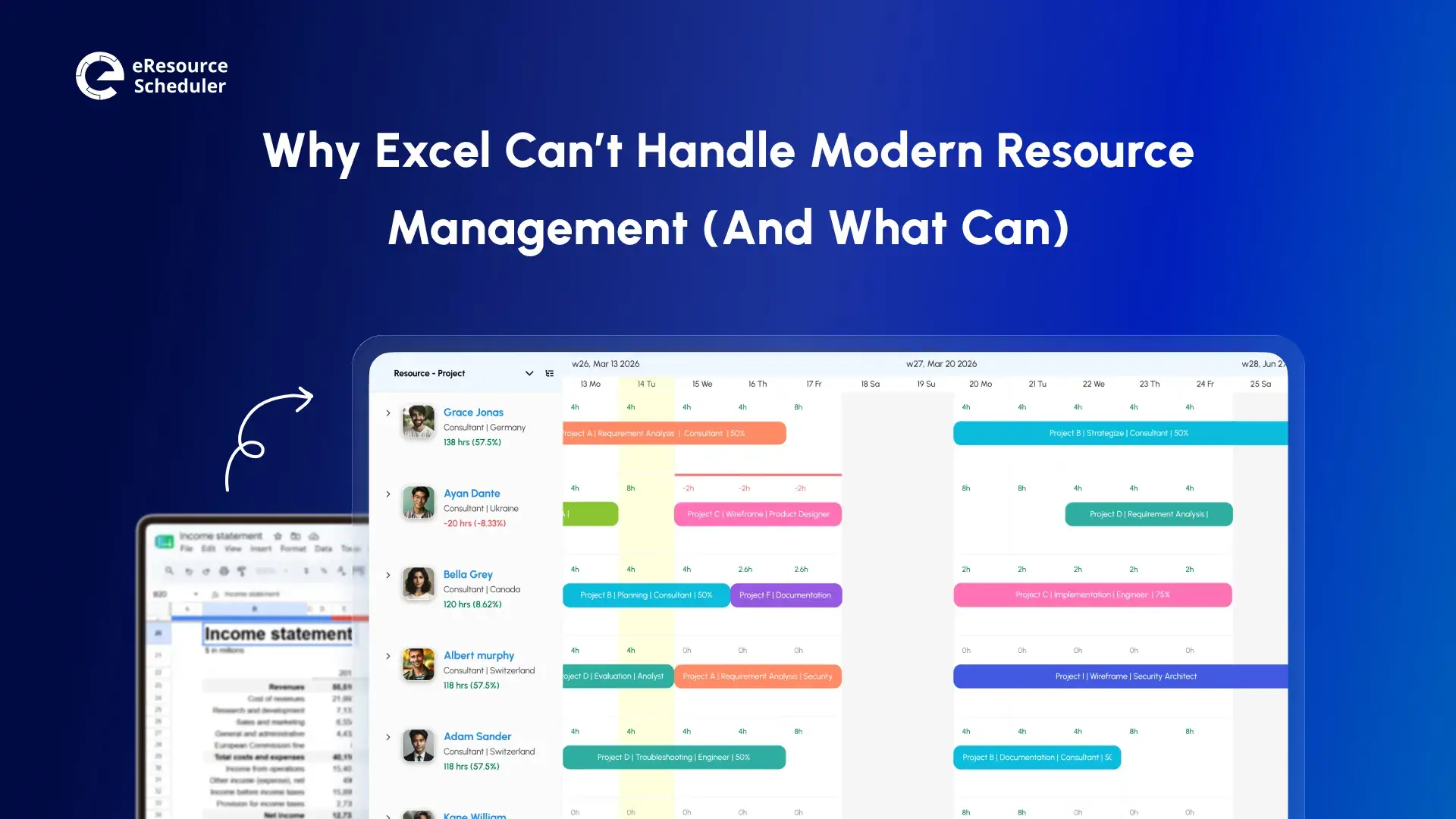
On eResource Scheduler’s resource scheduling software, this is a drag-and-drop Gantt view. You pull each booking to its new slot, split it across projects if a person is only half-free that week, and the calendar itself adapts to each person’s actual working hours instead of defaulting to the nine-to-five culture.
Milient Resource Flow’s board makes the same drag possible, but it is a flatter view built for moving one person at a time. Reshuffling four bookings against four different calendars takes noticeably more manual back-and-forth to get right.
The same afternoon, one of the shifted projects needs a certified welder by Friday.
eResource Scheduler tags every resource with skills, certifications, and custom attributes at every pricing tier. A search for ‘certified welder, available this week’ returns a filtered, ranked list in seconds regardless of a plan size. Milient Resource Flow has the identical idea in its Skill Matching feature, but it is a Premium-tier feature and up.
It is month-end, and finance wants a straight answer on whether the project actually turned a profit.
eResource Scheduler’s Financial Module answers this live throughout the project, tracking cost, revenue, and margin at the resource, role, and project level as the work happens. Milient Resource Flow offers budgeting and spend tracking, but from the premium tier up.
Wednesday, before you commit to any new work, you need a fast read on who is already stretched thin.
eResource Scheduler shows utilization right on the scheduling chart, booked hours against capacity, with red bars the moment someone is overloaded. The heatmap gives you the same read at a team-wide level when you want the bigger picture.

Milient Resource Flow gets you there too, but only through its reporting builder, and several reviewers note this setup is exactly what slows down a ‘quick capacity check’.
During the same month, IT wants to know if this plugs into what your team already runs day to day.
eResource Scheduler connects natively with Jira, Trello, Outlook, and Slack, and exposes an open REST API for anything custom your stack still needs. It also recently added an eRS MCP integration, letting teams schedule and query resource data through Claude, ChatGPT, Copilot, or other AI assistants directly, rather than opening the software.
Milient Resource Flow’s native list is thinner on paper (Basecamp, GitHub, and Zapier), though third-party directories list a broader unofficial set.
Around the same stage, a prospective client’s security team asks the one question that ends some deals before they start: where does your data physically live?
eResource Scheduler gives you a choice: run it in the cloud, or host it yourself on your own servers if compliance demands it. Milient Resource Flow runs in the cloud; there is no self-hosted option available. So this question gets either a quick yes or ends the conversation on the spot.
The Question Regulated Teams Forget to Ask
Data residency rules are not hypothetical for
firms working with government contracts, healthcare records, or EU clients under GDPR. If your
evaluation process includes a security questionnaire, check for a self-hosted version before you
fall in love with anything else on the feature list.
The contract is signed, it is week one, and someone needs to decide who sees what before real scheduling starts.
eResource Scheduler lets you set view-only, edit, or admin rights (for any person, team, or department) with no fixed limit on how granular the permission system gets. Milient Resource Flow instead uses six fixed role tiers plus a separate PM designation. Permissions are still customizable, but you are working inside a present structure.
Seven checkpoints down. Next up, what this difference costs you, and what it is worth.
eResource Scheduler has a modular pricing plan. You pick what you need: Scheduling (core module) at $5, Timesheets at $4, Financials at $3, all per resource/month billed annually. Milient Resource Flow prices per resource/month across three fixed tiers: Plug and Play at $7, Premium (most popular) at $18, and Business Leader at $54, billed annually.
Run the math for a 150-person team, and the modular structure starts to matter. A team needing only scheduling and timesheets for a year buys exactly these two modules at $9/resource on eResource Scheduler, $1,350 a month ($16,200 annually) combined. The same team on Milient Resource Flow has to jump to Premium at $18/per resource just to unlock timesheets, whether it needs the rest of this tier or not, $2,700 a month ($32,400 annually) for the same two capabilities.
One Thing You Will Not Find in Most Comparison Blogs
Roadmaps matter if
you are picking software for years, not months.
eResource Scheduler has confirmed it is developing eRS Cortex (an AI layer meant to flag scheduling
and financial risks). It isn’t live yet, so treat it as a direction, not a deciding factor.
Ask Milient Resource Flow what is on its roadmap before assuming either software is finished
evolving.
The payoff side matters too, not just the sticker price. Based on anonymized client survey data collected in February 2026, eResource Scheduler customers report that scheduling time dropped by ~67.9% and on-time project delivery rose from 26% to 38.9%. These are not guaranteed outcomes for every team, but they are a reasonable proxy for what fixing a broken scheduling process is worth in hard numbers.
You now have the full cost picture: modules, tires, and where each vendor’s roadmap is headed. Here is how it all comes together when it is time to choose.
Everything up to this point has been feature by feature. Zoom out for a second and check which column below matches your team more often.
| Does this Sound Like You? | eResource Scheduler | Milient Resource Flow |
| Are you 100+ people, running several billable projects at once? | Yes/No | Yes/No |
| Are you under 25 people just needing a shared visual schedule? | Yes/No | Yes/No |
| Do you need to see the project margin before it closes, not after? | Yes/No | Yes/No |
| Has a client or auditor asked where your data lives? | Yes/No | Yes/No |
| Do you need financial tracking or skills matching anytime soon? | Yes/No | Yes/No |
| Do multiple teams need different, granular levels of access? | Yes/No | Yes/No |
| Does fast, hands-on onboarding matter more than software depth? | Yes/No | Yes/No |
| Do you care where the software’s roadmap is headed long term? | Yes/No | Yes/No |
More ‘yes’ on the left means eResource Scheduler fits how your teams actually operate. More on the right means your team needs something lighter like Milient Resource Flow.
Both vendors let you test before paying anything. eResource Scheduler offers a 30-day free trial with full access. Milient Resource Flow offers a 14-day free trial. Either way, booking a demo is worth it if you would rather see how the software works than click around solo.

Here is the honest version. If your team is still small enough that everyone knows everyone’s schedule by memory, Milient Resource Flow’s simplicity will feel like plenty, and paying for more means paying for features you will never open.
The moment your team enters the territory of multiple concurrent projects, billable hours, a client who needs data residency, or departments that need different levels of access, this simplicity turns into blind spots, and eResource Scheduler is what closes them.
This is the dividing line: whether your team has outgrown the calendar-and-hope stage yet.
*Figures and quotes above come from official vendor pages and public G2 and Capterra listings, current as of September 2026. Terms change, so confirm current details with each vendor before signing.

Plan Smarter. Schedule Faster. For Free.
Join thousands already using eResource Scheduler to align teams, time, and tasks seamlessly.
 ALL FEATURES INCLUDED