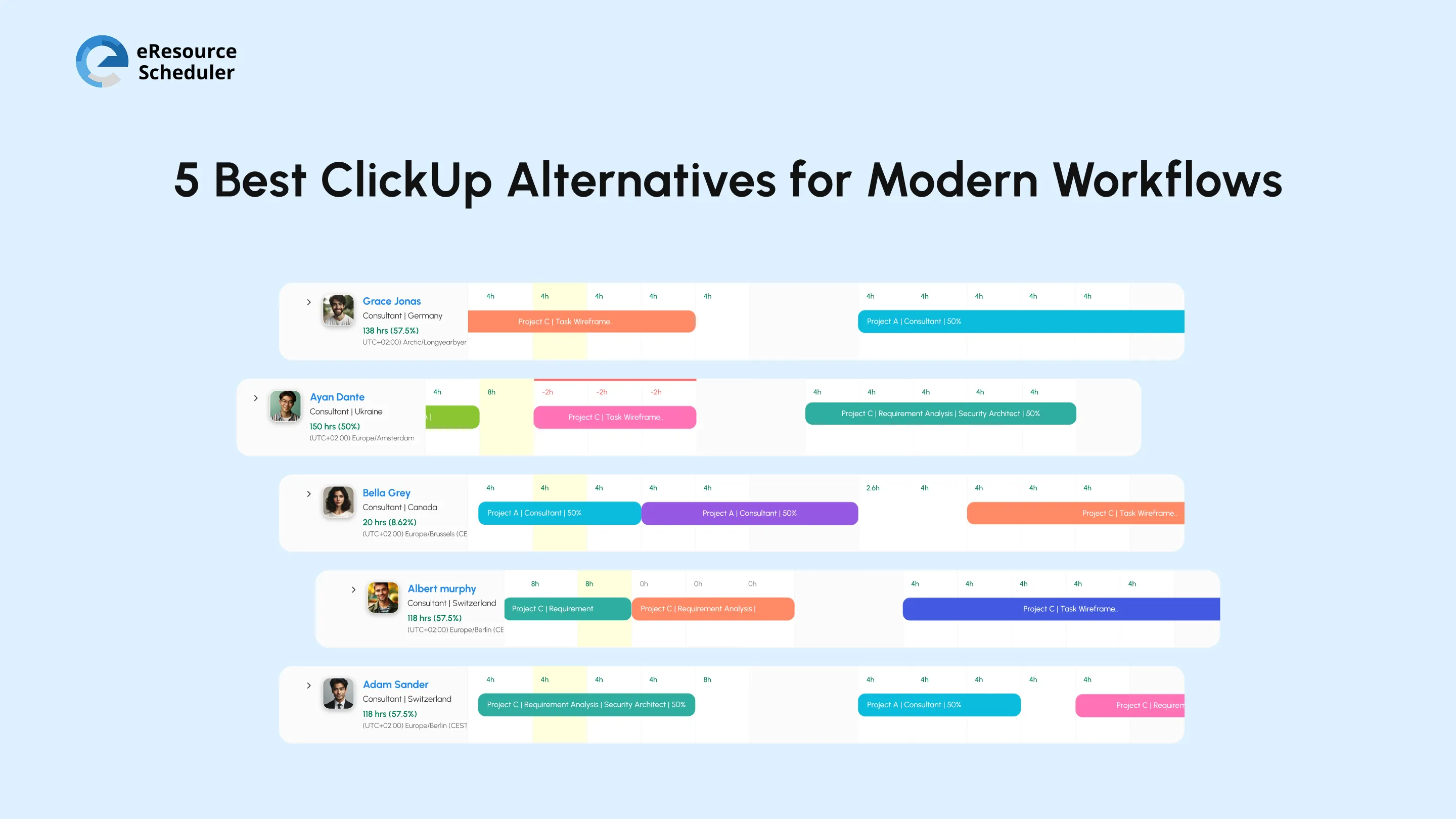
At first, everything is fine. ClickUp is doing its work. Tasks are tracked, the timeline is set, and progress is on the table. But as your team grows, projects overlap, and things start to break. Work is tracked but not planned. You know what you have to do, but not whether they can do it or not.
This confusion leads to constant firefighting. Deadline slips even when everything looks great on paper. Teams are overloaded with work, but they don’t know what they are actually working on.
You are here because you are already facing the above problems. ClickUp alternatives to modern workflows can solve them. They focus on resource capacity planning. They do not give you a feature list. Instead, they help you answer ‘Who can take more work without causing delays?’
Each tool in this blog takes care of a different gap in execution. If your current setup is hard to manage for growing teams, keep reading to find the tool that fits your needs.
ClickUp is a project management platform that combines tasks, documents, dashboards, and workflows into a single system. It centralizes work but doesn’t always simplify execution.
A team looks for ClickUp software alternatives when managing work itself becomes a management task. The tool starts to slow you down instead of helping you move faster.
A 30-member team used ClickUp to manage tasks across multiple projects. Teams were constantly struggling. Deadlines kept slipping.
They reviewed workload distribution and found key team members consistently overbooked.
ClickUp helps you track work. It doesn’t always help you plan realistically.
If you can’t answer ‘Who has the bandwidth next week?’ instantly, your system is already limiting you.
According to the Wellingtone report, 45% of respondents are somewhat or very dissatisfied with the current level of PM maturity.
Signs that your software is limiting you:
eResource Scheduler is an enterprise-grade, all-in-one resource management software designed for enterprises that require end-to-end visibility into resource capacity.
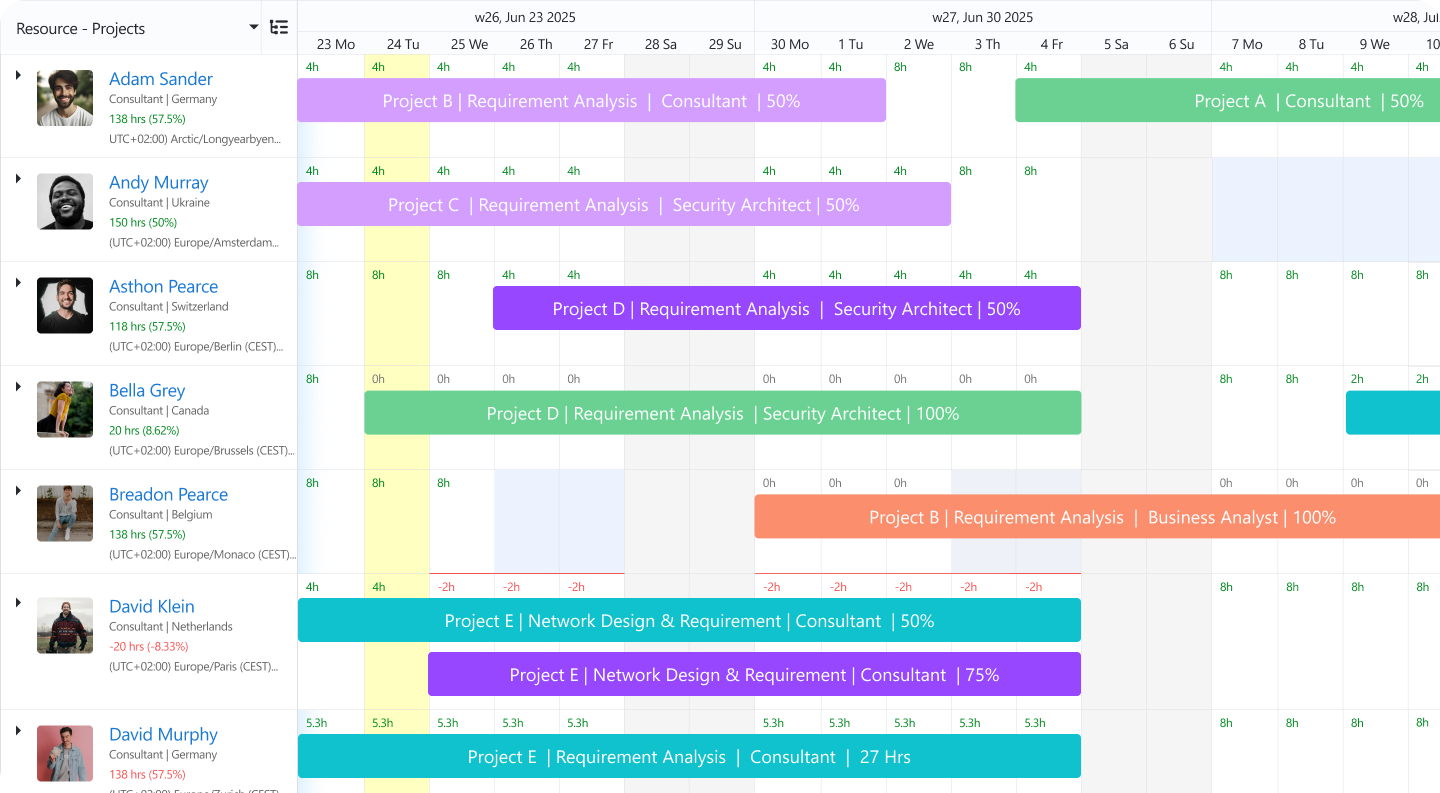
Resource Scheduling: Plan and allocate resources across multiple projects with a clear view of availability and utilization.
Capacity planning: Identify which roles are overwhelmed and forecast future capacity demand accordingly.
Management Reports: Get visual reports of availability, utilization, project progress, and planned vs actuals.
Timesheets: Log time entries in bulk and keep track of your working hours
Cross-Functional Dashboard: See all resources, projects, deadlines, utilization, and availability on a single screen.
Pricing Details: Module-based options starting at $5 USD/resource/month, billed annually
Trial: Free trial available
Demo: Demo available
One User Remarks:
“I use eResource Scheduler to effectively plan and allocate my design and development teams across multiple projects. It helps us coordinate resources like UX/UI designers and developers, ensuring they are distributed properly based on workload and deadlines. I like the visual scheduling interface because it's very effective for our workflow, allowing us to quickly see who is assigned to which project and identify overloaded team members. This means we can rebalance tasks without disrupting ongoing work, which has improved both planning accuracy and team efficiency. Also, the initial setup for basic scheduling was relatively smooth.”
Source: G2

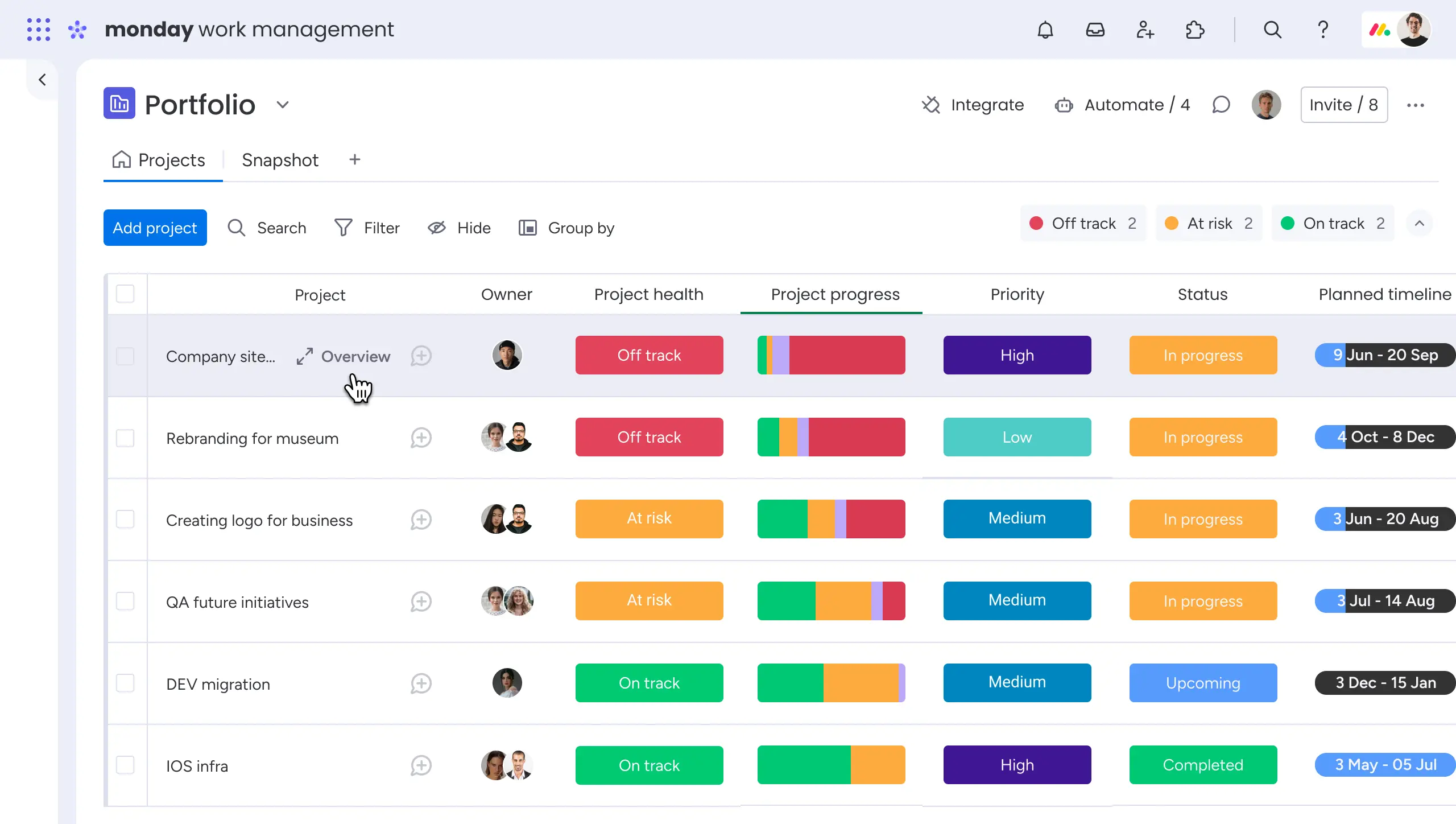
It is a visual work management platform designed to organize workflows and improve team collaboration.
One person who had been using Monday.com commented, “The pricing is where it starts to hurt. As soon as our team grew, the cost jumped significantly, and some features we expected to be basic were locked behind higher-tier plans. There is also a learning curve. New team members do not just get it right away; we almost had to dedicate time to onboard each person properly.”
Source: Capterra
Pricing Details: Plan-based options starting at $9/seat/month, billed annually
Trial: Free trial available
Demo: Demo not available
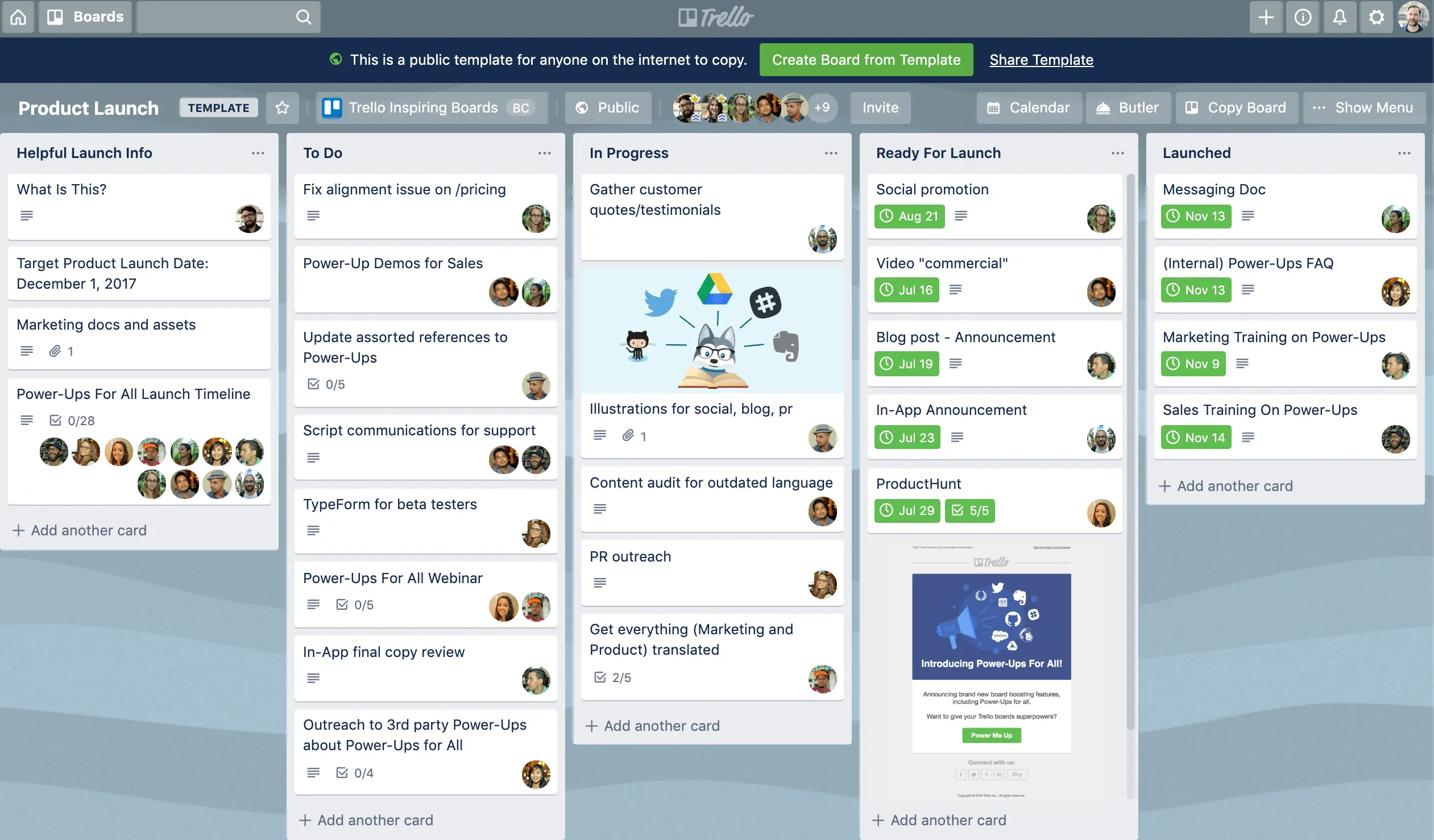
It is a kanban-based task management tool focused on simplicity.
Pricing Details: Plan-based options starting at $5 USD/user/month, billed annually
Trial: Free trial not available. Offers a free plan
Demo: Demo not available
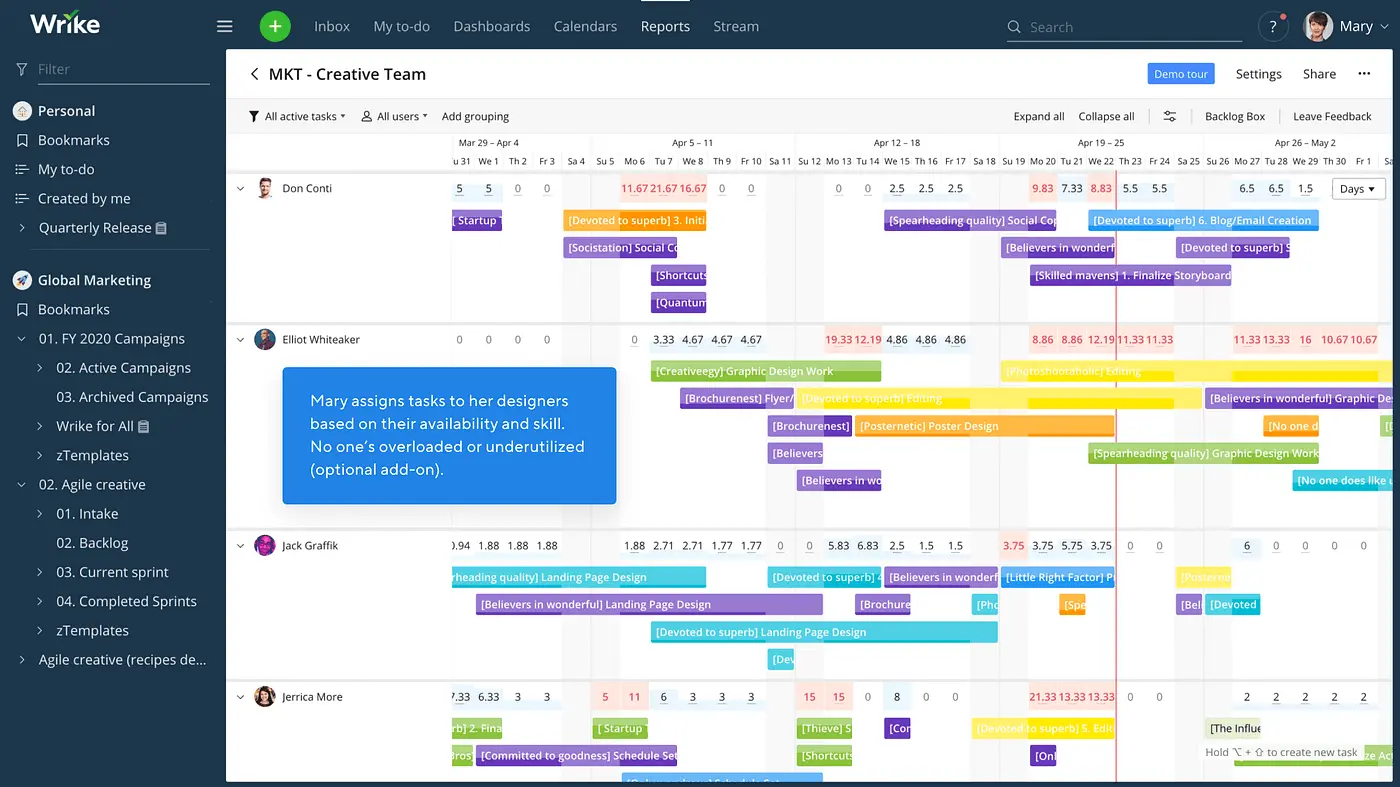
A project management platform designed for larger teams and enterprises.
A Wrike user divulged, “I find Wrike limited in certain features, especially when it comes to customization and adapting to new functionalities. The complexity makes it hard to use, particularly as a newcomer, and the interface isn’t very intuitive, which makes learning and training the team more challenging than expected.”
Source: G2
Pricing Details: Plan-based options starting at $10/user/month
Trial: Free trial available
Demo: Demo not available
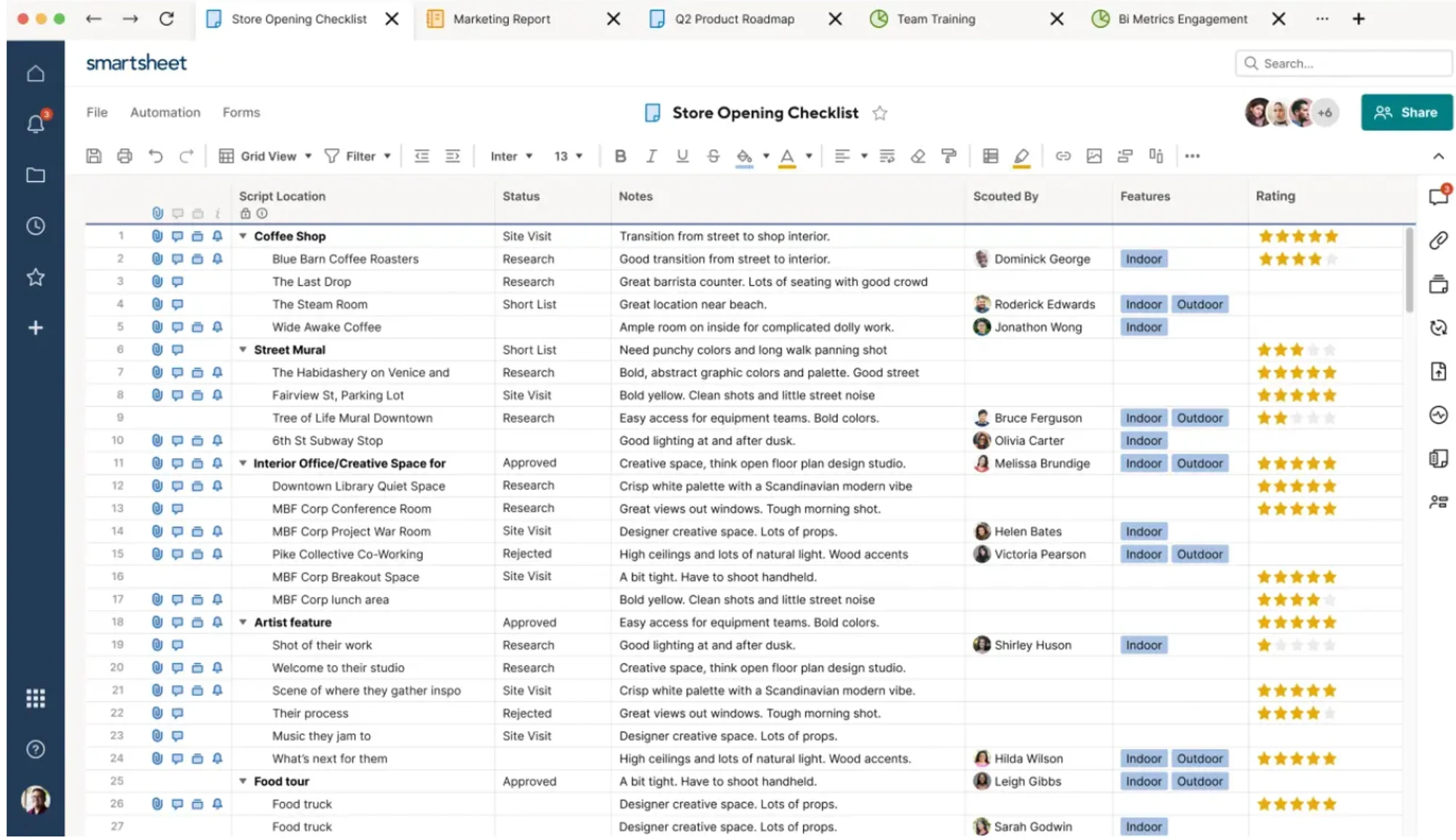
It combines spreadsheet-style planning with project management features.
Pricing Details: Team-based options starting at $9 USD/member/month, billed annually
Trial: Free trial available
Demo: Demo available
Don’t ask ‘What can this tool do?’ Ask ‘What problem will this tool resolve for us?’
Choose based on how well the tool removes your biggest execution bottleneck, not how many features it offers.
The right ClickUp alternative doesn’t just organize work. It removes uncertainty from planning so you can commit to deadlines with confidence.
If your team keeps missing deadlines despite clear task tracking, the issue is visibility, not execution. If you can’t see who is available across projects, planning will always be reactive.
Most delays happen between projects, not within them. Many tools work within a single project but break when overlaps occur.
Imagine a team estimating 40 hours but consistently taking 55 hours, needs data, not assumptions. Without a clear understanding of planned and actuals, forecasting never improves.
Leadership needs forward-looking insights, not just pre-dated data. Management reports should help you decide for the future.
If adding new projects increases manual effort, the system won’t hold. A tool that works for 10 people may fail for 50.
Not every team needs the same thing. A mismatch here leads to low adoption.
If your current system shows tasks but not team capacity, switching to a resource-focused approach can bring immediate clarity to planning and execution.

According to Capterra, 36% of teams struggle to integrate new software into existing workflows.
Start small. Solve one problem first. Roll out the tool in a controlled manner. It will minimize resistance, improve adoption, and guarantee the new tool actually solves the problem you switched for.
By now, you must have understood the pattern. Each tool solves a different problem. Some help you organize. Others improve collaboration. And a few help you with capacity planning.
The mistake most make, but you will not know that you have read the blog, is ‘choosing based on features instead of fit.’ A tool can look powerful and still not be the perfect match for your team. If you want end-to-end control and visibility, opt for a resource management software like eResource Scheduler.
So the decision is simple. Look at the area that is slowing down the workflow. Pick the tool that directly fixes the problem. When the right gap is taken care of, you don’t just get a new system. You get fewer delays, less confusion, zero panic drills, and a workflow that finally feels under control.
1. When should I move from ClickUp?
Move from ClickUp when workflows become complex, visibility is limited, and managing workloads requires manual effort.
2. How much does it cost to switch from ClickUp?
The cost is not just the subscription price. It includes time spent on setup, data migration, and team training. Some tools are quick to adopt, while others need structured onboarding. Start with a small rollout to reduce risk and avoid disrupting ongoing work.
3. How long will it take to see results after switching tools?
Most teams see results within a few weeks, especially in visibility and planning. Measurable impact on delivery and utilization is visible within a period of a few months.
4. Do all ClickUp alternatives support resource management?
No. Many basic tools focus on task management. Only specialized tools support resource management, capacity forecasting, and reports.
5. Is ClickUp enough for growing teams, or should I consider alternatives?
ClickUp works well early on. But as teams scale, gaps in visibility and planning become more noticeable. When these problems surface, start looking for alternatives that can support better management decisions.

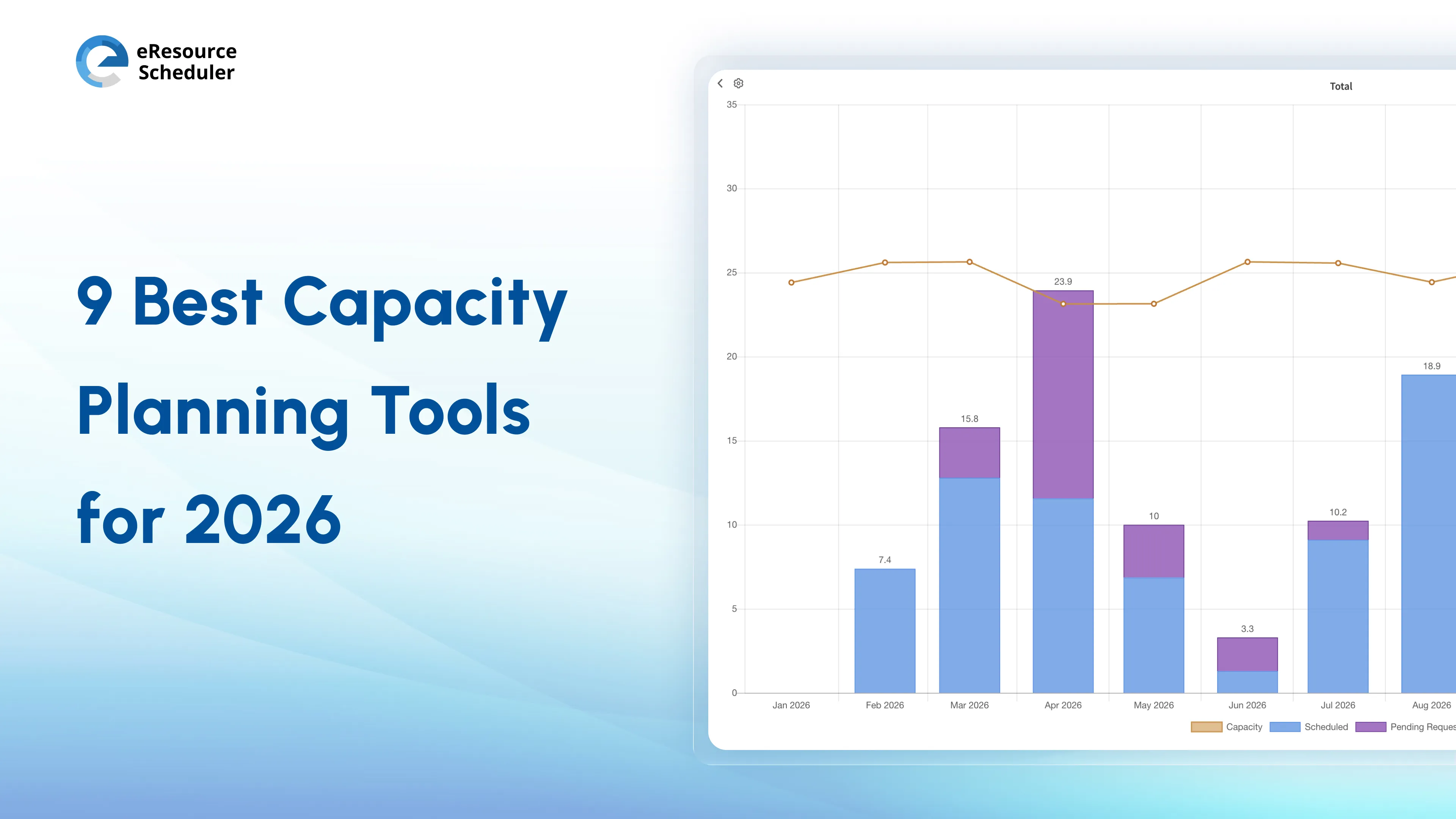

Plan Smarter. Schedule Faster. For Free.
Join thousands already using eResource Scheduler to align teams, time, and tasks seamlessly.
 ALL FEATURES INCLUDED