Learn more
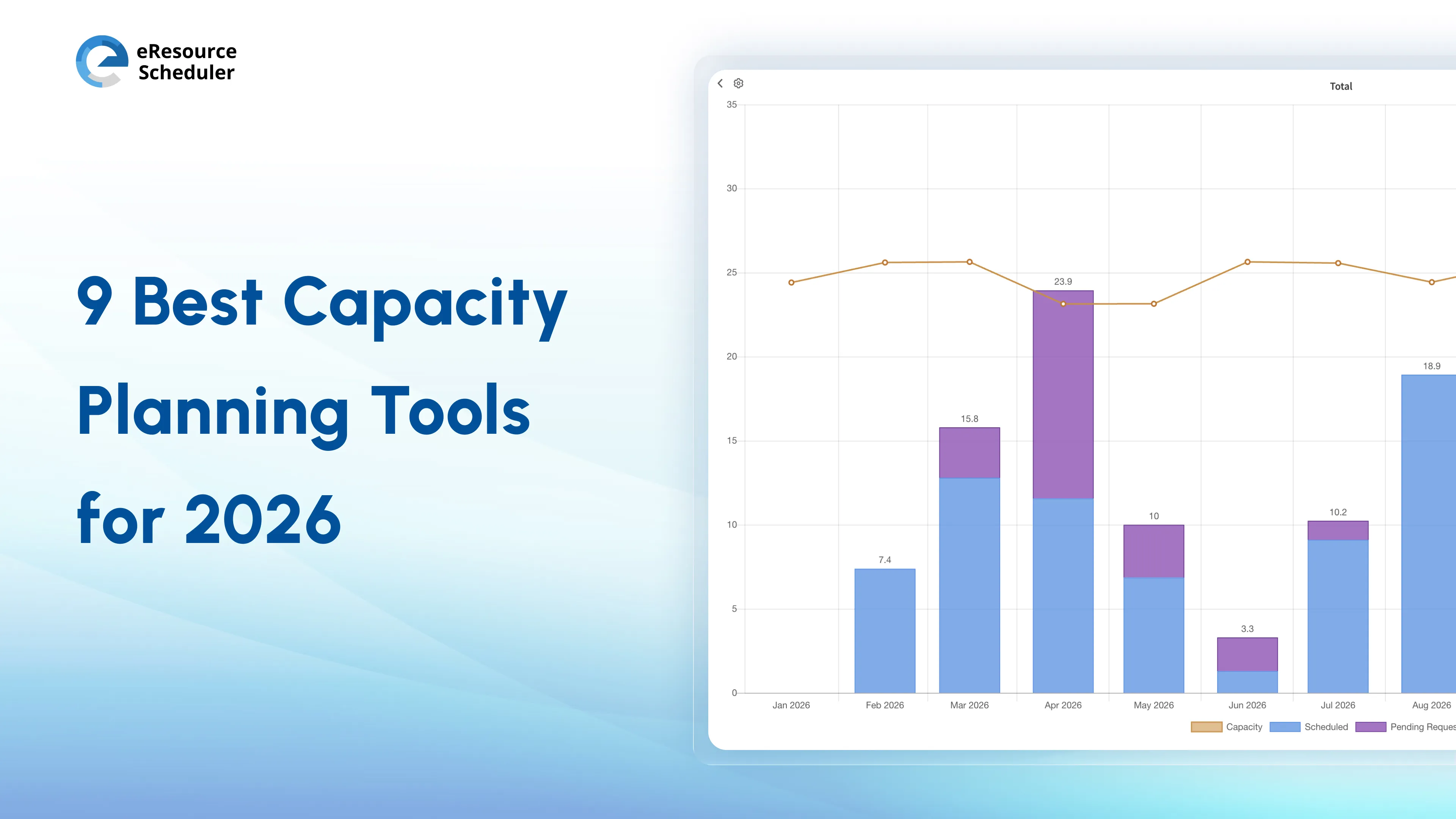
Most teams believe they know their actual capacity. Until they don’t. When resource capacity planning is managed in spreadsheets, emails, and corridor discussions, decisions float around without an anchor.
And suddenly everything feels unstable. Akin to a Science experiment gone wrong.
Capacity planning tools solve this problem. They help you match available resources with project demand.
Definition of Capacity Planning Tools:
Capacity planning tools show how much work
your team can manage before tasks are given.
We will break down the best capacity planning tools for you in this blog. Whether you are a growing agency, a mid-sized team, or a complex enterprise is irrelevant.
First, let's see what capacity planning is to understand how to assess the tools properly.
Capacity planning verifies how much work your team can handle and syncs it with project demand.
Capacity planning follows a simple cycle.
In construction and architecture projects, delays often happen. It’s when the right skills are not available at the right time. For example, a structural engineer is overbooked across multiple sites. One project slows down. The other feels ignored.
Capacity planning redistributes resources before delays occur. Interested in understanding how this process works? Read our blog on What is Capacity Planning?
A capacity planning tool tracks, allocates, and forecasts resource usage across projects. It centralizes resource decisions related to:
Expert Advice:
In most professional services teams, billable utilization typically ranges between 70% to 80%. Even a small
deviation can significantly impact project profitability.
Capacity planning tools are grouped into three categories.
1. Scheduling-Focused Tools solve visibility issues and workload planning. Float and Resource Guru are examples of these tools.
2. Planning and Forecasting Tools deal with utilization tracking and future planning. A prime example would be Runn.
3. All-in-One Capacity Planning Software involves timesheets, financials, and reports. This category includes eResource Scheduler, Kantata, and Saviom.
Now that this is out of the way, let’s address a common confusion…
Capacity planning focuses on the quantity of work your team can handle. Resource planning deals with who will do the work and when.
| Aspect | Capacity Planning | Resource Planning |
| Focus | Work limits | People and tasks |
| Key Question | Can we take on more work? | Who should do it? |
| Timing | Before planning | During assignment |
| Goal | Avoid overload | Assign work right |
| Output | Capacity insights | Schedules and assignments |
“Good business leaders create a vision, articulate the vision, passionately own the vision, and relentlessly drive it to completion.” -Jack Welch
Use capacity planning when:
Use resource planning when:
Together, capacity planning and resource planning help teams move from reflex planning to controlled delivery.
If you want to see how this works in practice, you can explore it here.

The best capacity planning tools clearly answer: Do we have enough capacity to deliver the new work?
Before considering any tool, look for these core capabilities:
Is your tool missing more than two of these? It is likely to leave gaps in your planning process.
From the Field:
According to Gartner research, an integrated ecosystem adds to decision-making by giving a unified framework for managing and utilizing data. It promises consistent data quality, simplifies access and management, and supports operations from daily tasks to complicated projects.
Choosing the right tool isn’t about features. It’s about the level of visibility needed to make decisions.
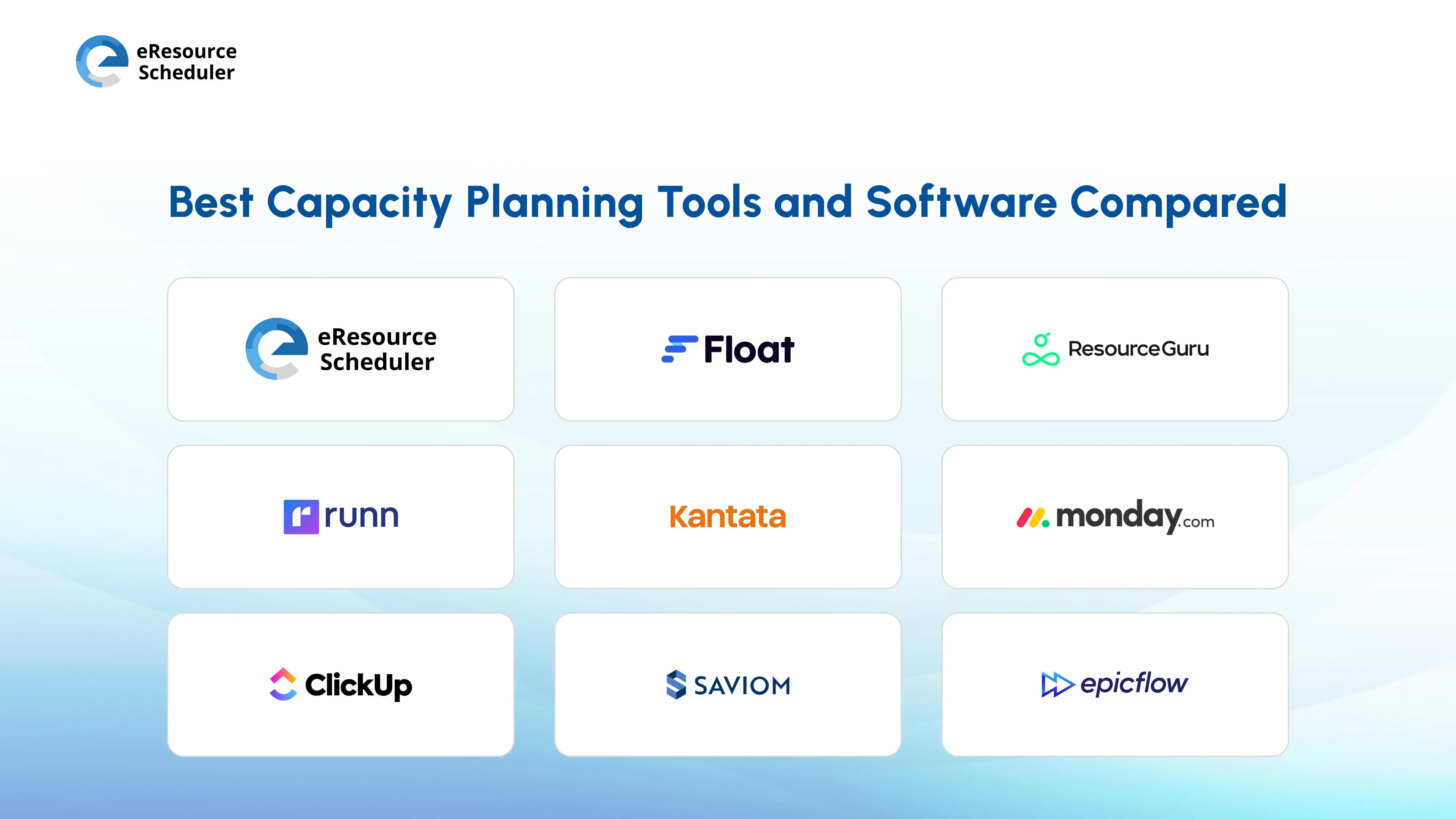
Now it’s finally time to compare the 9 best capacity planning tools and see what they have in store for us. Let’s hop on…
eResource Scheduler is an enterprise-grade, all-in-one resource management software for teams that need clear visibility into people and projects. It helps in scheduling, assigning, and tracking resources across multiple projects.
Best for: Enterprises that need a 720-degree view of capacity.
Pricing: Module-based options starting at $5 per resource/month, billed annually
Trial: Free trial available

Check out how John Holland improved cross-project visibility and reduced resource conflicts across large-scale infrastructure projects with eResource Scheduler.
Resource-scheduling platform for quick visibility into resource allocation. Core features include visual drag-and-drop scheduling, basic budgeting, forecasting, and capacity tracking. It is for agencies and small-to-mid-sized teams that need visual scheduling.
Pricing: Plan-based options starting at $7 per scheduled person/month, billed annually
Trial: Free trial available
A resource scheduling tool managing availability, leave, capacity visualization, forecasting, and calendar-based scheduling for small teams.
Pricing: Plan-based options starting at $4.16 per person/month, billed annually. With other resources at $2.08 each
Trial: Free trial available
A planning platform that helps teams forecast capacity, track financials, visualize workloads, and manage utilization. Ideal for service-based teams.
Pricing: Plan-based options starting at $7 per resource seat/month, billed annually
Trial: Free trial available
A platform that connects resource planning with financial and project management. It offers resource planning, financial tracking, and reports for large enterprises that need project management.
Pricing: Custom pricing
Trial: Free trial unavailable
Industry Insight:
According to Statista, consumers are increasingly trying Software-as-a-Service (SaaS) models. SaaS solutions provide an efficient and secure way for teams to work together.
The growing popularity is also fueled by the increasing number of companies adopting a remote-first or hybrid work model, as well as the need for businesses to scale and adapt quickly.
A platform for handling workflows and team collaboration with the help of resource tracking, workflow customization, automations, and dashboards.
Best for: Cross-functional teams.
Pricing: Product and Plan-based options starting at $9 per seat/month, billed annually
Trial: Free trial is unavailable
A work management platform that combines tasks with resource visibility. It will manage your tasks and workloads and keep track of your time via dashboards. Teams looking for basic workload visibility can opt for this tool.
Pricing: Plan-based options starting at $7 per user/month, billed annually
Trial: Free trial unavailable
An enterprise solution for advanced resource planning and forecasting. Forecast with precision, manage multiple projects, and use advanced analytics to handle complex resource planning.
Pricing: Custom pricing plan
Trial: Free trial available
It is a multi-project planning tool for managing dependencies, planning multiple projects, generating insights, and detecting bottlenecks.
Best for: Engineering and technical teams.
Pricing: Team-based options starting at 22.5€/month, billed annually
Trial: Free trial available
| Tool | Core Features | Pricing (Starting) |
|---|---|---|
| eResource Scheduler | Resource management, resource scheduling, timesheets, financial tracking, management reports, capacity planning and forecasting. | $5/resource/month |
| Float | Visual scheduling, workload planning, and availability tracking. | $7/scheduled person/month |
| Resource Guru | Booking management, availability tracking, and conflict detection. | $4.16/person/month + other resources for $2.08 each |
| Runn | Capacity forecasting, utilization tracking, and planning insights. | $7/resource seat/month |
| Kantata | Resource planning, financial tracking, and reporting. | Custom |
| ClickUp | Task management, workload views, and collaboration. | $7/user/month |
| Monday.com | Workflow management, dashboards, and resource tracking. | $9/seat/month |
| Saviom | Advanced resource planning, forecasting, and analytics. | Custom |
| EpicFlow | Multi-project planning, bottleneck management. | €22.5/month |
The listed tools may vary in complexity. But they address the same challenge: Aligning available capacity with project demand.
Want to minimize project delays, improve employee utility, and make project handovers transparent? Capacity planning tools are the answer. Without the full picture, you either overload key resources or leave others underused.
Your complex project will fail if you are using manual methods. If you do impromptu updates or handle multiple project dependencies, Spreadsheets will fail after a point. Forecasting is not viable. There is no immediate visibility. Updates become time-consuming, and resources are constantly at war.
If you can answer who is available and where resources are being used, you are sorted. If not, it is time to move beyond manual planning. Opt for a more structured approach to capacity management tools.
Implementing the tool hinges on which tool you choose. Different tools solve different planning problems. It depends on what your priority is. Are you looking for simplicity, forecasting, or resource planning?
| If your priority is… | Choose this type of tool | Recommended tools |
|---|---|---|
| Simple scheduling + visibility | Lightweight scheduling tools | Float, Resource Guru |
| Forecasting + utilization tracking | Planning-focused tools | Runn |
| Project + workflow management + some resource visibility | Work management tools | ClickUp, Monday.com |
| Financial tracking + resource planning | PSA / integrated platforms | Kantata |
| Multi-project capacity planning | Enterprise resource management tools | Saviom, EpicFlow |
| End-to-end visibility (scheduling + capacity + financials + reporting) | All-in-one resource management software | eResource Scheduler |
The right tool depends on your planning maturity. Not just the features.
Accuracy always follows visibility. Track and adjust regularly to see faster improvements.
Pro Tip:
Accuracy follows visibility. Teams that track and adjust regularly see faster improvements in utilization and delivery timelines.
Capacity planning based on shared data is more reliable.
Planning alone? Then you must have faced inaccurate decisions, missed risks, and a lack of team alignment. Your plan and what actually happens during execution are no longer mirror images.
According to findings discussed by Cerri.com, a lack of project visibility leads to inefficiencies. It includes duplicated work, delayed decisions, and misaligned priorities.
Making better decisions needs systems that combine resource scheduling, timesheets, financials, management reports, and capacity planning.
Which leads us to the decision…
Finding it difficult to understand the capacity? Is it a task to manage workforce across projects?
If your answer is a yes, an all-in-one structured system can help you plan with clarity and control. Resource management software like eResource Scheduler helps teams make more confident and data-backed decisions.
1. What is a capacity planning tool, and how does it work?
A capacity planning tool helps teams regulate how much work they can handle. It’s based on available resources, skills, and timelines. It also tracks availability and forecasts workload. Capacity planning also makes sure resources are assigned without overload.
2. How do capacity planning tools improve project delivery?
Capacity planning tools confirm the right resources are assigned before work starts. It reduces delays, prevents overbooking, and improves workload balance across teams.
3. What is the difference between capacity planning tools and project management tools?
Capacity planning tools focus on resource availability and workload balance. Project management tools focus on tasks, timelines, and execution. Both are often used together for better planning and delivery.
4. How do I know when my team needs a capacity planning tool?
If you frequently face resource conflicts, unclear availability, missed deadlines, or rely heavily on spreadsheets for planning, it is a strong indicator that a capacity planning tool is needed.
5. How do I choose the right capacity planning tool?
Start by identifying your biggest challenge, whether it's scheduling, forecasting, or visibility. Then choose a tool that solves that problem within your team size and project complexity.


Plan Smarter. Schedule Faster. For Free.
Join thousands already using eResource Scheduler to align teams, time, and tasks seamlessly.
 ALL FEATURES INCLUDED