Learn more
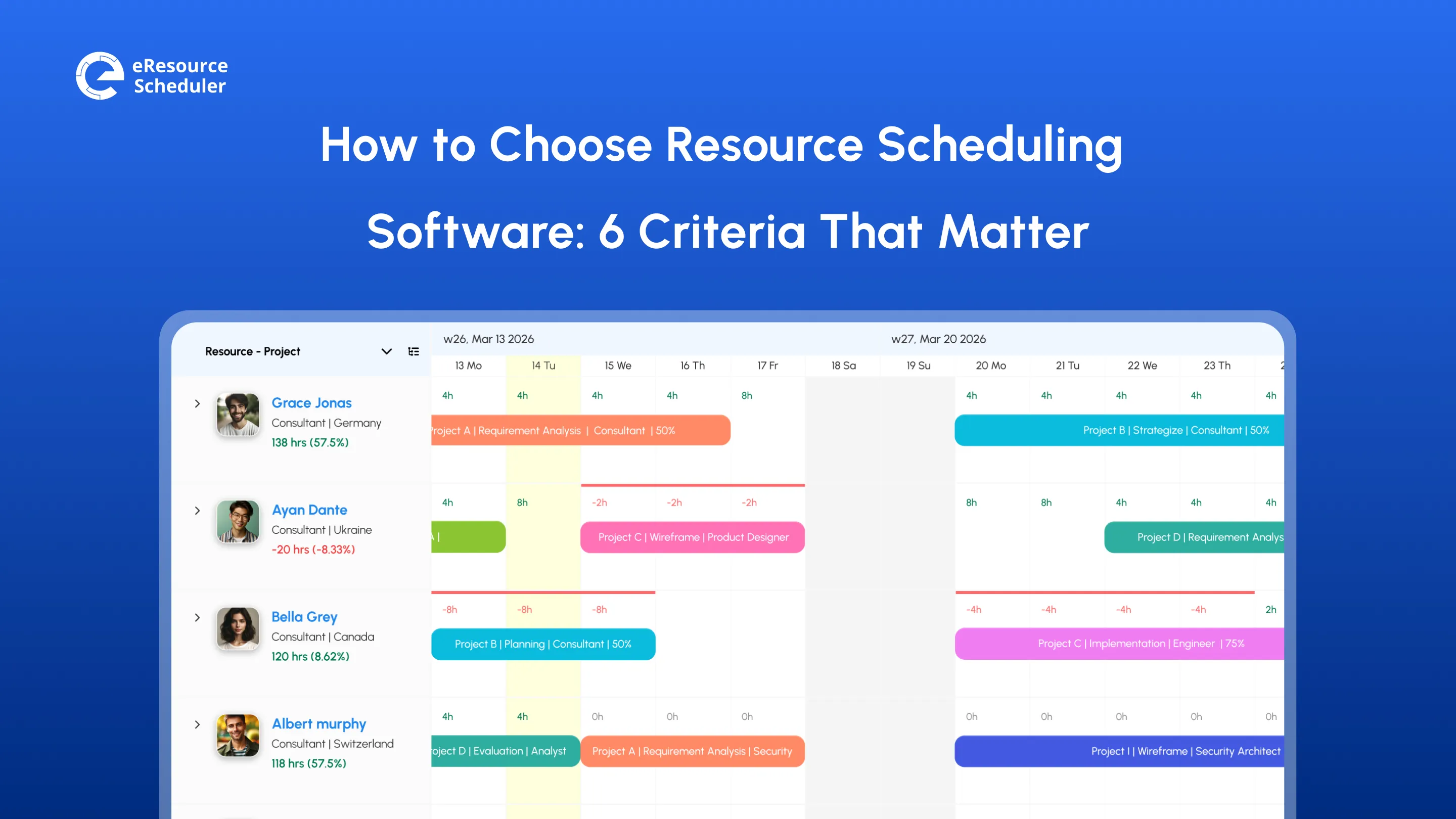
It is the moment right before a project kicks off. You have a spreadsheet and three different tools open, a string of vacation requests sitting in your inbox, and a hunch that someone on your team is already stretched too thin. This hunch is usually right; you just do not have the proof. Resource scheduling software closes the gap between the hunch and hard evidence.
Wellingtone’s 2026 State of Project Management report found that resource scheduling is one of the hardest processes for organizations to get right. Pick the right tool, and a process that feels like constant guesswork turns into something you can actually rely on. Before you compare tools, it helps to pin down what you are scheduling and how the software operates.
Resource scheduling is ‘how you match your team’s time and skills to the work in front of you’, so nobody sits idle while someone else drowns in overtime. Resource scheduling software shows who is free, who is booked, and what each person’s skills and rates are, so you can assign people to projects without relying on memory or a spreadsheet. It also shows where capacity will run short before a deadline does.
Seeing a shortfall early only helps if you treat resource scheduling as its own discipline, rather than an afterthought tacked onto project planning. This is what separates teams that stay ahead of conflicts from teams that are always reacting to them.
You will run into resource scheduling the moment you manage more than a handful of people across more than one project. It shows up when you assign work from start to finish without guessing who has room for it, and when you match tasks to skills and availability.
It also shows up in quieter ways. Catching a delay early enough to reshuffle before it snowballs. Noticing someone has been maxed out for three weeks before it turns into a resignation letter.

You do not need a rigid framework to schedule resources well, but most teams that get it right follow a version of the steps below.
1. Plan schedule management: Decide who can approve a change, who signs off, and what the communication chain looks like.
2. Define the project activities: Break the project into tasks specific enough to assign and measure in milestones.
3. Estimate the required resources: Budget, equipment, and people are usually the hardest part to get right.
4. Estimate durations: Underestimate and you blow the deadline. Overestimate and your team sits idle waiting on the next task.
5. Create the project schedule: Assign start dates, account for time off, and build in a buffer for what you cannot yet see coming.
6. Assign tasks: Make sure everyone knows what they own and when it is due. The manager’s playbook for stress-free scheduling covers the mechanics of this stage well.
7. Monitor and control: This step never really ends, since new conflicts and delays surface as the project runs.
None of these steps are hard on their own. Doing them all by hand is where a spreadsheet stops being enough, and the steps start working against each other.
Here is where the process breaks manually and what changes with resource scheduling software.
| Step | The Manual Version | The Software Version |
| Estimating Resources | You guess based on memory and whoever answered last | You see live availability across every project before you commit anyone |
| Building the Schedule | Conflicts surface only after two people show up for the same slot | The conflict is flagged the moment it is created |
| Assigning Tasks | Work goes to whoever is loudest or fastest to reply | Assignments are based on visible, current capacity |
| Monitoring Progress | You find out about delays in a meeting, days after they started | You see drift in real time while there is still room to adjust |
Status reporting costs the most hours here. Most teams rebuild the same update from scratch every month, pulling numbers from a dozen different tabs just to answer where things stand.
This friction points to a bigger issue. The Resource Management Institute’s 2026 research found that most organizations still work with resource data they don’t trust completely, and it has a cost. Once a team stops believing its own numbers, people quietly go back to double-checking everything manually.
This distrust quietly eats the hours the software was meant to save, which is why live data matters more than any feature list.
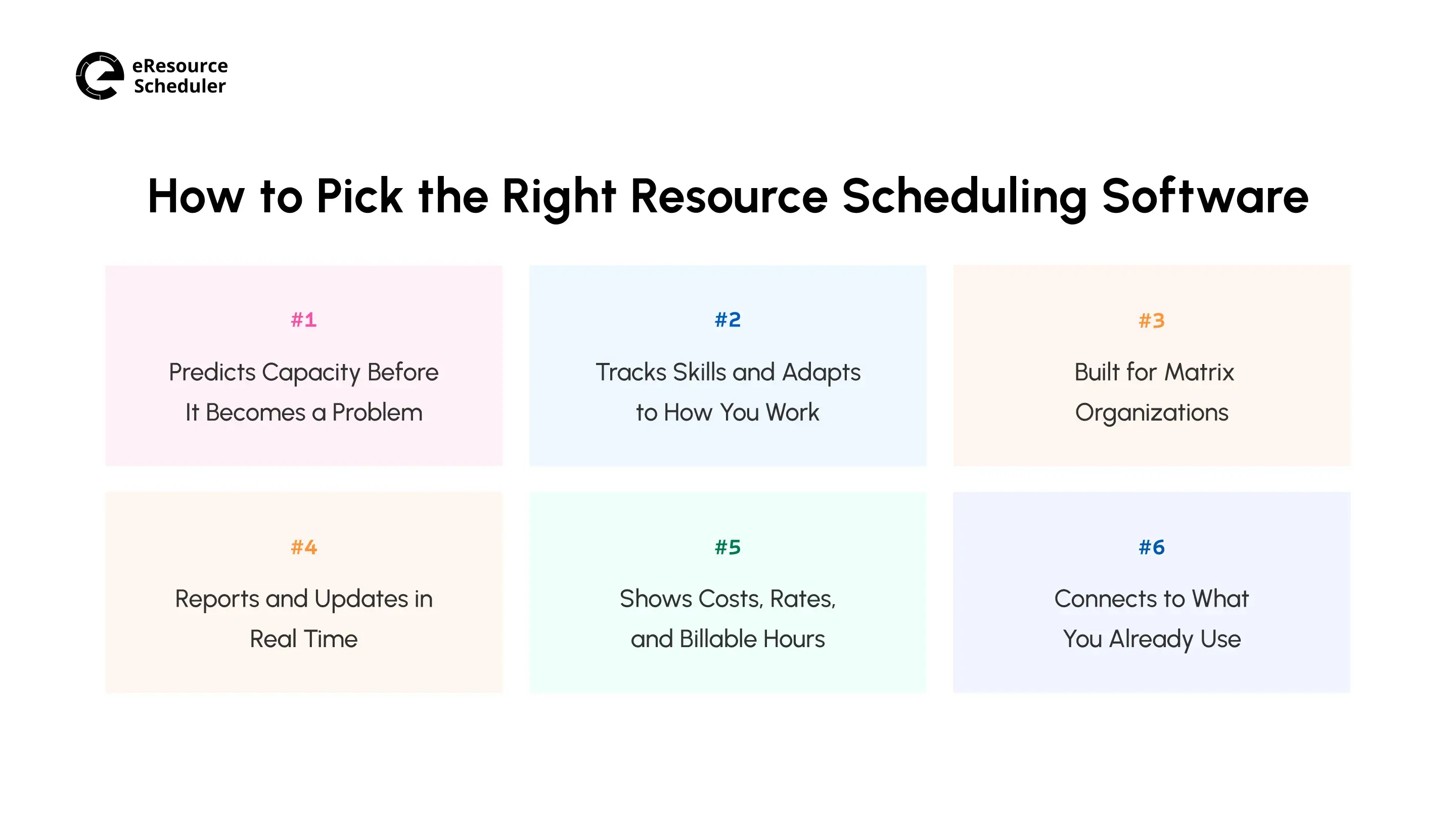
Software won’t fix a broken process, but the wrong software will lock one in. Before you commit to one, check whether a candidate actually does the following.
Many of the tools are glorified calendars. They will tell you what’s scheduled, but not where you are headed. What you actually want is forecasting that models capacity out several weeks or months and sets it against upcoming demand. You can see a crunch coming while there is still time to hire, reassign, or push a deadline instead of scrambling once it hits.
This matters most right before a busy season or a big proposal. If the software cannot show you today whether you have the bench strength for what is coming in six weeks, you are still making staffing calls on gut feelings, just with fancy software around it.
Your people aren’t interchangeable, so the schedule should not treat them that way. Look for custom fields that capture skills, certifications, and locations, plus resource types you can configure for people, equipment, and rooms. With these in place, you search for the right person rather than the free ones.
It also keeps the software useful as you change: departments split, reporting lines shift, and new project types show up that your original setup never anticipated. You no longer have to wait for a vendor ticket every time to edit fields and resource types.
Most mid-sized and larger organizations run a matrix structure now, where people report to more than one lead depending on the project. A tool designed around a single reporting line will fight you constantly here. It assumes each person belongs to exactly one team.
What you need instead is a tool that treats shared staffing as the default, not an exception you have to work around with manual notes and side conversations.
You want real-time visibility, not end-of-month visibility. A dashboard that updates the moment something changes is worth more than a perfectly formatted report you get three weeks too late. Especially when a delay on one project has knock-on effects for five others.
This is also where trust in the data comes from. A live dashboard that everyone checks becomes the shared source of truth. A monthly report that is already stale by the time it lands does not.

A schedule tells you who is busy. It does not tell you whether the work is making money. Look for software that stores cost and billing rates against each resource, so you see what a booking costs and what it bills before you confirm it.
This is the view leaders need. High utilization sounds healthy until you learn your busiest people are on your lowest-margin projects. Financial visibility turns a staffing decision into a margin decision.
Scheduling software that cannot pull from your existing systems just becomes a second source of truth you now have to maintain by hand. This defeats the point of adopting it in the first place.
Look specifically at whether it integrates with the project tracker and communication tools your team already lives in, rather than asking people to check yet another separate tool for updates.
Weighing a shortlist against these six points gets a lot easier once you see where the best scheduling software shortlist lands.
Each one of these six checks sounds reasonable on paper until you see whether software actually delivers. Here is how eResource Scheduler holds up against the six criteria.
| Criteria | What the Software Needs to Do | How eRS Meets It |
| Forecasting | Show where capacity is headed, not just log history | Utilization reports that flag overload early, and resource requests matched to the right skills before demand peaks |
| Configurability | Reshape as the business changes | Custom fields, configurable resource types, multiple calendars, and role-based permissions per team |
| Matrix Support | Handle people reporting to more than one lead | Resource pools shared across project leads and departments |
| Real-Time Reporting | Update as things happen, not on a delay | Live dashboards and reports that update as bookings change |
| Financial Visibility | Tie every booking to cost and billing rates | Cost and billing rates per resource, with project budgets tracked against actual spend |
| Integrations | Connect to the systems already in use | Direct integrations with Jira, Slack, and more |
A checklist tells you what good looks like on paper. It doesn’t tell you what results look like once a team puts the software to work.
Here is what these results looked like at a US-based engineering firm.
A structural engineering firm ran around 60 active projects at any given time. They managed it all through shared spreadsheets and a handful of disconnected tools, updated inconsistently by whoever remembered.
Their resource manager spent close to 14.6 hours a week reconciling conflicting availability across project leads. On the busiest team, five engineers, idle bench time sat around 23.2%. No one had a reliable view of who was actually free on any given day, so new work often went to whoever was top of mind.
The firm moved scheduling off spreadsheets and disconnected systems to eResource Scheduler, starting with the busiest project team first. This is where the pain was sharpest and where a win would be most visible to the rest of the firm.
The first two to three weeks went into migrating existing project data and setting up department-wise resource pools. Project leads could now see availability across engineering, drafting, and site inspection without pulling from several spreadsheets and systems.
Utilization heatmaps went live before anything else, since the resource manager’s biggest complaint going in was not knowing who was overwhelmed until someone said it out loud. This single view replaced the weekly round of check-in emails asking who had room for a new assignment.
Drag-and-drop scheduling and conflict alerts came next, once the team was comfortable trusting the availability data. From this point, double-booking a person across two projects triggered an alert immediately rather than surfacing days later in a status meeting.
Full rollout across all active projects took about a month and a half from the first login, with the busiest team acting as the internal reference point for how the rest of the firm adopted it.
The change showed up clearly within the first quarter after full rollout:
By the six-month mark, counted from the first login, this first team had recovered about 560 billable hours, worth $42,800 at the firm’s blended billing rate. Their team credited a good chunk of this to finally seeing who was overcommitted before it turned into a staffing crisis.
*The firm's name is not shared to protect its privacy.

Buying the right resource scheduling software solves only half the problem. The other half is getting a team used to checking a schedule rather than guessing. This transition goes smoother with a bit of intention behind it.
Once this adjustment period passes, what is left is a team that trusts its schedule rather than second-guessing it. This is really the whole point behind making the switch in the first place.
Resource scheduling gets harder to manage by hand as your team grows, and the engineering firm in the case study is not an outlier. It is what happens once visibility replaces guesswork.
The six criteria covered in this blog are not a wishlist. They are the differences between a tool that looks good in a demo and the one resource scheduling software that holds up when more than three projects are competing for the same resources’ time.
None of this requires a perfect process. It just requires replacing the spreadsheet and tools you opened at the start of the blog with the right resource scheduling software. One that tells you the truth about availability, workload, idle time, and billable hours.



RESOURCE MANAGEMENT AND SCHEDULING
Resource management has gone through several phases of transformation thanks to increasing competition, thinning margins, to improving technologies, several factors have contributed to making resource management a highly dynamic and responsive process.
Plan Smarter. Schedule Faster. For Free.
Join thousands already using eResource Scheduler to align teams, time, and tasks seamlessly.
 ALL FEATURES INCLUDED