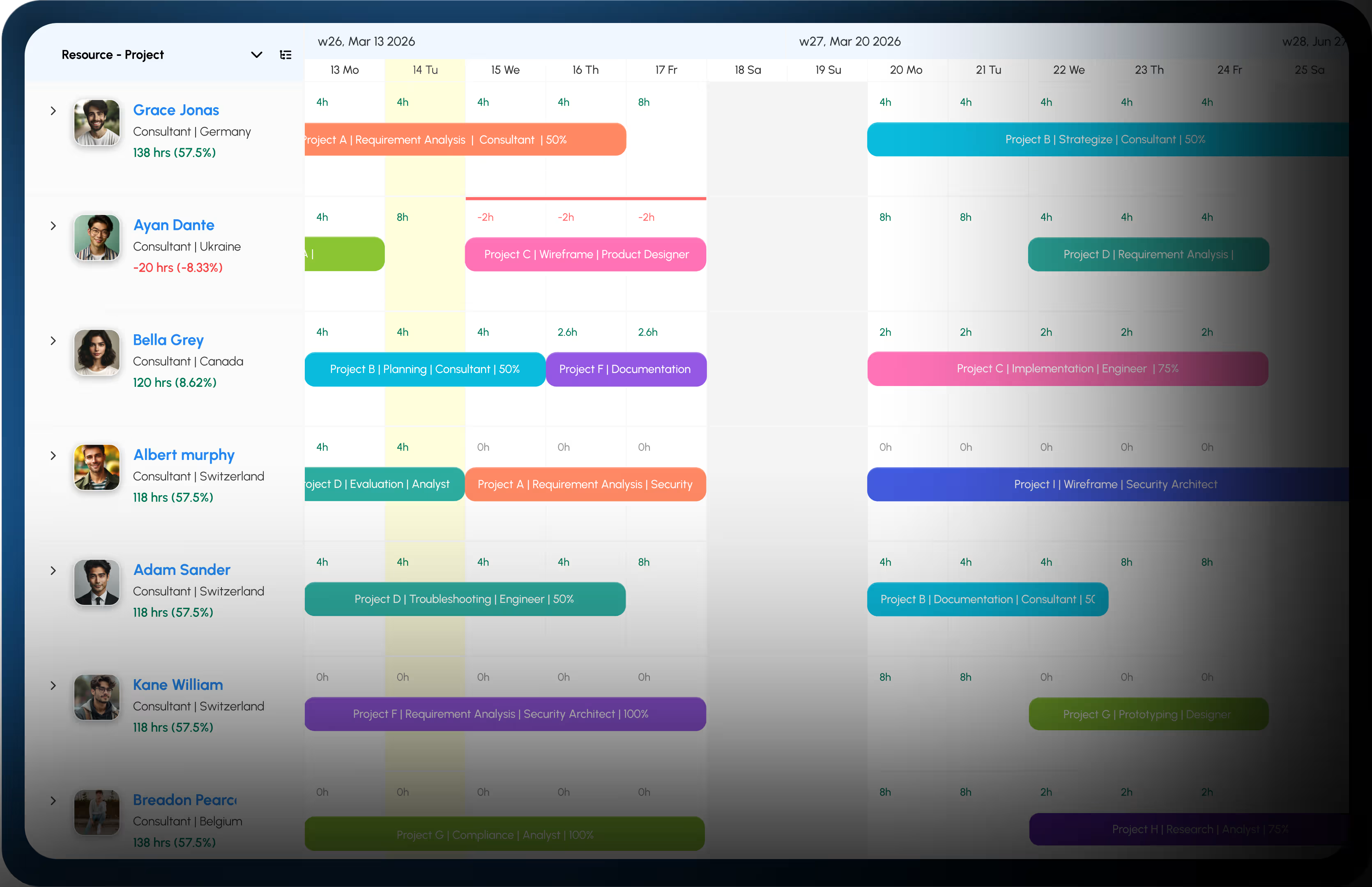
Learn more
eResource Scheduler now connects to the tools your team already uses. With webhooks, every update in eResource Scheduler automatically triggers a webhook for another app the moment it happens, with no manual work.
A new booking created? Get a Slack message instantly.
A timesheet submitted? Have it update your Google Sheets automatically.
A resource added or updated? Push that change straight to Jira or Trello.
Webhooks are free to use during the initial rollout. You will be notified before any pricing changes come into effect.
Think of webhooks like an automatic notification between apps. Without webhooks, one app has to keep asking another: did something happen yet? With webhooks, the moment something happens, eResource Scheduler tells the other app immediately.
It works like a food delivery notification. You do not keep opening the app to check if your order is ready. The app tells you the moment it is. Webhooks work the same way.
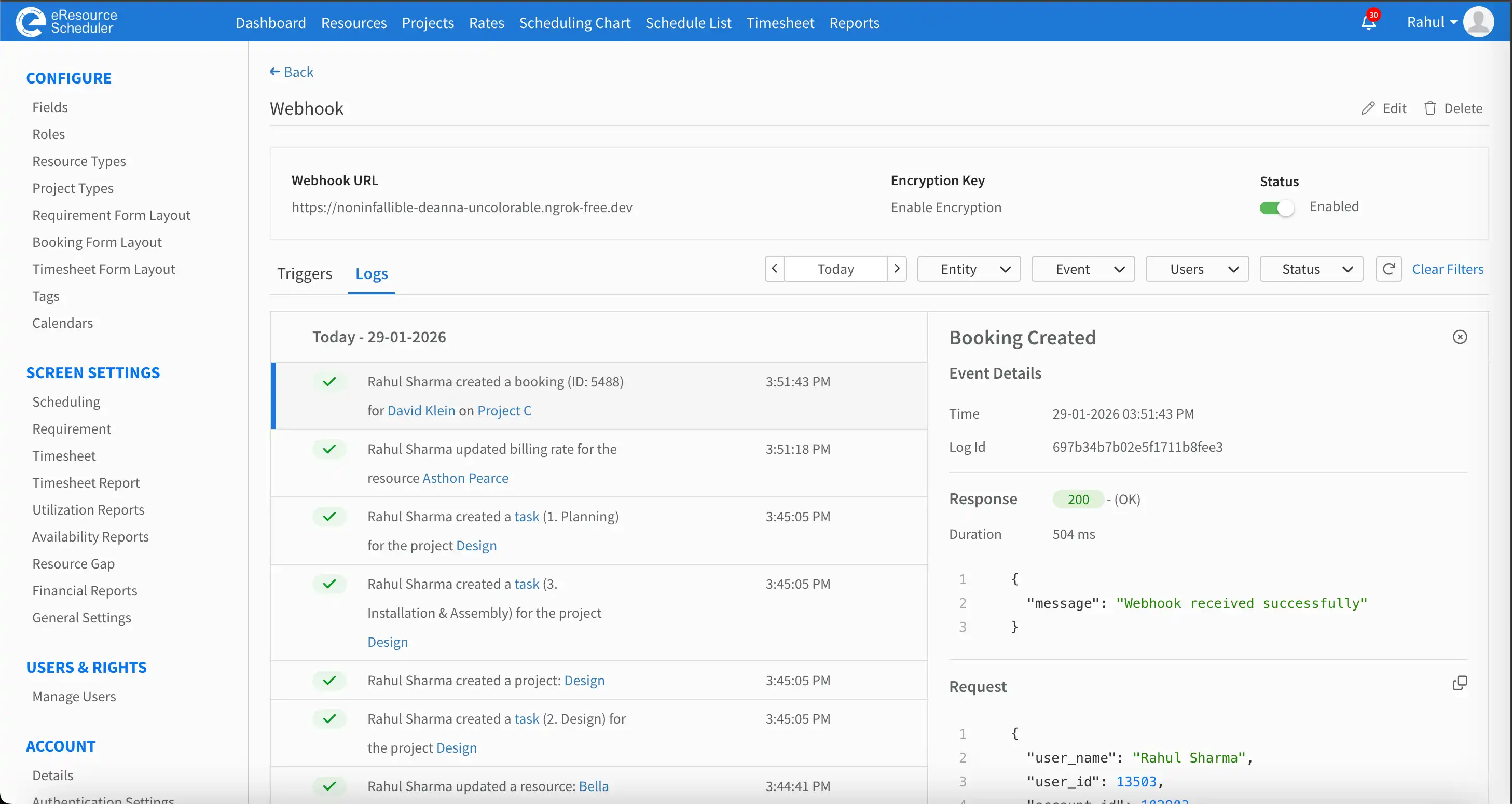
You choose which events in eResource Scheduler trigger a notification to your connected tool. Here are some of the things you can automate:
You can select all events for a category at once, or pick individual ones. If you need different rules for different tools, set up a separate webhook for each connection. You can have up to 5 webhooks per account.
Go to Admin and create a new webhook. Provide a name and the URL of the tool you want eRS to send notifications to. Once saved, eResource Scheduler will verify that the connection is working.
Then add your triggers:
That is it. From that point on, every matching event in eResource Scheduler will send an automatic update to your connected tool.
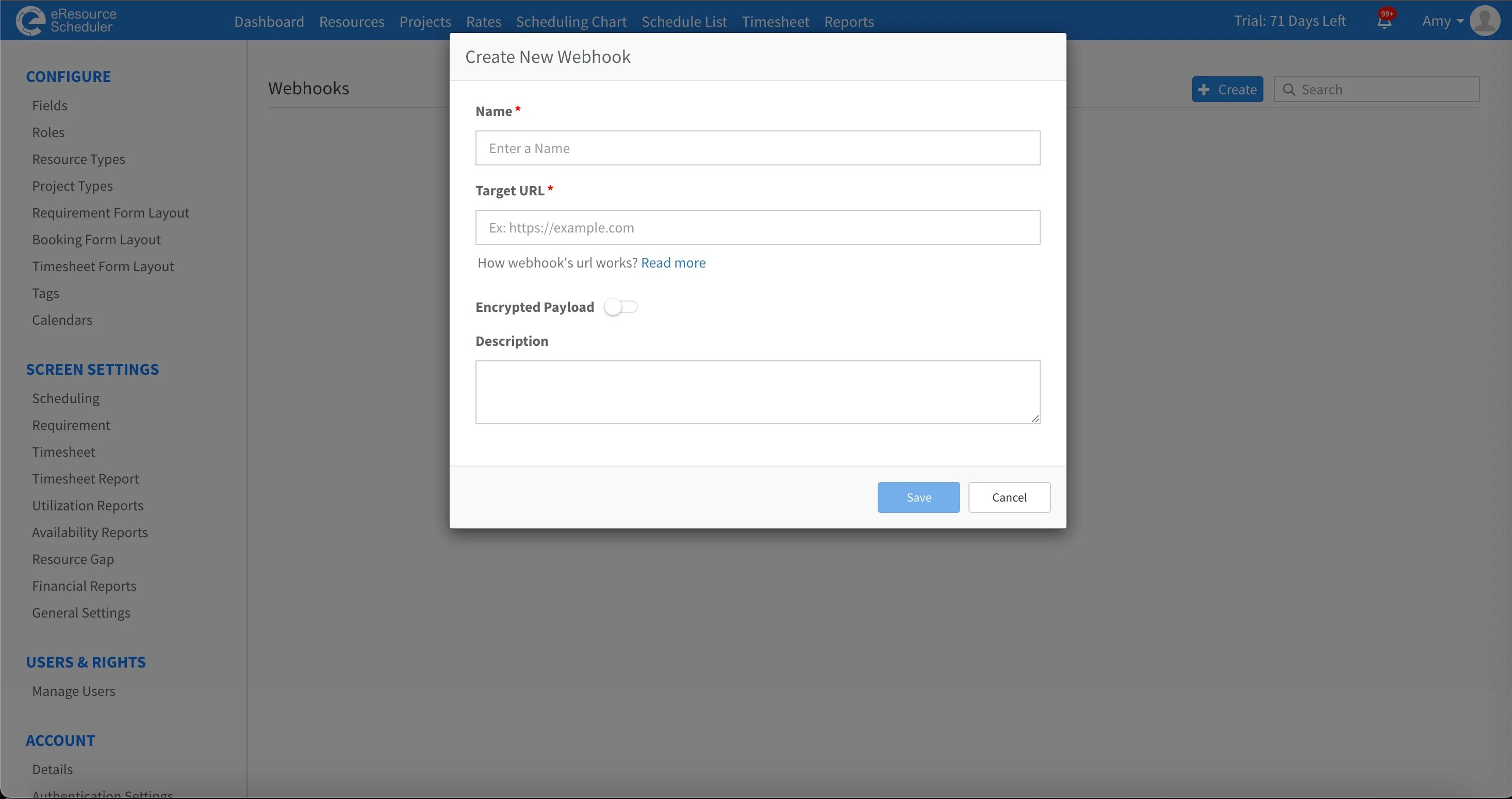
Webhooks are available to all eResource Scheduler users. Go to Admin to create your first webhook and start connecting eRS to the tools your team already uses.
 ALL FEATURES INCLUDED