Learn more
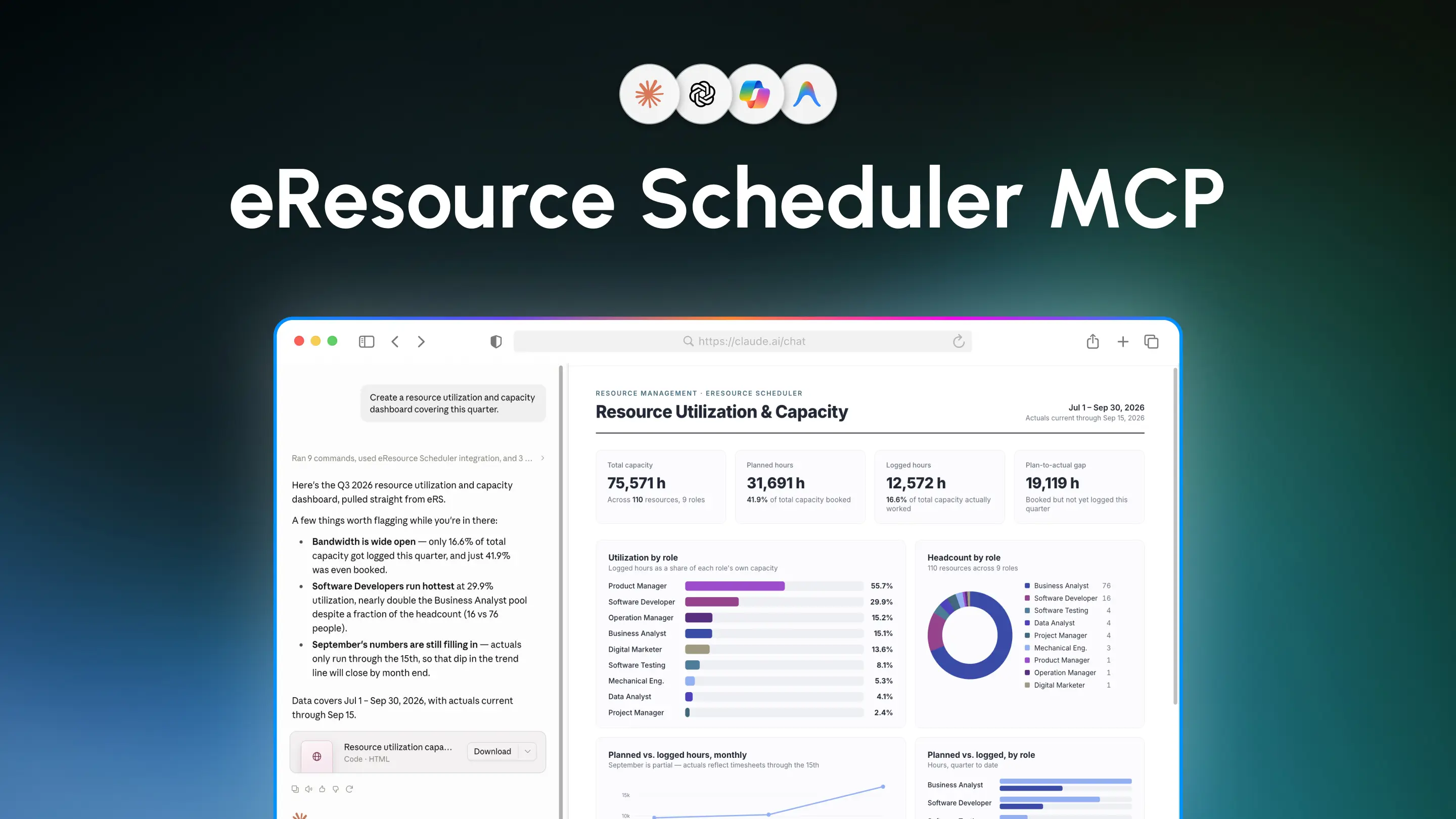
eResource Scheduler now connects with AI assistants through the eRS MCP Server.
With MCP, you can bring eResource Scheduler into AI tools such as ChatGPT, Claude, Microsoft Copilot, Cursor, and other MCP-compatible clients. Ask questions, find information, create and update data, and take supported actions in eResource Scheduler, all through natural language.
It’s a new way to work with eResource Scheduler without making AI another disconnected tool in the workflow.
The eRS MCP Server connects eResource Scheduler with AI assistants using Model Context Protocol (MCP).
MCP is an open standard that allows AI applications to connect with external tools and systems. So instead of using AI to “simply talk about your resource schedules”, you can use it to work with eResource Scheduler.
The eRS MCP Server supports a range of resource management activities across eResource Scheduler.
You can use an AI assistant to work with:
Depending on the tools and permissions available to your account, you can retrieve information and perform supported actions across these areas.
For example, you could ask:
“Find which resources are available in the Engineering team next week.”
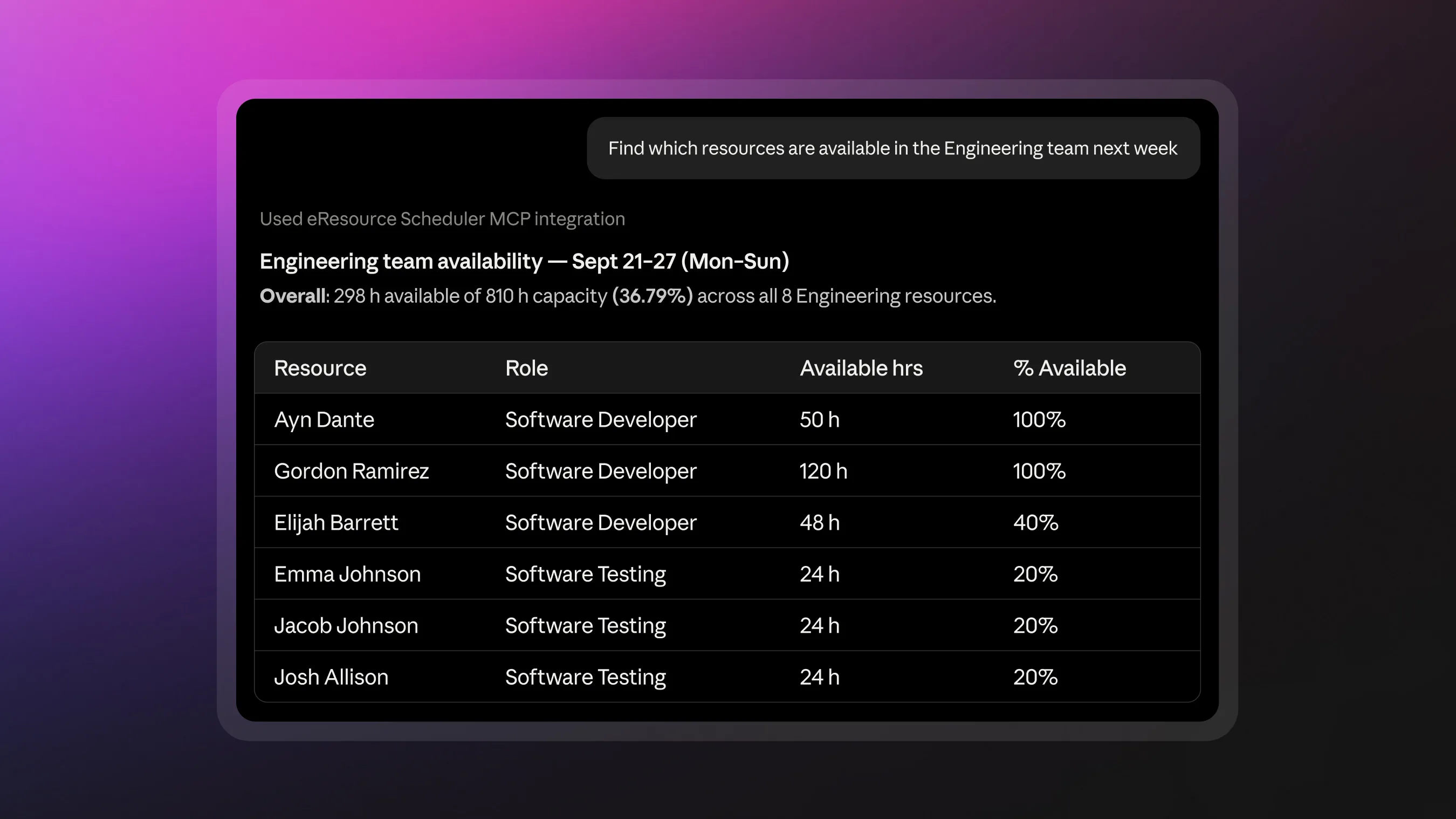
Then continue:
“Show me their current bookings.”
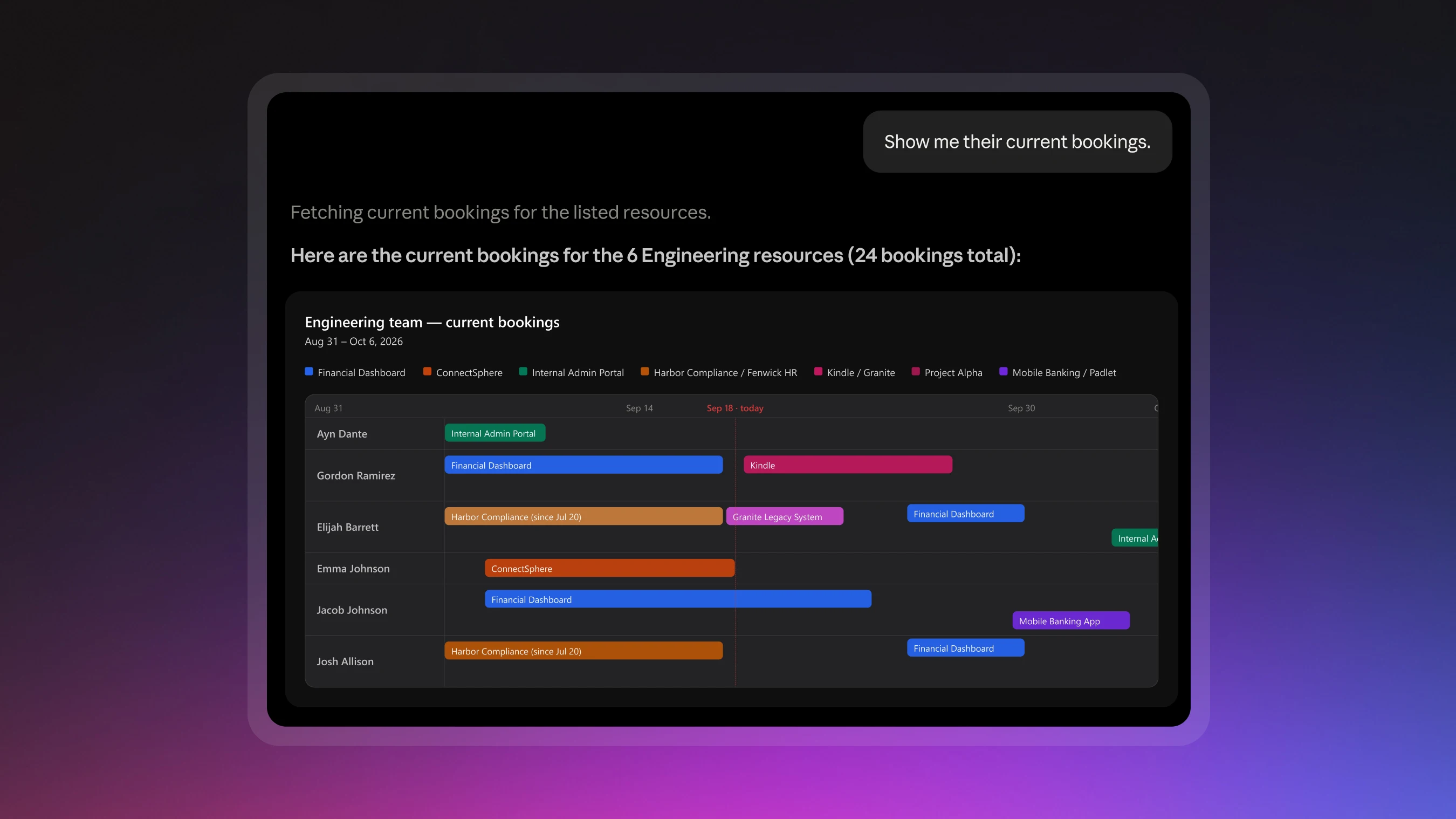
And take the next step:
“Create a booking for Ayn Dante on Project Internal Admin Portal for next Tuesday.”
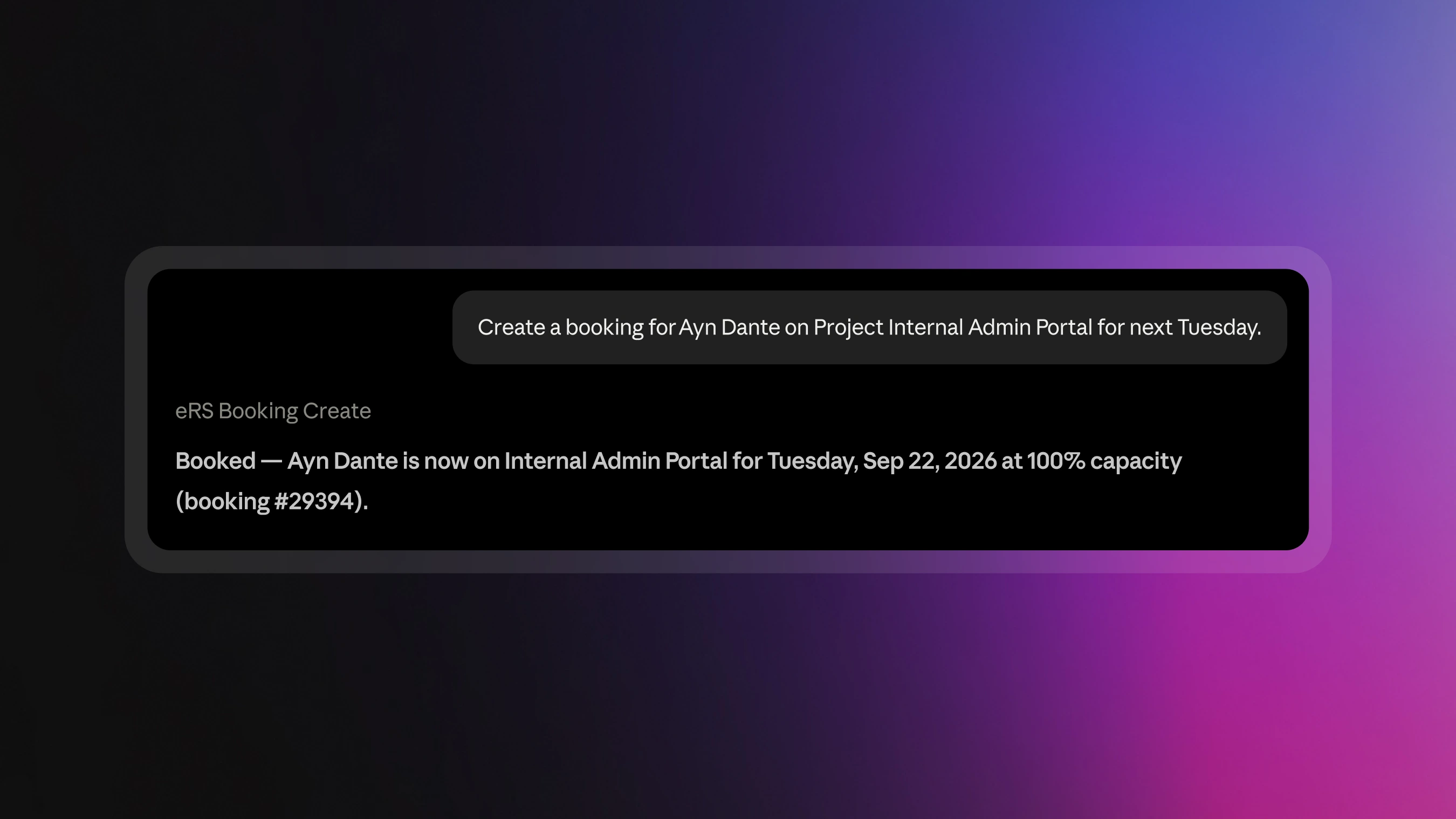
The conversation becomes part of the workflow, rather than just another place to find information.
Want to get started? View the eResource Scheduler MCP Server Setup Guide.
The eRS MCP Server is not limited to read-only access. It supports actions in eResource Scheduler, based on the capabilities available through the MCP Server and the permissions of the authenticated account.
That can include creating or updating supported records and carrying out other available actions. This means an AI assistant can help move a task forward, not just tell you where things stand.
For example, instead of asking, “What timesheets are pending?” you can move from finding the information to taking the supported next action.
The eRS MCP Server can connect eResource Scheduler with MCP-compatible AI assistants and development tools, including:
You can use the AI environment that fits your workflow while keeping eResource Scheduler at the center of your resource management data.
The MCP connection does not create a separate permission model for your eResource Scheduler data. What the assistant can work with depends on the tools available through the eRS MCP Server and the permissions of the authenticated eResource Scheduler account.
Resource management involves more than checking a schedule. Teams need to find people, understand availability, review bookings, manage requirements, update records, track time, and act on changing project needs. These activities already happen in eResource Scheduler.
MCP means teams can now use natural-language conversations to work across those activities, asking for information, exploring schedules, following up with more questions, and taking action, without leaving the AI environment or treating eResource Scheduler and AI as two separate worlds.
This is only the beginning of how AI can fit into the eResource Scheduler experience. Your team’s next schedule is just a chat away. Learn more
 ALL FEATURES INCLUDED