Learn more

If 2026 had a slogan for project managers, it would be something like, “Too many requests, not enough people.” Resource analysis in project management is the calm, grown up move where you stop guessing and actually check who you have, what they can do, and how much they can take on before you say yes.
If you already use a resource management software, this whole process feels less like an argument with a spreadsheet and more like a clear picture of reality. If you do not, this guide will still walk you through a simple, practical way to run resource analysis that works for remote, hybrid, and office teams without turning it into a full time job.
Resource analysis in project management is a realistic check of what your team can handle before assigning work. It looks at people, time, skills, availability, budget, and tools to understand whether a new project is doable without overpromising. Instead of approving tasks on hope or pressure, resource analysis makes choices based on actual capacity.
Nowadays, most teams deal with shorter deadlines, fixed budgets, and the same handful of specialists being pulled into every project. Resource analysis sits right before planning and scheduling. It helps you estimate effort, evaluate who can do what, and decide whether to start, postpone, or resize a project before committing to delivery dates.
Not every “resource” is a person. Here’s what truly matters:
Tracking only headcount or hours without these factors creates a false sense of capacity. Small oversights here turn into bigger problems later.
When teams skip resource analysis, they usually commit to work that looks good on paper but falls apart in execution. A project might be scoped correctly, but if the only specialist who can complete the core task is already loaded for the next four weeks, no amount of motivation will speed that up. Deadlines slip and budgets inflate not because teams are slow, but because they were overloaded from the start.
With even a basic level of resource analysis, you solve the right problems before they snowball. Proper analysis stops:
Resource analysis isn’t about saying no. It’s about knowing when yes is actually possible.
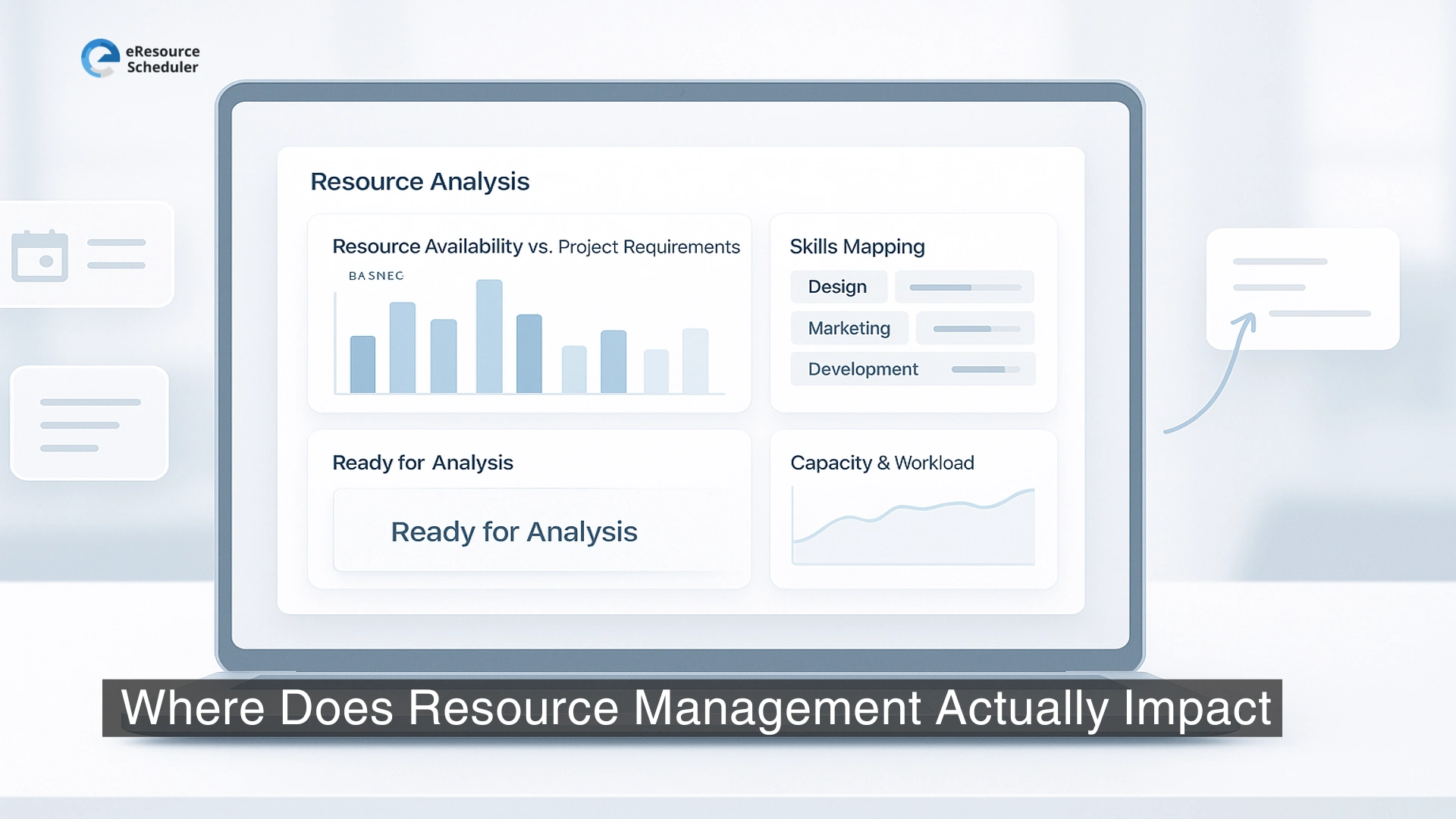
Before analyzing capacity, gather the basics:
Without these inputs, capacity planning becomes guesswork, and even a great tool won’t save the decision.
Most teams don’t need hyper detailed time tracking to understand availability. Use a realistic snapshot of working hours per week, subtract committed work, internal tasks, meetings, and time off, then match people with skills needed for the project. A “full 40 hours” rarely exists in today’s hybrid work model, so build estimates that match real behavior, not wishful calendars.
Start with who is available and for how long. Use actual capacity based on real work hours, not idealized calendars. Include seniority, skills, and how quickly each person can complete different types of work.
Break work into phases or tasks using realistic effort estimates. Instead of a giant timeline, list what needs to be done, who can do it, and how many hours or days it should take.
Here’s the moment of truth. Check whether the planned effort can be delivered by the people and hours available. If your top specialist is needed on two projects at the same time, that is a bottleneck, not a challenge to “work harder.”
Balance workloads by shifting deadlines, assigning tasks to different people with similar skills, or reducing low impact work. Good resource analysis doesn’t overload people. It rearranges work so high value tasks actually get done.
Summarize results into a view that shows: who is working on what, when they’ll do it, and where gaps remain. This plan should be updated regularly, not finalized once and forgotten.
Teams should recheck capacity at three key points:
Most delays come from treating capacity as fixed, even when the work changes.
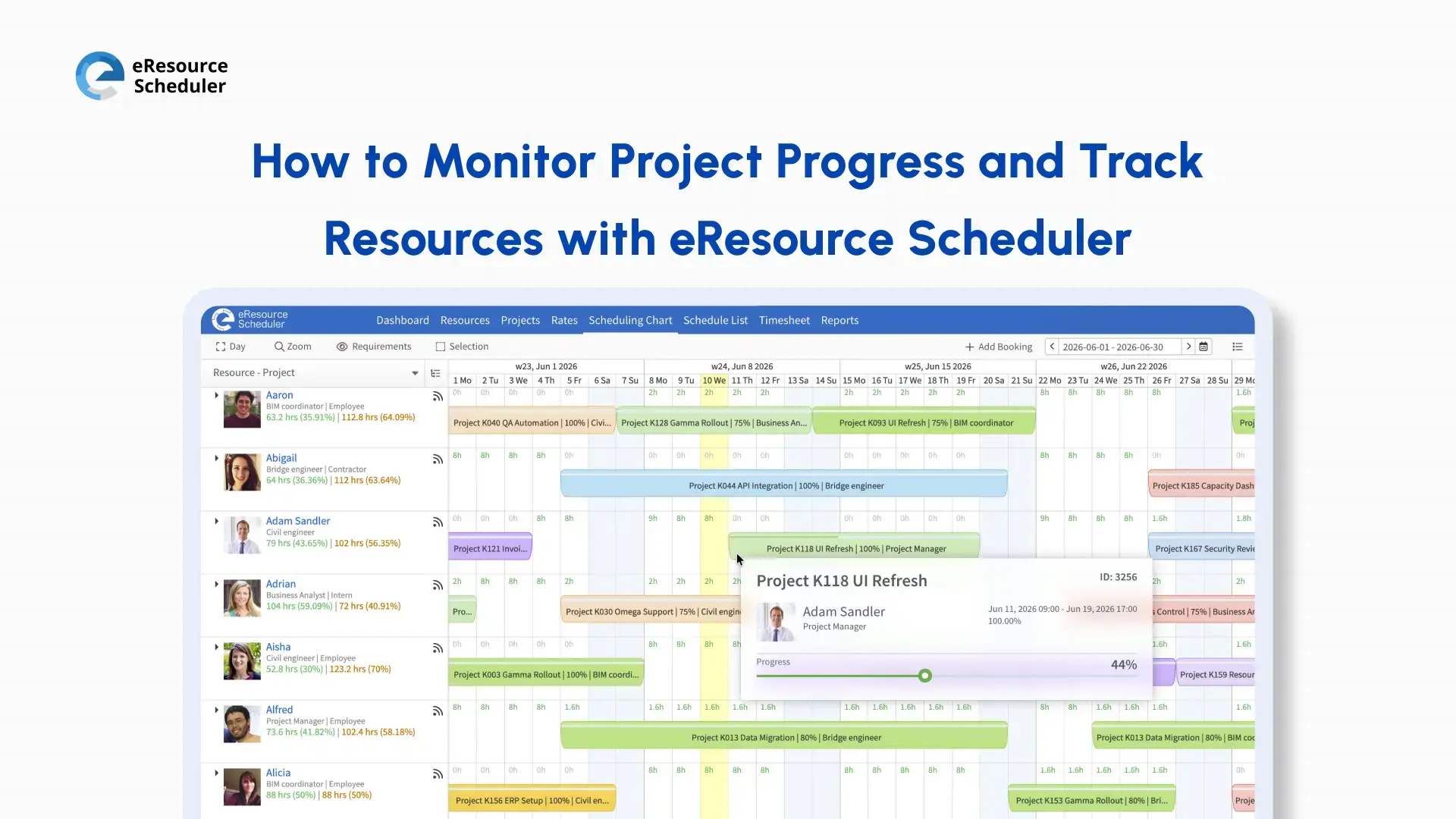
Instead of reworking spreadsheets every few weeks, modern systems provide real time visibility of workload, availability, and priorities. Using a resource allocation software helps teams adjust quickly when priorities shift, without rewriting plans from scratch. These tools act less like binders of data and more like live, shared decision dashboards.
When teams make resource analysis part of every project decision, delivery stops relying on guesswork. Timelines become realistic, workloads look fair, and approvals are based on actual capacity instead of optimistic promises. In 2026, that is the difference between teams that run smoothly and teams that constantly feel stretched.
Most organizations are not struggling because of weak talent. They struggle because no one has a clear, shared view of availability, skills, and demand. Once that visibility becomes real, bottlenecks stop hiding, priorities align, and planning finally matches reality.
To get that clarity, tools like eResource Scheduler are resource management software that show live workload, capacity, and skill mapping without spreadsheets or negotiation. One shared view solves more arguments than any status meeting ever could.
If you’re unsure whether your team is truly overloaded or just poorly planned, test it with your real projects and workload. No opinions. No heavy setup. Just honest capacity in front of you.
Try eResource Scheduler free for 14 days and see what resource analysis looks like when it’s live, visible, and impossible to ignore.
1. What is resource analysis in project management?
It is a practical check to see if your team has the skills and available time to finish a project. Instead of assuming people can take more work, resource analysis shows if the project is doable with current capacity, timelines, and skill gaps.
2. How often do you do resource analysis for projects?
Run it before starting a project, before major deadlines, and whenever something changes in scope or priorities. Teams working in hybrid or remote models need frequent checks because availability and workload shift constantly in real situations.
3. Which tool is best for resource analysis for remote teams?
Remote teams need visibility, not spreadsheets. A resource management software tracks skills, availability, and workload in one live view. It updates in real time, prevents overbooking, and helps managers make decisions based on actual capacity in 2026.
4. Difference between resource analysis and resource planning?
Resource analysis is the reality check that confirms whether your team can take the work. Resource planning decides how the work will be distributed. Scheduling assigns tasks to specific dates. One confirms, one organizes, and one executes.
5. What data is needed for basic resource analysis?
You only need project scope, effort estimates, required skills, and real availability. Real availability means subtracting meetings, internal work, and time off, not assuming everyone is free full time. This gives an honest capacity picture for 2026 workloads.


Plan Smarter. Schedule Faster. For Free.
Join thousands already using eResource Scheduler to align teams, time, and tasks seamlessly.
 ALL FEATURES INCLUDED