Learn more
Project work in 2026 moves faster than most teams' tools can keep up with. You're juggling overlapping priorities, scattered time zones, and a shared talent pool, and effective project resource management today means staying ahead of people, time, and capacity, not just ticking off tasks.
Pick the wrong software, and you'll feel it fast. Missed handoffs, double-booked specialists, deadlines that slip quietly until they're unrecoverable. This guide breaks down what actually matters, and which platform fits where your team is right now, not where a sales deck assumes you are.
Project management software is the system you use to plan, track, and deliver work instead of stitching it together across spreadsheets, email threads, and memory.
At its core, it helps you organize work, assign responsibility, and watch progress across projects. The better platforms do more than coordinate, though. They connect your timelines to actual people, priorities, and capacity, so you catch a problem while it's still cheap to fix instead of after it's already cost you a week.
If structured planning is new to you, project management basics is a good place to start before you pick a tool. In practical terms, decent software gives you a clear read on what's happening right now and what's coming next, keeps your plans honest against your team's real availability, and lets you course-correct fast when priorities shift instead of waiting for the next status meeting to find out something's wrong.
Pair it with a resource-focused platform like eResource Scheduler, and your plans start reflecting reality instead of whatever you hoped would happen when you built the timeline.
Your software projects operate in motion now. Plans shift weekly, sometimes daily. Dependencies stretch across teams, departments, and time zones; you don't always remember their existence until something breaks at 2 AM somewhere.
Project management software has had to catch up. Static Gantt charts that looked accurate on the day you built them and stale a week later don't cut it. You need systems that update as work actually happens, not as someone remembers to log it. If you're weighing options, it's worth comparing a few of the best resource management software picks built for this kind of real-time tracking.
What that looks like in practice:
This shift has reshaped how you manage software projects day to day. Planning and execution happen at the same time now, driven by what you can actually see rather than what you assumed going in.
It also changes what "on track" even means. A plan built on last month's assumptions isn't really on track; it's just untested. The tools built for modern-day treat that distinction seriously instead of glossing over it with a green status badge that hasn't been checked in weeks.
You're probably already running project tools, and you're probably still hitting missed deadlines and burned-out people anyway. That's rarely an effort problem. It's a blind-spot problem.
Traditional tools tend to answer questions too late. By the time a delay surfaces, it's already expensive to fix, and you're explaining the slip instead of preventing it. That's why you're likely reassessing whether your current setup actually supports decisions or just records them after the fact.
What you actually need from a tool: it should show you how one delay ripples into three other projects, surface resource conflicts before they become arguments, and replace the manual status update with something you can just look at.
As planning gets more tangled across teams, project tools increasingly overlap with resource planning. It's common to pair task tools with capacity-focused platforms like resource scheduling software, especially once you're managing more than a couple of portfolios at once.

This overlap isn't a coincidence. Task tracking tells you what's supposed to happen. Resource planning tells you whether your people can actually make it happen. Run one without the other, and you end up with a plan that looks fine on paper and falls apart the moment two projects need the same specialist in the same week.
Feature checklists can be misleading. You don't need more buttons. You need fewer surprises.
The features worth paying for are the ones that cut uncertainty, not the ones that add another setting to configure. Adjustable scheduling that moves when priorities do. Real-time visibility into who's actually free this week, not last week's snapshot. Timelines are centralized across projects instead of scattered across five tabs. Reporting that flags risk early instead of just confirming what has already been done.
This is where integrated planning earns its keep. Tools that connect task timelines with people and capacity, like resource management software such as eResource Scheduler, move you from hopeful planning to planning that holds up.
It's worth noticing what's missing from that list, too. Nobody's asking for more dashboards just to have them, or another integration that nobody on the team actually opens. The teams getting real value are the ones that picked tools doing fewer things well, not more things badly.
Good project management software works quietly in the background. It doesn't demand constant updates or another recurring meeting. It just gives you a shared picture that keeps work moving without you having to chase it.
Execution gets easier when you can hand off ownership without micromanaging every step, catch overload before it turns into a missed deadline, and coordinate across scattered teams without forty Slack threads doing the job a dashboard should be doing.
Realistic project management tips get a lot easier to apply once the data's actually in front of you. With the right system, you stop firefighting and start adjusting before the fire starts.
Not every team needs the same depth here. Your organization has its own pressure points, and the software that helps you should match those, not someone else's.
The biggest gains tend to show up if you're managing shared resources across more than one initiative at a time, which usually means professional services firms, product teams, and IT departments feel this the most.
If that's you, you're probably already eyeing platforms that combine project tracking with resource planning, the kind covered in resource planning blogs and similar industry guides.
That doesn't mean smaller or single-project teams get nothing out of this. It just means the upside compounds once you're juggling more than one initiative at a time, since that's exactly when resource conflicts stop being occasional and start being constant.
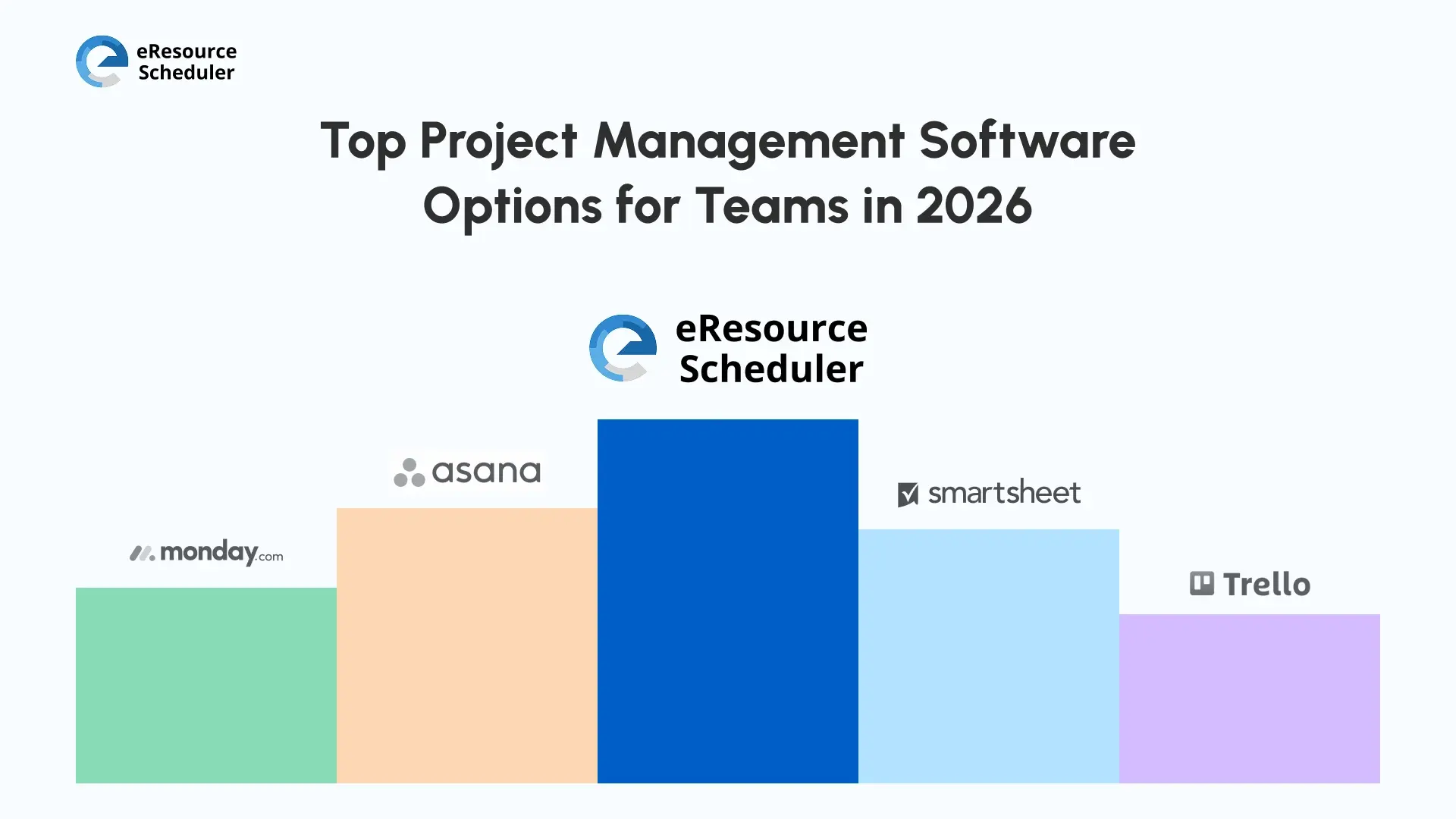
Picking a platform comes down to your team's size, complexity, and how mature your processes already are. Here's a fair look at five options worth knowing.
eResource Scheduler is built for teams that need a clear read on people, projects, and capacity without turning planning into a part-time job. It helps you align work against real availability, so you're not constantly untangling double-booked resources across projects.
Key capabilities include:
Because it's industry-agnostic, it works just as well whether you're running professional services, IT, consulting, engineering, or an internal enterprise team managing shared people across projects. You're not adapting your process to fit the tool; the tool flexes around whatever structure your team already runs on.
GoodDay is an all-in-one project management platform built to help you plan and track work without forcing your process into someone else's template. It hands you deep customization, so you can shape workflows, fields, and automations around how your team actually operates, backed by a wide library of pre-built templates when you'd rather not start from a blank screen.
Key Features:
This spreadsheet-inspired platform suits you if structured collaboration and customizable workflows matter more than flashy visuals.
Key Features:
This highly customizable workflow platform leans into visual tracking and automation to keep day-to-day coordination simple.
Key Features:
This lightweight, visual tool fits small teams running straightforward projects that don't need heavy machinery behind them.
Key Features:
You tend to outgrow your tools gradually, not all at once. The signs usually show up well before the decision feels urgent.
Watch for too many disconnected tools doing overlapping jobs, last-minute schedule changes that keep catching you off guard, limited insight into who's actually overloaded, and reporting that eats an afternoon every time someone asks for it.
Upgrading becomes worth the disruption once you're taking on more projects, more dependencies, and higher delivery expectations than your current setup was ever built to handle. Many teams turn to project portfolio management platforms at this point to get control back.
The hardest part usually isn't spotting the signs. It's admitting the tool you picked two years ago doesn't fit the team you've become since then. Teams that wait too long on this tend to end up migrating under pressure, which is a worse time to be evaluating five different platforms than right now.
Tools alone won't fix outcomes. You need consistent habits behind the software, or it just becomes another dashboard nobody checks.
Effective software project management tips come down to planning work around actual capacity, reviewing utilization trends often enough that surprises don't pile up, and adjusting timelines early instead of waiting until the deadline is already at risk.
A dedicated resource scheduler reinforces all of this by making constraints visible instead of something you find out about after the fact, when you can see who's free and when, without digging. Better decisions tend to follow on their own.
Successful delivery was never really about sticking rigidly to the original plan. It's about adapting fast as reality shifts under you. If you want to come out ahead, you need tools built for clarity, not just control.
The right project management software gives you confident decisions, sustainable workloads, and outcomes you can actually predict. It can turn how you manage software projects from constant firefighting into something closer to steady, informed leadership.
1. What is project management software?
It's the system that holds your plans, tasks, and timelines in one place instead of scattered across spreadsheets and inboxes. Most teams use it to keep everyone working off the same version of "what's happening."
2. Why do you need project management software?
Mainly so you're not finding out about problems after they've already cost you time. Without it, misalignment creeps in quietly, and "predictable delivery" turns into a guess you make every sprint.
3. Why is project management software still critical?
Work has only gotten more interdependent. One delayed task can stall three others you didn't even know were connected to it, and that's exactly the kind of thing shared visibility catches early.
4. When should you consider switching tools?
Honestly, once you notice yourself building manual workarounds just to get a straight answer on capacity. That's usually the clearest sign your current setup isn't keeping up, and tools like eResource Scheduler exist for that exact gap.
5. What features matter most for future-ready teams?
Scheduling that adjusts when priorities do, a real read on who's actually available, and reporting you don't have to assemble by hand. Skip anything that doesn't move the needle on those three.

Plan Smarter. Schedule Faster. For Free.
Join thousands already using eResource Scheduler to align teams, time, and tasks seamlessly.
 ALL FEATURES INCLUDED