Learn more
If you manage projects or operations, your week probably feels like a constant shuffle of meetings, shifting priorities and surprise requests. One person is suddenly on leave, another is pulled into a new client call and your beautifully planned timeline now lives only in your head.
At some point most teams realise that spreadsheets and chat messages are not enough to keep work moving. That is usually when they start looking at proper resource scheduling software instead of guessing who is free and who is already overloaded.
Here is the tricky part. The name of the tool matters less than the features inside it. The views, alerts and reports either help you stay ahead or quietly let double booking and burnout slip through.
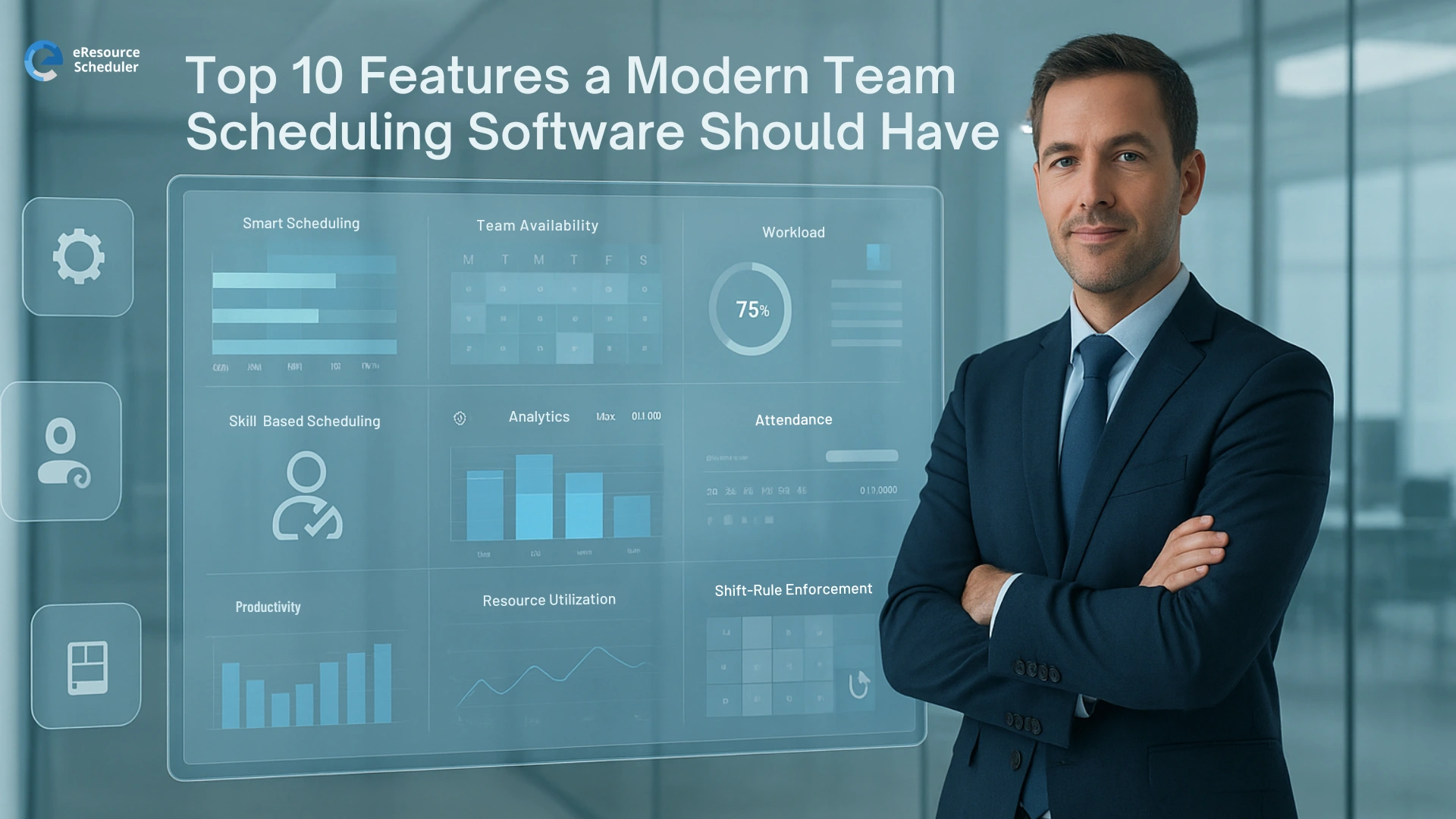
In this blog we will walk through ten resource scheduling features that actually help in real work life. Treat it like a simple checklist you can keep beside you the next time someone suggests yet another new scheduling tool.
Most teams only think about scheduling when work starts slipping and people feel double booked. Until then, it is all spreadsheets, chats and good luck.
Work keeps moving. People jump between projects, locations and time zones, often in the same week. If your schedule cannot keep up, every decision turns into a guess.
Strong resource scheduling features pull all that noise into one clear view. They show who is busy, who has room and which project actually needs attention, so your team does not feel like their time is being thrown around.
Not all tools are created equal. Two platforms can look similar on the surface yet feel completely different once you start planning real work on them. These are the features that quietly decide whether your schedule stays clear or turns into guesswork by Tuesday.
Real time availability means you can see who is actually free right now, not who was free the last time someone updated a sheet. You can spot who is on leave, who is in meetings and who has space for another task without asking five people the same question.
A good resource view should feel like a clean timeline, not a wall of tiny text. When projects and people sit on the same visual grid, you can see overlaps, gaps and crunch periods in seconds. It helps you answer the classic question, "Where did all our time go" without scrolling forever.
Assigning work only by names is risky. Skill based scheduling lets you tag people by skills, roles and seniority, then search for what you need. Instead of asking "Who can help with this" you ask "Who has this skill and a few free hours" and the system gives you options.
Plans change. A lot. When you can drag a booking from one day to another or extend it in a second, you respond to real life without restarting the plan. Instead of rewriting tasks or sending long update messages, you adjust the booking and everyone sees the new plan.
Workload views show how busy each person is across all projects, not just one. You can see who is overloaded and who still has room before anyone burns out quietly. It turns capacity planning into a quick visual check instead of a tiring guessing game.
Conflict alerts are the small warning signs that stop big headaches. When you try to schedule someone who is already booked, the system tells you before you confirm. That single alert can save a client call, a delivery date and a very awkward status meeting.
When scheduling connects to time tracking, you stop planning in pure theory. You can compare what you planned with what actually happened and adjust next time. Over a few months, your estimates become closer to reality and your resource scheduling software feels less like a guess and more like a guide.
Planned versus actual views show how much work you expected to use versus how much time really went in. If a certain type of task always runs long, you will see it. That makes future planning calmer, because you are basing it on patterns, not just hope.
Reports should turn all those bookings into a simple story. Who is close to full capacity. Which projects are eating most of the hours. Where the team might need more help. Good reporting also lets different roles pick the view they care about most, so leaders and managers are not forced to squint at the same crowded screen.
Sometimes the schedule needs a quick fix while you are in another meeting or away from your laptop. Mobile friendly access lets you approve a change, shift a booking or check a timeline on the go. It keeps work moving without turning every small adjustment into a big task.

Choosing a tool only by price or logo is an easy way to regret it six months later. A better starting point is simple. List how your teams actually plan work today and then check which tools support that flow instead of fighting it.
Look closely at how each platform handles availability, skills, approvals and handovers. If a tool makes everyday scheduling feel heavier than your current setup, it will not survive real life. This is where views for things like resource capacity planning become important, because they show whether the tool can handle busy weeks without turning into clutter.
Tools like eResource Scheduler are built as resource management software that helps teams schedule people and projects in one place, but the same logic applies to any platform. The right fit is the one that makes it easier for managers to see what is going on and easier for the team to understand what is coming next.
Before you commit, try planning one normal week inside the new system. If you can set up work, move bookings around and read the schedule without a long manual, that resource scheduling software is probably a better match than something that only looks impressive on a slide.
When scheduling works, everything else feels lighter. People know what they are working on, managers can see what is coming and projects stop feeling like a never ending rescue mission. The ten features in this list are the quiet details that decide whether your tool supports that or gets in the way.
Real time availability, clear timelines, skill based scheduling, conflict alerts and honest reporting all work together. They protect your team from silent burnout, help you use time wisely and give you cleaner conversations with clients and leaders. It is less about having a clever platform and more about having the right building blocks inside it.
Next time someone suggests a new platform, pull this list out and walk through it feature by feature. If a tool cannot handle these basics in a simple way, it will probably not make scheduling any easier for you, so book a demo and walk through a normal week of work before you decide.
1. What is resource scheduling in simple terms?
Resource scheduling is the way you decide who works on what and when. It is about matching people, skills and hours to tasks so projects move forward without overloading anyone. A good schedule makes that plan visible to everyone, not just the person holding the spreadsheet.
2. How is resource scheduling software different from a basic project tool?
Project tools often focus on tasks, dates and status updates. Resource scheduling software focuses on people and their time. It helps you see availability across projects, spot clashes and assign work based on real capacity instead of only due dates.
3. Why do resource scheduling features matter for growing teams?
As teams grow, more projects run at the same time and it becomes harder to keep track of who is busy. Strong resource scheduling features give you one place to see workload and upcoming demand. That makes it easier to plan ahead instead of reacting to every new request at the last minute.
4. How can better scheduling help with resource utilization?
Better scheduling makes it clear who is overbooked and who still has room. When you see that balance, you can shift work before problems build up. Over time this improves resource utilization because you are using people's time more fairly and more intentionally.
5. When should a team move from spreadsheets to resource scheduling software?
A team should consider moving on when the schedule only makes sense to one person or lives in too many versions. If you are constantly asking who is free, fixing double bookings or updating the same plan in several places, it is usually time for resource scheduling software that keeps everything in one shared view.

RESOURCE MANAGEMENT AND SCHEDULING
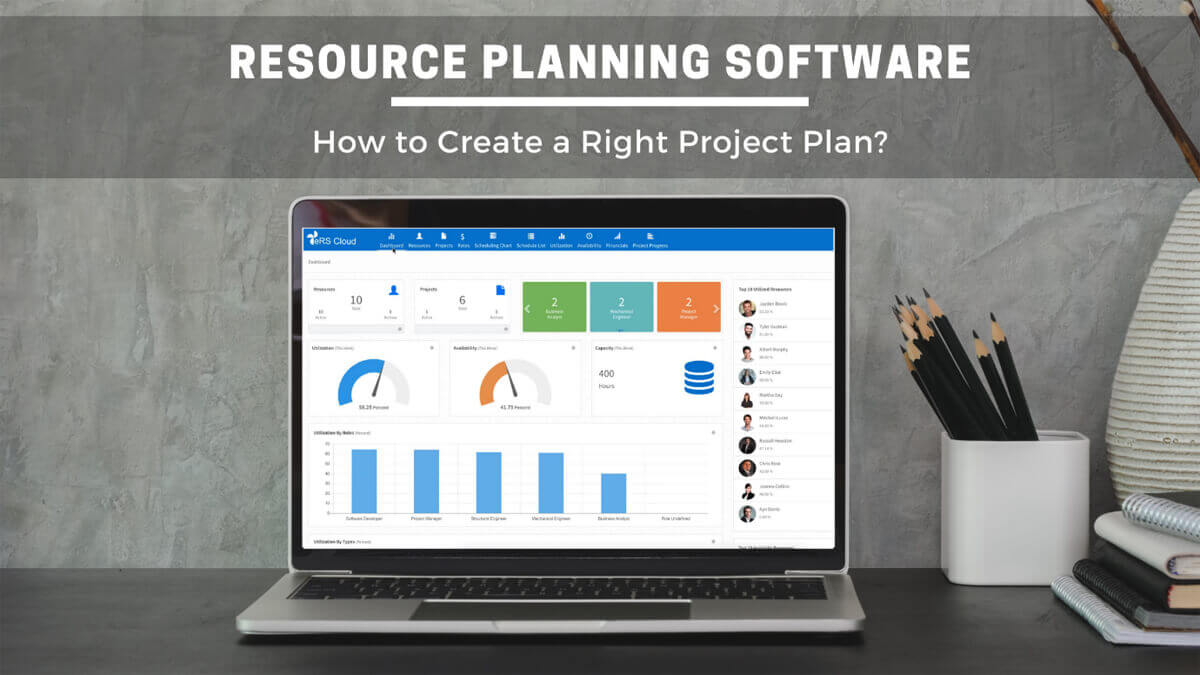
The resource planning tool helps project managers to allocate and assign people to projects when required. Such process automation tools support project managers in resource management for different projects.

Plan Smarter. Schedule Faster. For Free.
Join thousands already using eResource Scheduler to align teams, time, and tasks seamlessly.
 ALL FEATURES INCLUDED