Learn more
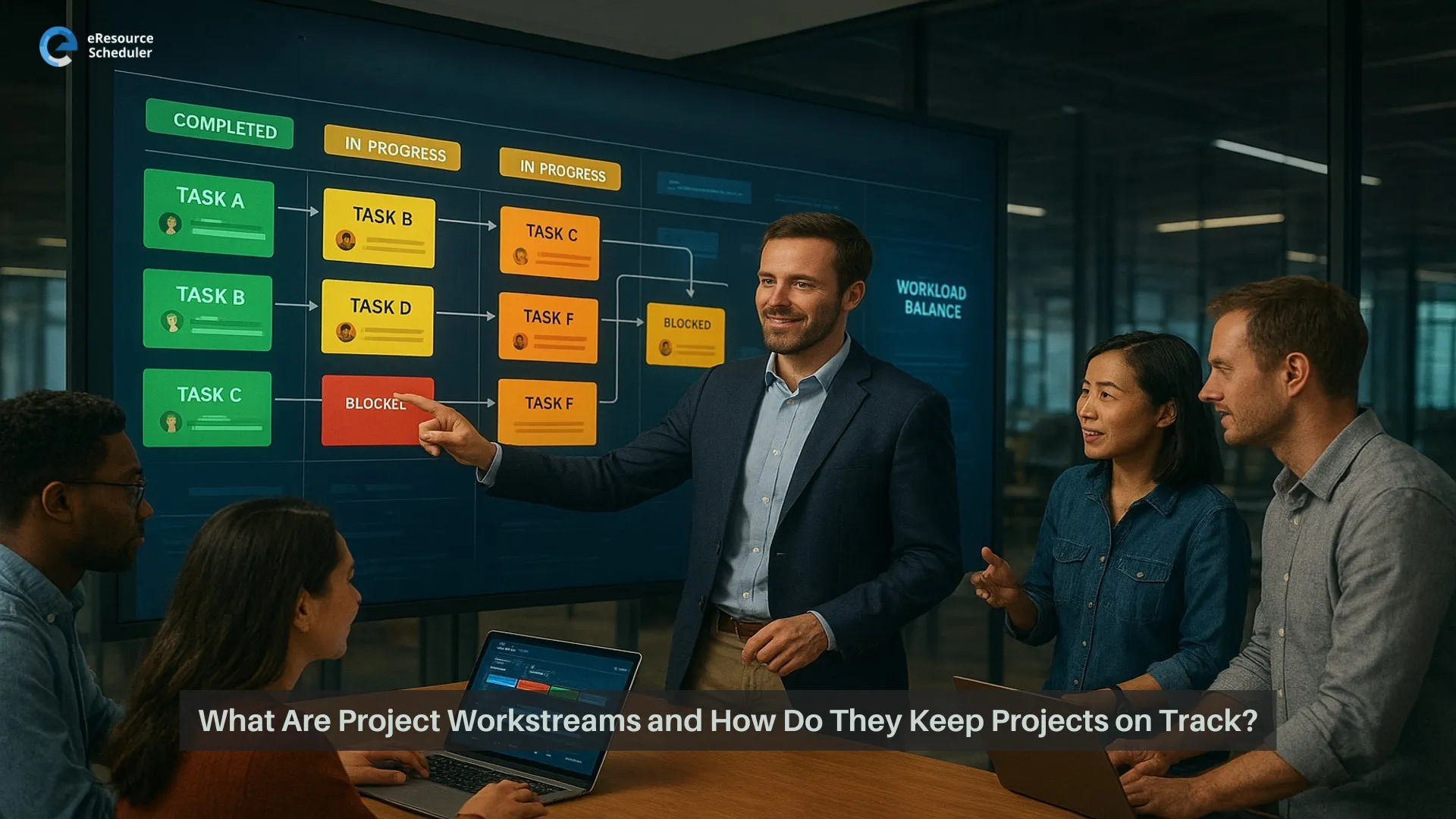
If you manage projects, you probably know this feeling. Chats blowing up. New tasks landing out of nowhere. Everyone is busy, yet in every meeting someone still asks “Okay, but who is actually doing this part.”
Most of the time your team is not the problem. The problem is how the work is flowing. Project workstreams are just the different lanes of work inside one project. When those lanes are not clear, everything turns into one big traffic jam. People work hard, but the project still feels messy.
That is where a bit of structure helps. Many teams now use resource management software to see who is doing what, when, and for which workstream, instead of guessing from random messages and spreadsheets. Once you can see your workstreams clearly, it is much easier to spot who owns what, where people are overloaded, and which parts of the plan need help.
In this blog, we will talk about what project workstreams really are, where they sit inside a project, how they show up in real projects, and how to manage them so work feels more like a plan and less like constant damage control.
You can tell a project is going sideways long before anyone admits it.
People are working late. Meetings are full. Chats are noisy. On paper, everyone is “busy.” Yet big things still slip, and nobody can explain why without telling a long story.
Typical signs:
It feels like everyone is rowing, just not in the same direction.
This usually happens when the work is real but the structure is not. The project already has streams of activity, but no one has called them project workstreams or given them clear owners and outcomes. So design is moving one way, development another, operations a third, and you are stuck in the middle trying to glue it all together in a weekly status call.
The problem is not that your team cannot collaborate. It is that they are collaborating inside invisible streams. Once you name and organise those streams, you give people a simple map. Same project, same people, less confusion.
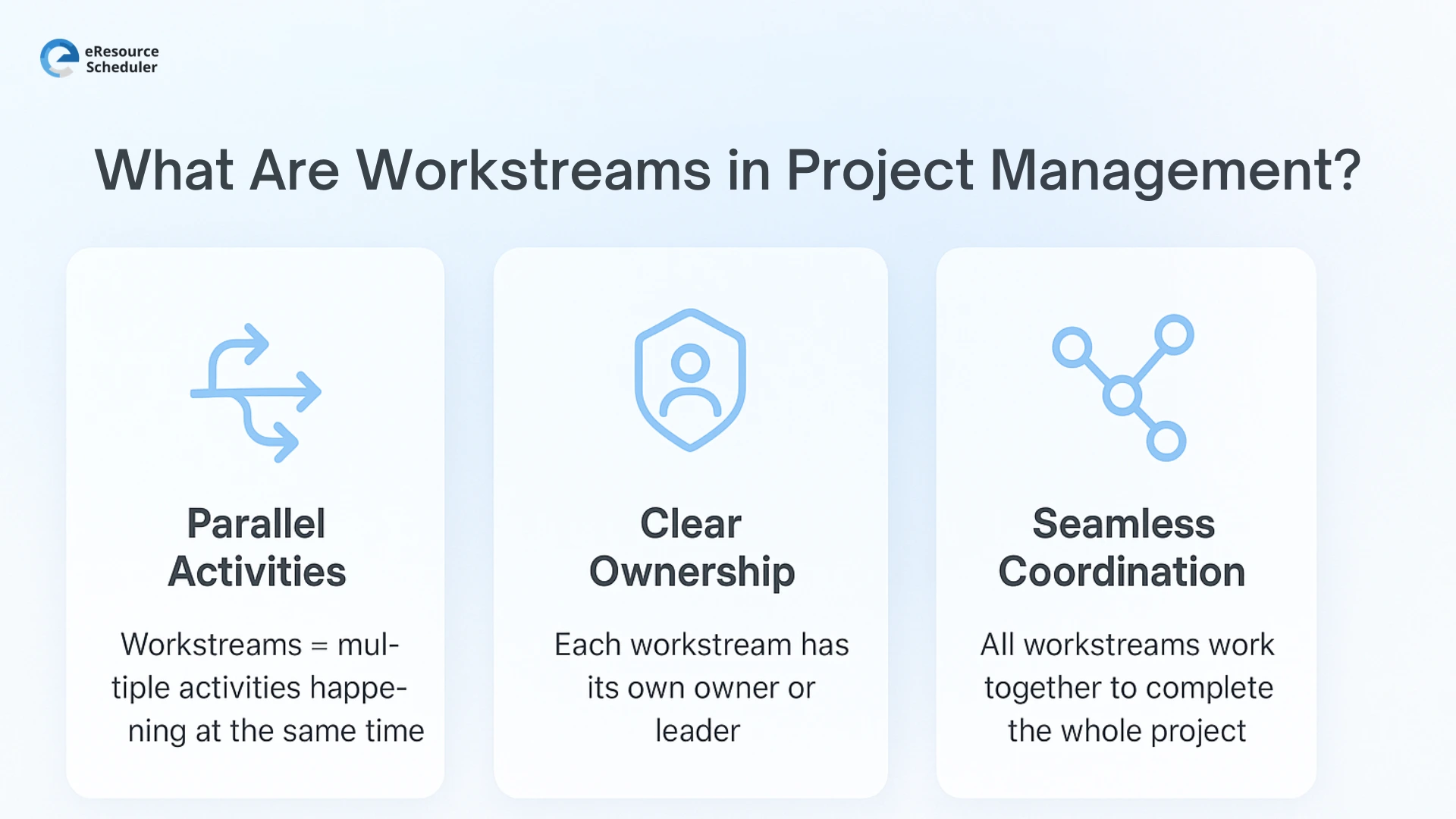
In simple words, a project workstream is one clear lane of work inside a project that leads to a specific result. Instead of mixing everything together, you group related tasks into streams like design, development, or testing, each with its own owner and mini goal.
Tasks sit inside these streams, and all the streams together complete the project. When you define project workstreams properly, it becomes much easier to see who is doing what and which part of the project is actually moving.
Think of your project as a simple stack
When you see work like this, you are not staring at one long messy task list. You can tell which chunk is behind, which one is fine, and where you actually need to step in.
Workstreams sound fancy, but they show up in everyday projects all the time. Here are a few places where you are probably already using them, just without the label.
Take a website project. It usually splits into streams like
Each of these is its own workstream. Same project, different lane. When teams treat them as separate streams with clear owners, handovers between content, design, and dev stop feeling like a lucky accident.
In film, pre production is a full workstream on its own. It covers things like
If this stream is weak, the whole project feels shaky. When it is managed as a proper workstream, everyone knows what must be ready before day one on set.
Production is another clear workstream. Here you are dealing with
This stream is all about getting the right people, gear, and scenes in the same place at the same time. A simple workstream view helps you spot double bookings before they blow up the day.
Post production forms its own workstream as well. It usually includes
This stream often runs alongside marketing and release plans. When post production is treated as a clear workstream, feedback, versions, and deadlines are easier to control instead of turning into an endless loop.
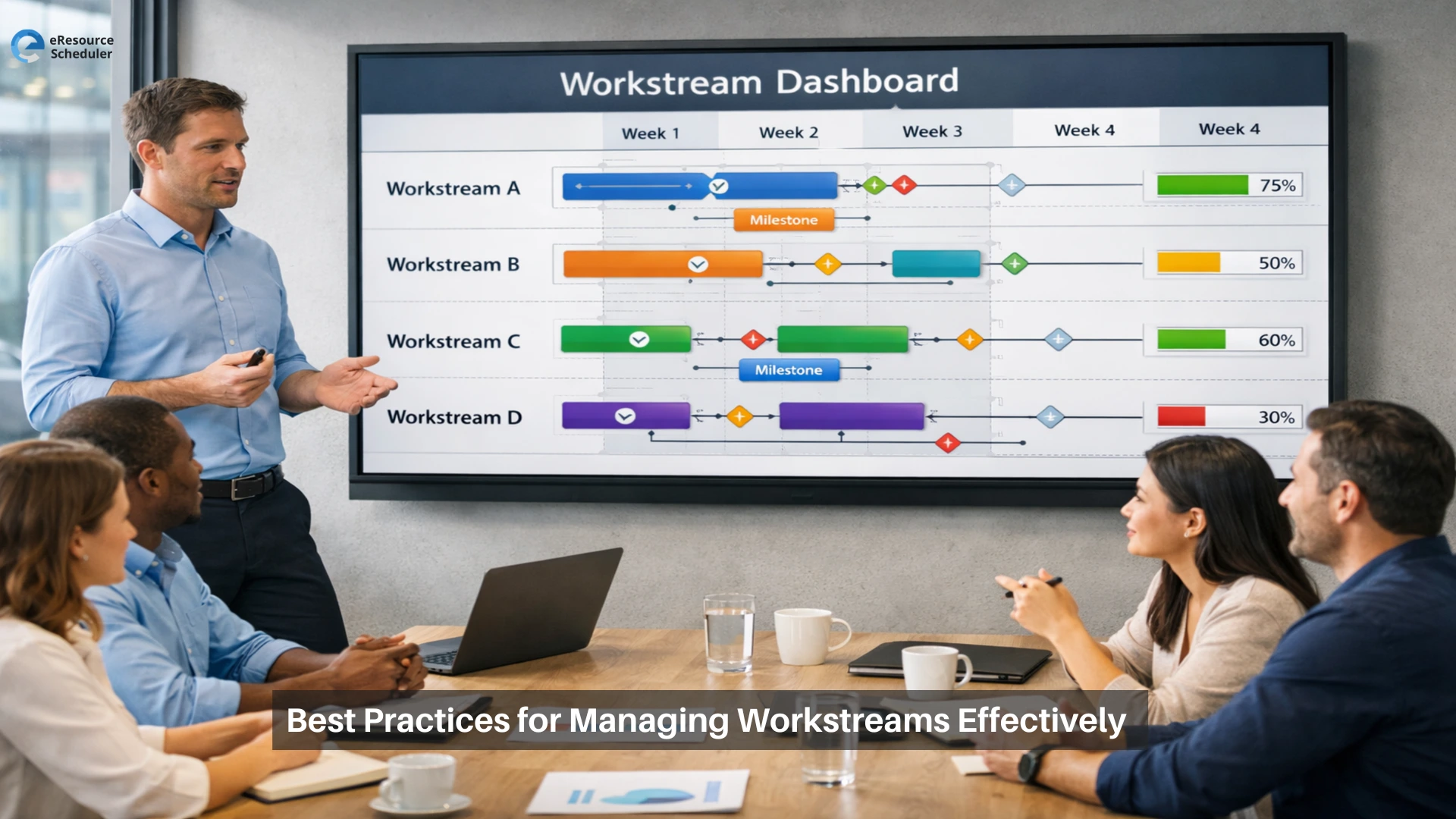
Once you can see your workstreams, the next step is running them in a way that feels calm, not constantly on fire. Here are a few simple habits that make a big difference.
Start simple. Give every workstream a real name, a clear goal, and one owner. Write down what “done” means for that stream and the few main steps to get there. When people can point to a short, direct plan instead of guessing from memory or old chats, updates get faster, handovers are cleaner, and it is much easier to see what is moving and what is stuck.
Look at your workstreams next to your people, not in separate worlds. Notice who is pulled into too many streams and who has room to help. This is where good resource capacity planning matters, because it shows how much work each person can take on before you promise new dates or say yes to another project.
Instead of long status meetings that jump all over the place, walk through each workstream one by one. What moved, what is stuck, and what needs a decision. Keep one shared board or view so anyone can quickly see which streams are healthy and which ones need attention, even without a meeting.
Let simple automation do some of the boring work. For example, updates that change a status when a task moves, or alerts when a workstream has not progressed in a while. Then review results by workstream, not just by project, so you can see which parts regularly take more time and fix those patterns on the next project.
eResource Scheduler is resource management software that helps project teams turn scattered tasks and half updated sheets into clear project workstreams they can actually see and manage. Instead of guessing who is doing what, you get one simple view of people, bookings, and workstreams across all your projects.
You can map each workstream, add the tasks that sit inside it, and see which people are booked where before you promise new dates. Timesheets show how long work really took, and reports by workstream make it easy to spot which parts of a project usually run heavy on time or budget. The idea is simple. Same projects, same people, but a much clearer picture of how the work is flowing.
Project workstreams are just clear lanes of work, but once you name them and manage them properly, your projects stop feeling like “everyone is busy but nothing is actually done.” You can see who owns what, which part is stuck, and where to send help without turning every status call into a long story.
If you want to see what your own project workstreams really look like, load one live project into eResource Scheduler and let your team play with it.
Start a 14 days free trial and map your real workstreams to see how different your projects feel when the work finally has a clear path.
1. What is a workstream in project management?
A workstream is one clear lane of related work inside a project, like design, development, or testing. Each workstream has its own mini goal and tasks, and when all the streams move forward, the full project moves forward with them.
2. How is a workstream different from a task in a project?
A task is a single to do, like “write homepage copy” or “test payment flow.” A workstream is the bigger bucket that task belongs to, such as “content” or “QA.” Tasks are the small steps, workstreams are the main chunks of work that keep the project organised.
3. How many workstreams can a project have?
There is no fixed number, but most projects work best with a handful of clear workstreams, not twenty tiny ones. If you have so many workstreams that nobody remembers their names, you probably need to merge a few into bigger, simpler lanes.
4. How to manage multiple workstreams across teams?
You manage multiple workstreams by giving each one a clear owner, a simple plan, and a shared place to track progress. Then you look at all the streams together to see who is overloaded, which stream is stuck, and where you need to shift people or timelines before things slip.
5. How do I start using workstreams on my project?
Pick one live project, list out all the big areas of work, and turn those into 3 to 6 named workstreams. For each one, write a short goal, add the key tasks, and assign an owner. Even this basic setup makes updates easier and gives your team a simple map to follow instead of a long list of random tasks.


Plan Smarter. Schedule Faster. For Free.
Join thousands already using eResource Scheduler to align teams, time, and tasks seamlessly.
 ALL FEATURES INCLUDED