Learn more
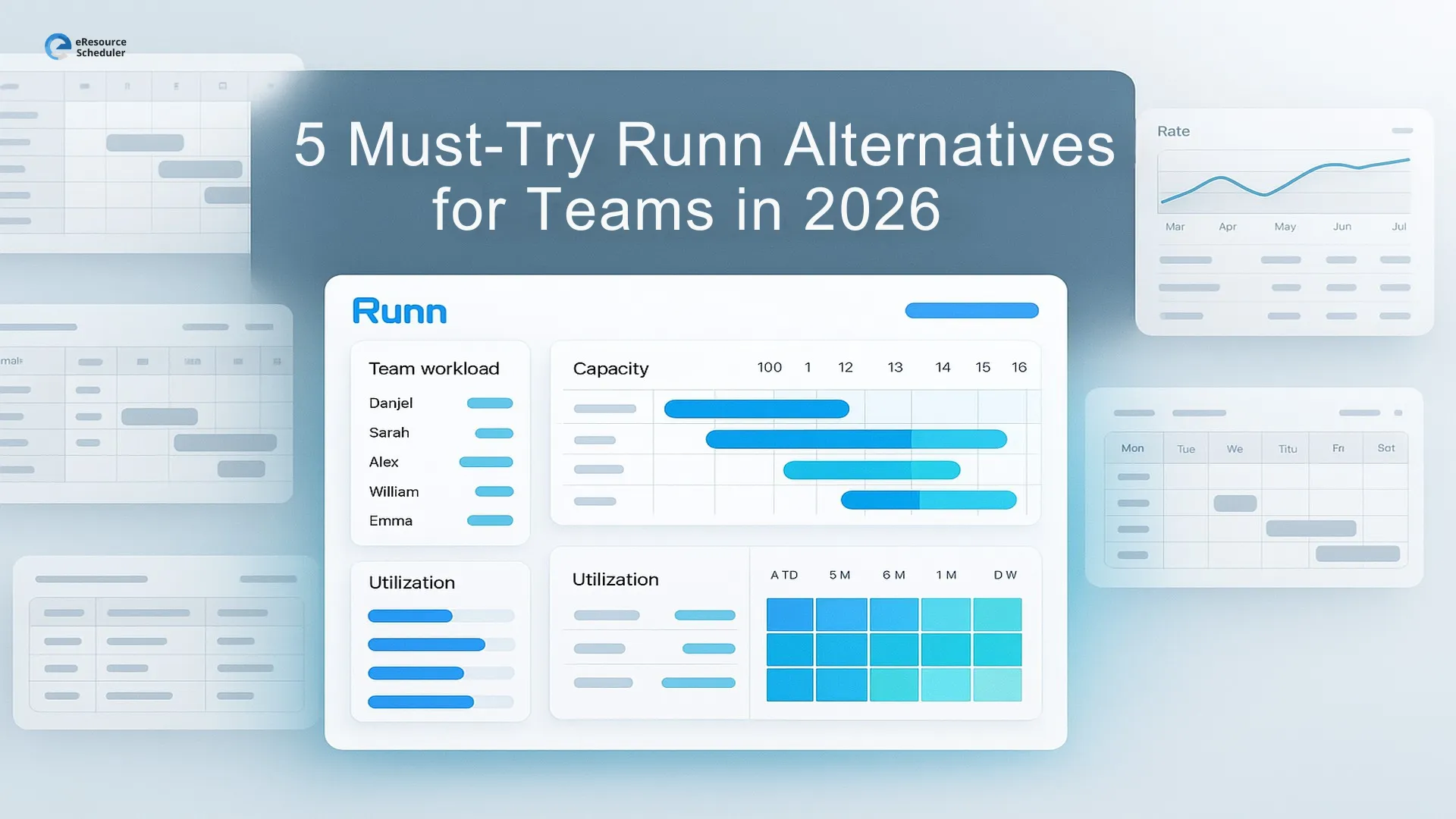
If you have been using Runn for a while and feel like your planning still needs “a little something extra,” you are not the only one. Most teams reach this point naturally. The work gets busier, projects overlap, and suddenly your schedule needs more depth than what a simple timeline can offer. That is usually when teams start exploring Runn alternatives to see which tools can support a more dynamic way of working.
The good news is that the market is full of platforms built for real project scenarios, not just neat visuals. Some provide stronger capacity forecasting, others offer richer reporting, and a few simply feel easier for everyone on the team to use without extra explanation. And if you are already reviewing resource management software, this comparison will give you a clear picture of what else is worth your attention.
In this guide, we walk through the options teams genuinely find helpful, so you can choose a tool that fits the way your work actually operates behind the scenes.
Runn is generally known for its clean interface and straightforward resource scheduling. But as teams grow, the gaps become more noticeable. After reviewing real user feedback, comparison threads, and common switching reasons, here are the factors that typically push teams to explore Runn alternatives:
If your planning needs fall into any of these categories, exploring Runn alternatives becomes the natural next step.
Before diving into new platforms, it helps to step back and look at what your team actually needs from a resource planning software. Many alternatives look similar on the surface, but only a few align with how modern teams operate. A simple evaluation lens keeps the search focused.
Think of this as your filter for must haves. If a tool cannot handle these, it will feel limiting the moment your workload grows.
Teams usually look for:
When these core pieces are strong, planning becomes far more reliable.
Once the basics are covered, the next question is simple: Will this still work for us as we grow.
This is where teams often see real differences between platforms.
Long term fit usually depends on:
If a tool checks both layers, it belongs on your shortlist of Runn alternatives.

If you need stronger reporting, deeper forecasting, or a tool that adapts better as your workload expands, these options are worth exploring. Each one brings a different strength to the table, depending on the size of your team and the kind of work you manage.
eResource Scheduler is a strong fit for teams that deal with complex planning, multiple roles, and a mix of resources. It delivers deeper utilization insights and offers a level of configurability that helps teams shape the system around their real workflow. Instead of adjusting how you operate, the tool adapts to the way your organisation already works.
Key features:
Teams that want more control and visibility usually find this a meaningful upgrade from Runn.
A good option for teams that want a blend of project management, task organisation, and resource visibility in one system. It works especially well for growing teams that need more structure than a basic planner without jumping into overly complex enterprise tools.
Key features:
GoodDay suits teams that want a broader work-management ecosystem and prefer flexibility in how work is structured.
Works well for mid-to-large teams that handle fast-moving projects and require both collaboration and resource visibility. It is a favourite in marketing, PMOs, and enterprise teams because it layers task management, approvals, automation, and resource planning in one place.
Key features:
Wrike shines when you need more operational control, not just scheduling but also execution, collaboration, and project governance.
It is a natural option for professional services firms. It brings together scheduling, financials, margins, and project tracking in one ecosystem. If your leadership often asks for utilization data, revenue projections, or margin insights, this tool offers more depth than most simple planners.
Key features:
The depth is powerful but can feel heavy for teams that do not need financial reporting connected to every project.
It suits teams that prefer a spreadsheet-like workspace but still need a bit more structure for projects and resources. It gives you flexible views and simple workflow rules without requiring a complete shift to a specialised scheduling platform.
Key features:
It works best for teams that value customisation even if it means more setup in the beginning.
Teams rarely switch tools because of one big issue. It usually starts with planning feeling heavier than it should. Maybe forecasting feels too shallow, or reporting does not give leadership enough clarity. Sometimes it is the day to day friction of maintaining schedules across locations, roles, or shifting workloads. When these small gaps keep showing up, it is a sign that your planning system may not be keeping up with the way you work.
A simple way to confirm this is to test a new tool with real work. Set up one upcoming project, assign your team, and check how quickly you can understand workload, availability, and the weeks ahead. If the tool feels easier, offers deeper visibility than basic capacity planning tools, and your team warms up to it naturally, you will know you are moving in the right direction.
Choosing the right alternative is less about finding the tool with the longest feature list and more about choosing the one that matches the way your team works. If your projects are getting bigger, your schedules shift more often, or your team needs clearer visibility into workload and capacity, exploring Runn alternatives becomes a practical next step. The options we covered fit different types of teams, but each one offers more depth and flexibility than a simple timeline can provide.
The easiest way forward is to test a tool with your real workload and see how quickly it helps your team make better decisions. When planning starts feeling lighter and more predictable, you will know you are in the right place.
Not sure where to begin your search for Runn alternatives? Tell us what your team needs and we’ll help you explore the right fit. Or jump in and try it yourself free for 14 days to see how planning feels when it actually works for you.
1. What is the best Runn alternative for growing teams?
It depends on how complex your planning has become. Teams that manage multiple roles, skills, or shared resources usually prefer tools with stronger forecasting and reporting. If your workload changes often or you need deeper visibility into utilization, a more configurable platform will feel like a better fit.
2. Why do teams look for tools instead of Runn?
Most teams switch when they need more visibility than a basic timeline provides. This can happen when projects overlap, schedules change frequently, or leadership wants clearer insight into workload, utilization, or future capacity. At that point, a more flexible planning tool becomes easier to manage.
3. Is it easy to move from Runn to another tool?
Yes. Most platforms offer import options that let you bring in people, projects, roles, and availability. You may need a short setup period to match fields or adjust workflows, but the shift is usually straightforward when you start with one active project.
4. Do Runn alternatives work well for remote or hybrid teams?
Many of them do. The stronger tools offer clear views of availability, time zones, and workload across locations. If your team is distributed, look for platforms that handle different schedules without requiring manual updates every week.
5. How should I test a new tool before switching?
Set up one real project with your actual people and timeline. Check how quickly you can see workload, future demand, and potential bottlenecks. If the tool gives you more clarity than basic capacity planning logic and your team adapts without much explanation, you have likely found a good match.

Plan Smarter. Schedule Faster. For Free.
Join thousands already using eResource Scheduler to align teams, time, and tasks seamlessly.
 ALL FEATURES INCLUDED