Learn more
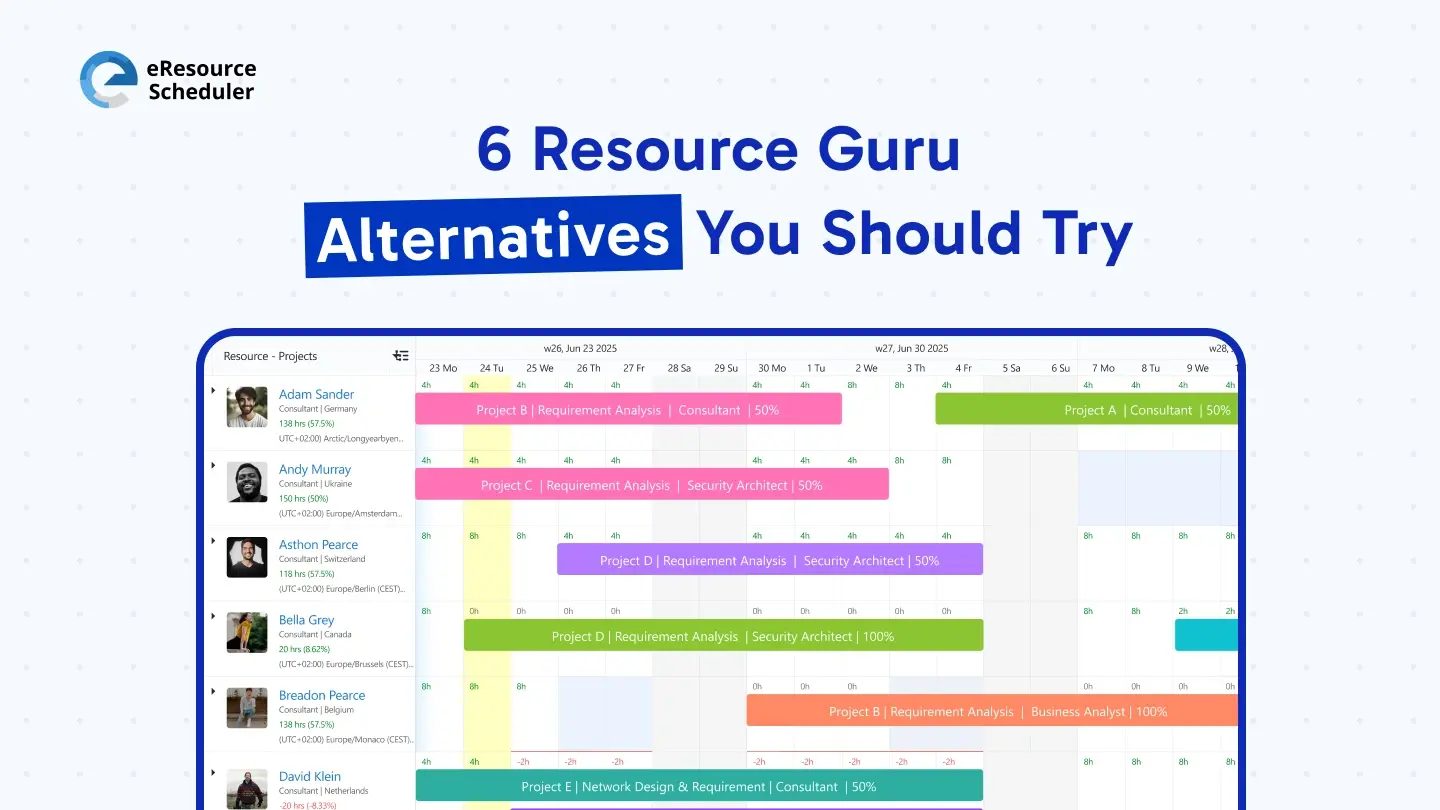
If you are evaluating Resource Guru alternatives, the verdict is that something in your setup is limiting your growth. It may be fragmented visibility. It may be reactive capacity planning. Or the leadership just wanted explicit answers and not spiraling mazes. Whatever the reason, the positive development is that teams have access to more mature, flexible options than ever before.
Managers looking for alternatives are not searching for more feature checklists. They want transparency. They want fewer surprises. They want an authentic recipe of who is doing what, when, and at what cost. That is where modern resource management software adds a distinct flavor to decision-making.
While Resource Guru works for basic scheduling, many growing organizations hit friction as complexity increases. Planning multiple projects, tracking actual effort, and weaving schedules back to financials often requires more than availability blocks on a calendar.
Managers usually start questioning their tool when:
At this stage, teams begin searching for Resource Guru software alternatives that give a broader, more connected view of resources, projects, and outcomes.
Switching tools is not just a software decision. It is a workflow decision. Before reviewing the best alternatives for Resource Guru, it helps to align internally on what matters most.
Key questions managers should ask include:
The answers shape which platform will actually fit your work environment.
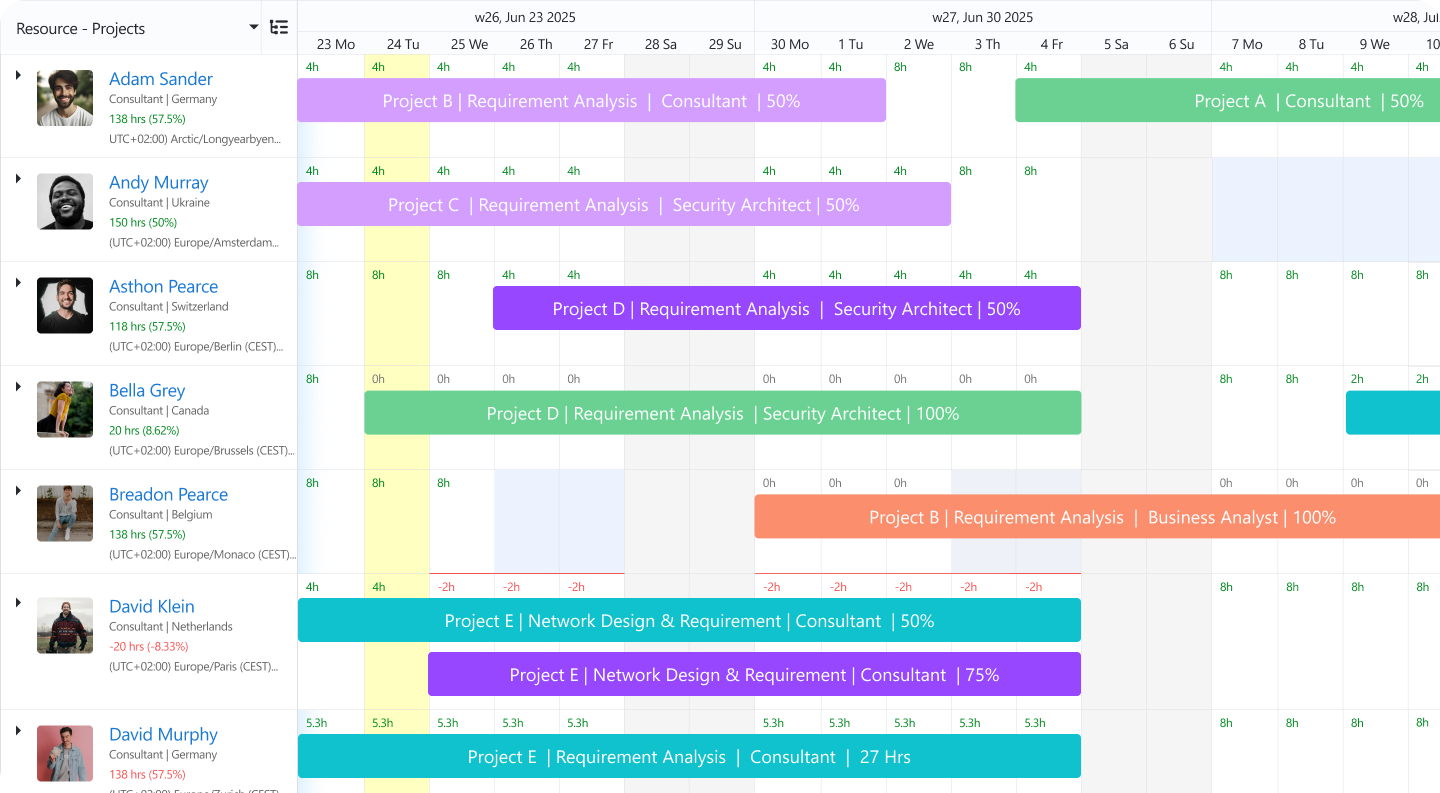
eResource Scheduler is the top choice for teams that want planning to reflect reality, not just intent. Managers can see who is available, who is overallocated, and how changes affect delivery across projects.
Key strengths include:
For organizations that need planning, tracking, and reporting to work in sync, this option often feels more complete than basic scheduling tools.

Designed for professional services teams, this tool focuses on scheduling, capacity planning, and utilization tracking across projects.
Why teams consider it:
Why do some move on:
It remains relevant for certain use cases but is often compared alongside broader platforms.
Shortlisted when teams want a clean interface and quick setup. It focuses on visual resource scheduling and works well for creative agencies and small or medium-sized firms.
Where it works best:
Where teams sometimes outgrow it:
A reasonable choice when simplicity is the top priority, but growing teams often need more depth over time.
Evaluated by professional services firms that need strong financial and utilization tracking tied to delivery. It combines project management, resource planning, and financial oversight.
Strengths include:
Challenges some teams face:
This tool can feel overwhelming for teams that want faster planning cycles.
Appeals to teams that enjoy spreadsheet-style flexibility with added collaboration features. It is often used as a hybrid planning tool across departments.
Works well when:
Limitations to consider:
For organizations that already live in spreadsheets, this tool feels familiar but may require discipline to maintain clarity at scale.
Another tool focused on resource scheduling and utilization for agencies and development teams.
Its strengths include:
Areas that may feel limited:
Effective for basic resource coordination, but scaling teams often seek deeper insight into forecasting, financial impact, and cross-project planning.
There is no one-stop solution. The right choice depends on how your organization plans work, measures success, and adapts to change.
A practical approach is to shortlist two or three platforms and test real scenarios:
Teams that value clarity across planning, execution, and reporting often gravitate toward software like eResource Scheduler because it connects these elements without unnecessary complexity, and all in a single dashboard.
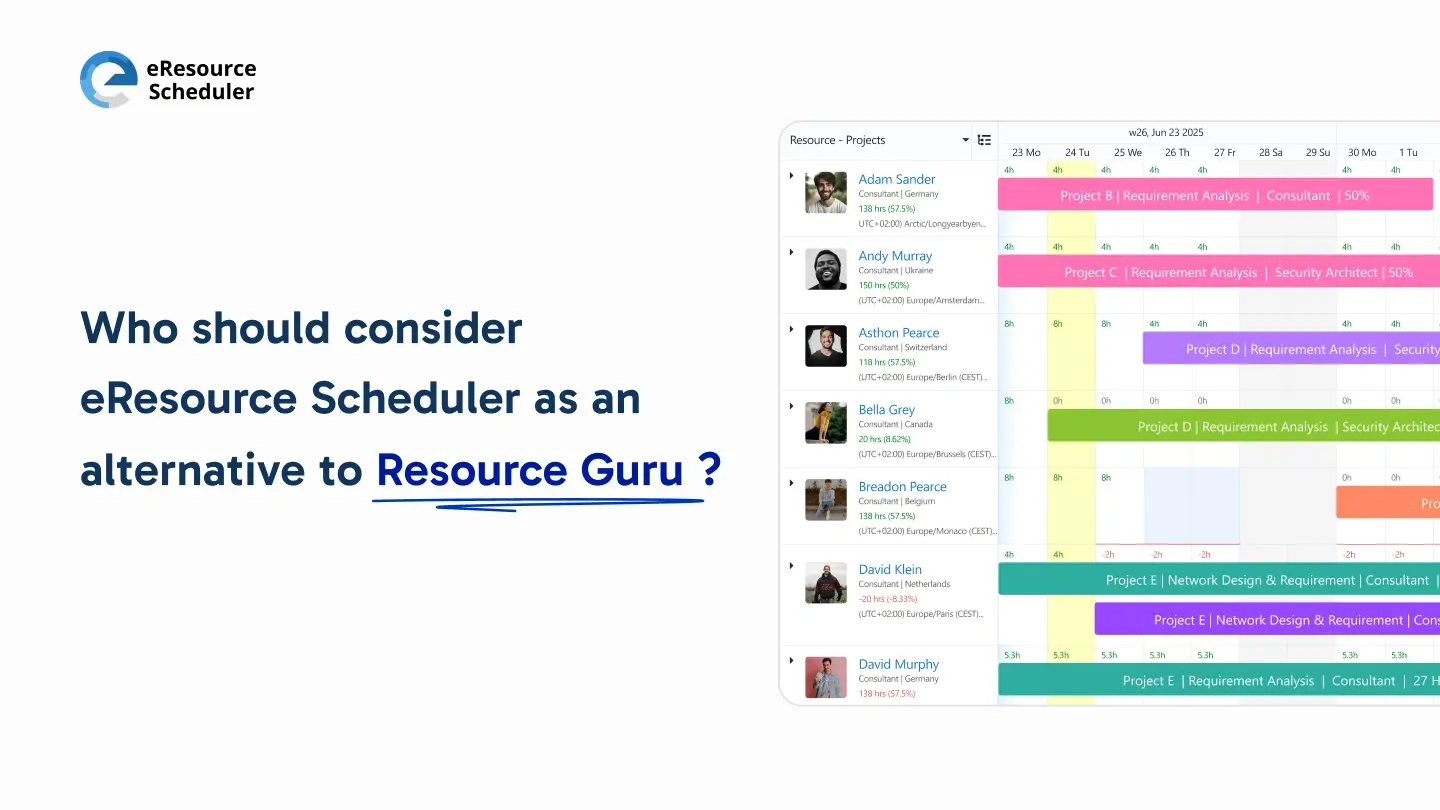
eResource Scheduler is often chosen by teams that want clearer visibility into people, projects, capacity, and financials without turning resource scheduling into an administrative burden. It is designed for organizations that manage shared resources across multiple initiatives and need confidence in both short-term schedules and long-term forecasts.
Unlike tools that focus only on task tracking, this resource management software is like a gauntlet carrying infinity stones. It plans around people and availability, while still connecting work back to timelines, costs, and outcomes. Teams use it to balance workloads, manage timesheets, review financials, generate management reports, and plan capacity with fewer assumptions.
It is also industry-agnostic, which makes it suitable for professional services, IT, engineering, marketing, consulting, healthcare, and internal enterprise teams.
You can explore how this approach fits into broader resource scheduling strategies through related planning and utilization guides across the site.
Exploring the top 6 Resource Guru alternatives is less about replacing a tool and more about improving how decisions get made. In 2026, managers need systems that report reality, support growth, and reduce planning guesswork. The right platform will feel less like software and more like a shared source of truth.
Start with what your team struggles with today, and let that guide your evaluation.
Request a demo of eResource Scheduler to see how planning feels when
visibility improves.
1. What are the best Resource Guru alternatives?
The best alternatives depend on how your team plans work and makes decisions. Tools like eResource Scheduler, Float, Kantata, Smartsheet, Mavenlink, and Teamdeck are commonly evaluated because they address gaps around capacity planning, utilization visibility, reporting, or financial alignment that basic scheduling tools may not cover.
2. Why do teams switch from Resource Guru?
Teams usually start looking elsewhere when scheduling alone is no longer enough. As projects overlap and teams grow, managers need clearer insight into workload balance, actual effort through timesheets, future capacity, and how plans affect delivery timelines and costs.
3. Is eResource Scheduler suitable for non-IT teams?
eResource Scheduler is industry-agnostic and works well for consulting, marketing, engineering, operations, healthcare, and internal enterprise teams. Any team managing shared resources across multiple projects can benefit from its planning, reporting, and capacity views.
4. Do Resource Guru alternatives support financial tracking?
Not all alternatives offer financial visibility. Some platforms focus mainly on scheduling, while others, such as eResource Scheduler and Kantata, connect resource plans with financials, helping managers understand cost impact, utilization trends, and future forecasting with more confidence.
5. How long does it take to evaluate a new resource planning tool?
Most teams can get meaningful insights within two to four weeks. Running real projects, logging timesheets, reviewing utilization, and sharing management reports during a trial period usually reveals whether the tool fits actual workflows and decision-making needs.

Plan Smarter. Schedule Faster. For Free.
Join thousands already using eResource Scheduler to align teams, time, and tasks seamlessly.
 ALL FEATURES INCLUDED