Learn more
Your team is booked solid, projects keep stacking up, and every new tool on the market promises “clarity” and “control”. What you actually care about is simpler: is this platform helping you hit deadlines and protect margins, or is it just another subscription on the credit card?
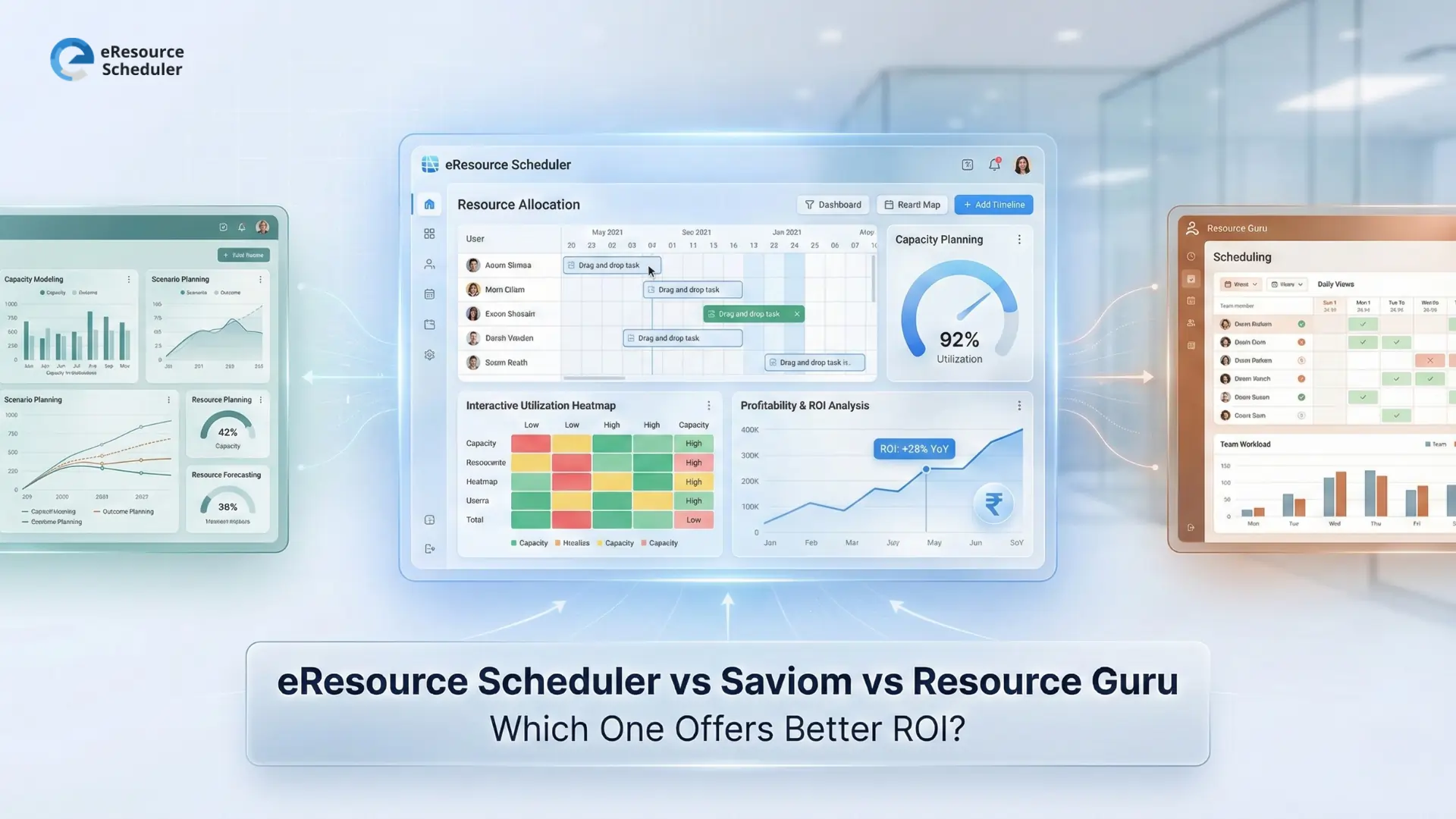
For project managers and operations heads in the U S, eResource Scheduler vs Saviom vs Resource Guru is a common short list when you start looking beyond spreadsheets. All three sit in the same world of modern resource scheduling software that claims to fix overbooking, underutilisation, and endless status meetings. In 2026, when budgets are tighter and hybrid teams are the norm, that promise has to translate into measurable ROI, not just a cleaner schedule view.
This guide looks at how each tool turns scheduling, utilisation, timesheets, and reporting into real financial value. Instead of scrolling through marketing claims, you will see where each platform tends to fit best, what costs sit behind the subscription price, and how to think about ROI over the next two to three years, not just the first month.
When you buy a resource tool, ROI is not just “did we like the UI”. It’s much simpler: does this platform help you earn more or save more than it costs to run? In practical terms, resource scheduling ROI is the balance between:
The subscription fee is only the visible line item. The real cost includes things like:
A resource management software delivers solid ROI when it reduces this operational drag while giving leaders earlier, clearer insight into capacity, utilisation, and project margin. The more reliably it does that, the more it justifies its price over a two-to-three-year window, not just the first billing cycle.
Before getting into ROI, it helps to see how each tool is positioned and what kind of value it’s built to deliver.
| Tool | Positioning | Best for | ROI strengths | Trade-offs in practice |
|---|---|---|---|---|
| eResource Scheduler | eResource Scheduler is a resource management software with highly configurable scheduling, utilisation, timesheets, financials, and reporting in one place | Multi-project organisations, professional services, IT, engineering, agencies, and multi-office or multi-country teams | Connects scheduling, capacity, planned vs actual hours, and cost data so leaders can protect utilisation and margins with fewer surprises | Needs some initial setup, but the structure and flexibility are built to scale with team size and complexity |
| Saviom | Resource management with custom modelling, scheduling, and forecasting | Large enterprises with complex hierarchies, specialised planning teams, and formal governance | Strong when you need highly tailored scenarios and are ready to invest in process, change management, and dedicated owners | Higher implementation and configuration effort; often more platform than mid-sized teams realistically want or will fully use |
| Resource Guru | Resource Guru is a simple, visual scheduling board for people and shared assets | Smaller to mid-sized teams, especially creative, marketing, and agency environments | Quick win for basic "who's booked, who's free" scheduling and reducing double-booking | Lighter on deep capacity planning, timesheets, and financial controls, so teams often rely on extra tools around it |
When teams narrow down between eResource Scheduler, Saviom, and Resource Guru, they are usually deciding what they want one platform to own versus what stays in other systems.
In practice, the pattern often looks like this:
If the main goal is a straightforward scheduling board to see who is booked or free today, and the team is comfortable keeping timesheets and financials in other tools, they often look at options like Resource Guru.
If an organisation has very complex structures and formal governance, with a dedicated team to design and maintain planning processes, they may explore platforms like Saviom that offer deep configuration and modelling.
If the priority is to have one system that connects scheduling, utilisation, planned vs actual hours, and basic financial views across multiple projects and teams, they usually focus more closely on tools like eResource Scheduler that are built to keep those pieces in one place.
| Aspect | eResource Scheduler | Saviom | Resource Guru |
|---|---|---|---|
| Scheduling & capacity visibility | eResource Scheduler is built as a central scheduling software with configurable people, project, and role views, so teams see clashes, capacity vs demand, and cross-team utilisation in one place. | More oriented to enterprise-wide planning and scenario modelling across business units, typically where a central planning function owns configuration. | More focused on a simple visual schedule for day-to-day bookings; when teams need deeper capacity planning, they usually handle it outside the tool. |
| Utilisation across teams | Designed to monitor utilisation and availability across teams, roles, and locations, helping leaders rebalance workloads before overbooking or bench time appears. | Can surface utilisation trends as part of broader enterprise resource planning when organisations define and maintain the right reporting setups in Saviom. | Provides a clear view of who is booked or free; detailed utilisation patterns are generally analysed in separate reports or systems around Resource Guru. |
| Timesheets & planned vs actual | Links schedules with built-in timesheets so hours are logged against the same bookings. This makes planned vs actual effort visible for projects, clients, and roles. | Time-related workflows are possible where teams choose to implement them as part of a wider resource management setup, depending on how Saviom is configured. | Often used alongside separate time-tracking tools or add-ons, which means actual data is typically spread across more than one system. |
| Financial & ROI insight | Connects hours with rates to support margin and cost views, giving project leads earlier signals on financial impact instead of waiting for month-end reports. | Used in environments that run financial and capacity scenarios at an enterprise level when organisations design those models inside Saviom. | Usually relies on other systems for detailed financial and ROI reporting, with schedule data from Resource Guru exported or connected as needed. |

Once you have a rough idea of how each tool is priced, the next step is to look at where they actually fit best in real teams, who should choose what, and what that means for day-to-day ROI.
eResource Scheduler
Uses a module-based pricing model. You pay for the modules you actually need (like scheduling, timesheets, financials), so cost grows with how much of the product you decide to use.
Saviom
Usually sold on a custom, quote-based model. Pricing depends on how big the rollout is and how much configuration the organisation wants.
Resource Guru
Typically offered on subscription tiers, mostly based on how many people or resources you want to schedule.
For buyers, the real comparison is:
“Will this one tool cover scheduling, utilisation, time tracking, and basic financial views or will I need extra tools (and extra budget) to fill those gaps?”
At this point, the question is less “which tool is better” and more “which tool matches how we actually work?”
Choose eResource Scheduler if:

Choose Saviom if:
Choose Resource Guru if:
Here’s a short snapshot of where each tool usually delivers the clearest ROI:
| Tool | ROI focus in one line | Works well when… |
|---|---|---|
| eResource Scheduler | Turns scheduling, utilisation, timesheets, and basic financial views into one system, so teams see workload and margin impact together. | You run multiple projects and care about utilisation, planned vs actual hours, and profitability across teams. |
| Saviom | Supports enterprise-wide planning and scenario modelling when organisations invest in configuration and governance. | You have a central planning/PMO team and complex, multi-entity structures. |
| Resource Guru | Helps teams quickly see who is booked or free and reduce basic scheduling clashes. | You mainly need a simple schedule board and are comfortable handling detailed utilisation and financials in other tools. |
In this eResource Scheduler vs Saviom vs Resource Guru comparison, the ROI question really comes down to what you expect one platform to handle for your team.
If you want one system that connects scheduling, utilisation, timesheets, and basic financial views across multiple projects and locations, eResource Scheduler usually fits best because it shows how planned vs actual effort and rates affect workload and margins in the same place.
Saviom tends to suit larger enterprises that prioritise deep scenario modelling and have a central team to own configuration, while Resource Guru works better when you mainly need a simple schedule board and are comfortable keeping detailed utilisation, time, and profit tracking in other tools.
If you want to see how this plays out with your own projects, you can start a 14-day free trial of eResource Scheduler (no credit card required) or book a demo and walk through your real scenarios live.
1. How should we calculate resource scheduling ROI in 2026?
You calculate resource scheduling ROI by comparing the value you gain (more billable hours, fewer write-offs, less overtime) against the total cost of the tool and the time spent running it. A simple way is to track these numbers for a few months before and after implementation and see if profit and utilisation improve.
2. What hidden costs should we review before buying a resource tool?
Check how much time your team will spend on setup, training, cleaning data, and updating schedules. Also look at extra tools you may still need for timesheets, reporting, or financials, and any ongoing manual work in spreadsheets or exports.
3. When does it make sense to move from spreadsheets to a scheduling tool?
It makes sense to move when you can’t answer “who is available and when” without opening several files or asking multiple people. Frequent double-bookings, last-minute reshuffles, and no clear view of capacity a few weeks ahead are strong signs that spreadsheets are no longer enough.
4. Why do different tools show different utilisation numbers?
Different tools use different rules for what counts as “available” time. For example, some include holidays, non-billable work, or admin time, and others don’t. If utilisation numbers don’t match, it’s usually because the working hours, calendars, and billable rules are set up differently in each system.
5. How can we test ROI before signing a long-term plan?
Run a short pilot with real projects and a small group of users. During that period, track simple metrics like utilisation, overtime, rescheduled work, and planned vs actual hours, then compare them to a similar period before using the tool to see if results genuinely improved.

Plan Smarter. Schedule Faster. For Free.
Join thousands already using eResource Scheduler to align teams, time, and tasks seamlessly.
 ALL FEATURES INCLUDED