Learn more
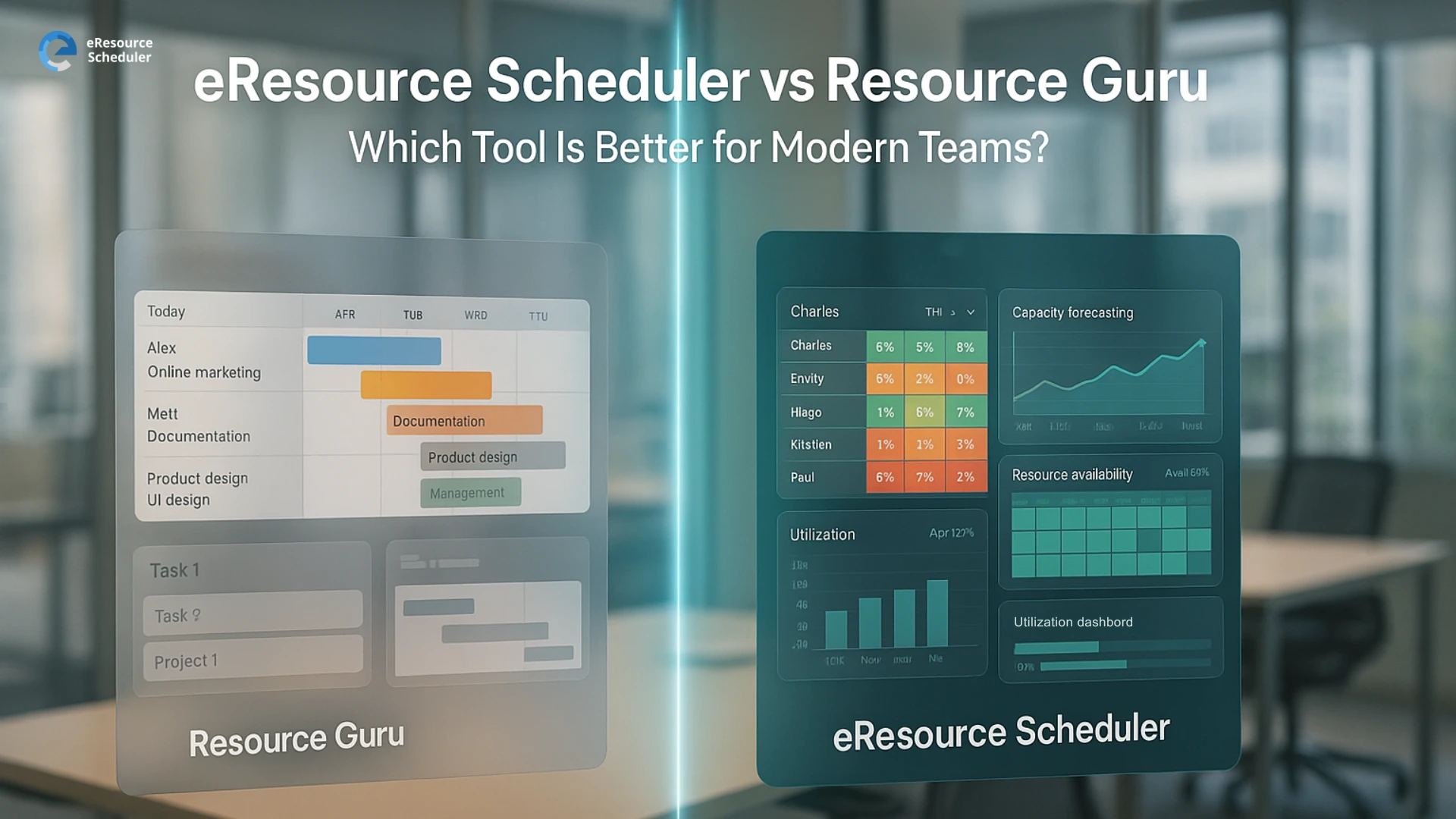
In a world where team bandwidth and resource visibility make or break project success, choosing the right resource scheduling software matters. Modern teams juggle multiple projects, distributed work, and fluctuating workloads. A simple spreadsheet won’t cut it. What you need is a tool that brings clarity to who’s doing what, when, and with what resources, whether people, equipment or rooms.
That’s where resource scheduling software comes into play. Picking between two established players—eResource Scheduler (eRS) and Resource Guru—can shape how efficiently your team operates. One tool might keep things simple and fast. The other might offer deeper insights and control. Knowing what each delivers helps you make a smarter choice up front.
In this comparison of eResource Scheduler vs Resource Guru, we dive into which tool suits modern teams best, highlighting key differences that impact scheduling, utilization, forecasting, and overall team productivity.
Teams aren’t simpler anymore. They’re cross-functional, distributed, and constantly evolving. What works when you’re 5 people doesn’t work when you’re 50 or 5000.
That’s why a modern resource scheduling software needs more than just a calendar: it needs resource intelligence. In a fair resource management comparison, it’s clear that not all tools aim for the same horizon.
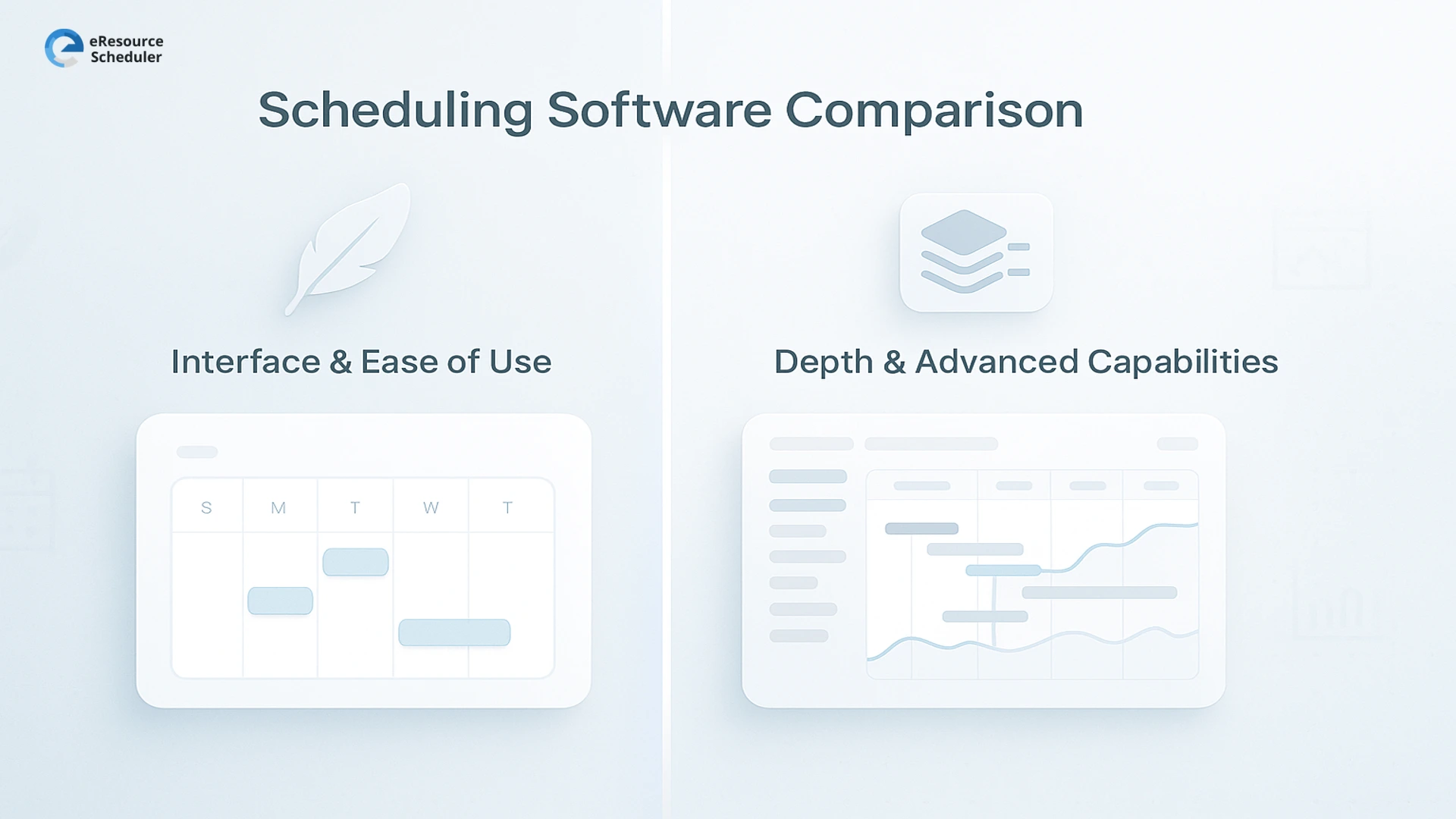
Before diving into usability, it helps to understand what each tool fundamentally aims to be.
Designed as a fast, simple booking system for teams that need a clean calendar to track who’s doing what, Resource Guru focuses on quick scheduling, neat visuals and minimal friction.
What works well:
For simple setups, this approach feels refreshing. But once the volume of projects, people and dependencies grows, that simplicity becomes the ceiling, not the strength.
An enterprise resource management & scheduling software, eResource Scheduler was built with a wider lens. It’s still easy to use, but the real power lies in its depth—configurability, multi-resource scheduling, forecasting, cross-location visibility, and enterprise-level flexibility paired with financials, timesheets, and management reports.
eResource Scheduler covers everything Resource Guru does, but stretches far beyond it.
Where it stands out:
This isn’t just scheduling. It’s visibility, accuracy, and control at scale. And the difference becomes obvious the moment teams grow enough to need more than a neat calendar.

Most teams notice the contrast right away.
eResource Scheduler leans into configurability. The interface is still clean, but it gives more room to schedule resources using tailored views, create custom fields, set up calendar variations and adapt roles or permissions around team structures. It takes a little more thought up front, but teams that deal with varied schedules, multiple projects or multi-discipline resources appreciate that flexibility later.
Resource Guru feels light, quick and clean. The interface is easy to grasp even for first-time users. Setting up basic people and equipment scheduling doesn’t take long, which is why many small teams gravitate toward it.
Both tools offer drag-and-drop scheduling, leave tracking and availability visibility. That said, the depth differs once scenarios get more complex.
Resource Guru handles everyday scheduling reliably. It’s straightforward, visual and uncluttered. Perfect when the team just needs a project scheduling tool to get a central view of who’s doing what this week.
eResource Scheduler extends the basics. It supports multiple calendar types, detailed booking categories, configurable resource types and more nuanced availability rules. This helps teams that deal with different time zones, mixed working schedules or project-driven rotations. When operations get layered, those subtle controls help maintain clarity.
This is where the gap becomes noticeable.
Resource Guru keeps a clear focus on availability. Managers can see who’s booked and when, reducing clashes and confusion. It gives a dependable surface-level view.
eResource Scheduler includes that but adds utilization logic behind it. The platform blends scheduled work with actuals (via timesheets) and presents utilization heatmaps, role-based usage patterns, and project-level distribution. For leaders keeping an eye on workload balance or efficiency metrics, that level of visibility becomes strategic, not just operational.
Forecasting has become a make-or-break feature for modern teams. This is where the difference becomes more outcome-oriented.
eResource Scheduler supports demand forecasting, capacity gap visibility, future workload simulations and even financial projections tied to resource assignments. For teams dealing with tight delivery timelines or revenue-linked capacity planning, these forecasting signals influence real decisions like hiring, billing, commitments and prioritization.
Resource Guru offers upcoming capacity insights. You can see who’s free in the future and manage immediate project scheduling tools needs.
If the team is scaling, this becomes one of the deciding factors.
Reporting is where many platforms choose sides: simplicity vs strategic depth.
eResource Scheduler leans into analytics. It provides custom dashboards, advanced utilization reports, planned vs actual analysis, and financial-based insights. The reporting engine becomes a reliable source for leadership reviews, especially when teams care about profit margins, cross-project visibility or resourcing decisions with financial impact.
Resource Guru gives enough reporting for day-to-day oversight. Availability, bookings and basic utilization can be pulled easily.
Both pricing structures make sense for their product philosophies.
eResource Scheduler prices modules based on needs. Teams can start with core scheduling and expand into scheduling plus, timesheets, financials, and additional modules like authentication plus as they evolve. The value becomes apparent when organizations need more than surface-level scheduling.
Resource Guru offers predictable, user-based pricing that stays attractive for small teams. Non-human resources are priced separately, and higher tiers unlock more functionality. For basic scheduling, the entry cost is low and easy to justify.
If the team expects complexity or wants a long-term tool rather than a stepping stone, the modular structure becomes advantageous.
Both tools support web-based access and cloud deployment.
Resource Guru integrates well with calendar tools and offers a simple API. This suits teams that just need a centralized scheduling database.
eResource Scheduler aims for workflow coverage. It plugs comfortably into multi-department environments where resource data touches HR, finance, operations, and project scheduling tools.
eResource Scheduler feels just as simple at the start but offers far more support throughout the setup. Teams usually get a guided implementation that includes a demo, trial environment, quick-start videos and hands-on help from an account manager. The support team is known for fast responses, data import assistance and helping users tailor the tool to their workflow.
The result is a setup that doesn’t just “get you in the tool” but gets the tool working the way your organization runs.
Resource Guru delivers a quick-start experience. If the goal is to get a small team scheduling within minutes, the lightweight setup works. The flip side is that what feels easy at the beginning often turns rigid once teams add more projects, roles or approval layers.
While Resource Guru keeps things light, eRS provides a smoother path from onboarding to long-term usability because it’s supported, structured and easy to scale.
| Feature | eResource Scheduler | Resource Guru |
|---|---|---|
| Interface | Configurable and structured for complex teams | Simple, fast and easy for small teams |
| Scheduling | Multi-calendar, multi-role and nuanced availability | Everyday scheduling that stays visual and light |
| Utilization | Heatmaps and planned vs actual insights | Clear availability without deeper analysis |
| Forecasting | Demand, capacity gaps and workload simulations | Basic future availability |
| Reporting | Detailed analytics and financial visibility | Essential day-to-day reports |
| Pricing | Modular and scalable | Straightforward per user |
| Integrations | Works across HR, finance and operations | Calendar-friendly with a simple API |
| Support | Guided onboarding and setup help | Quick start with minimal guidance |
A key mistake many companies make is treating all resource planning tools as equal. They are not. The market is split between lightweight allocation apps built for simple scheduling and enterprise platforms built to support complex, multi-team, multi-skill environments.
Enterprise environments want deeper configurability. They want granular utilization metrics. They want scenario planning across multiple portfolios. They need real-time availability that adjusts with every booking change. They want technology that molds around their operations, not the other way around.
Both tools bring genuine strengths to the table. Resource Guru is practical, lightweight and great for smaller teams or straightforward scheduling needs. If the goal is quick visibility without layers of complexity, it gets the job done with minimal friction.
But modern, fast-evolving teams often outgrow simple scheduling. They begin caring about utilization trends, cost alignment, forecasting, role-based planning and workload equity. That’s where eResource Scheduler naturally fits better. Its configurability, depth and forward-looking features create long-term operational clarity.
If the team is growing, handling multiple projects or needing better data-driven decision-making, eResource Scheduler subtly becomes the more scalable and strategic fit.
Curious to see how it feels inside your workflow? You can start a 14-day free trial of eResource Scheduler and explore it without limits.
1. What’s the main difference between eResource Scheduler and Resource Guru?
Resource Guru is simple and fast for basic scheduling. eResource Scheduler offers deeper planning, utilization analysis and forecasting for more complex or growing teams.
2. Which tool is better for multi-project visibility?
Both help with visibility, but eResource Scheduler gives more granular control over roles, custom fields and multi-department scheduling.
3. Is Resource Guru good for small teams?
Yes. Its simplicity makes onboarding quick and smooth for smaller teams with straightforward needs.
4. Does eResource Scheduler support financial tracking?
Yes. It can map resource time with cost and revenue logic, helping teams align scheduling with financial performance.
5. Which tool should modern teams consider for long-term use?
Teams anticipating growth or complexity often find eResource Scheduler offers more room to scale, especially with forecasting and utilization analytics.


Plan Smarter. Schedule Faster. For Free.
Join thousands already using eResource Scheduler to align teams, time, and tasks seamlessly.
 ALL FEATURES INCLUDED