Learn more
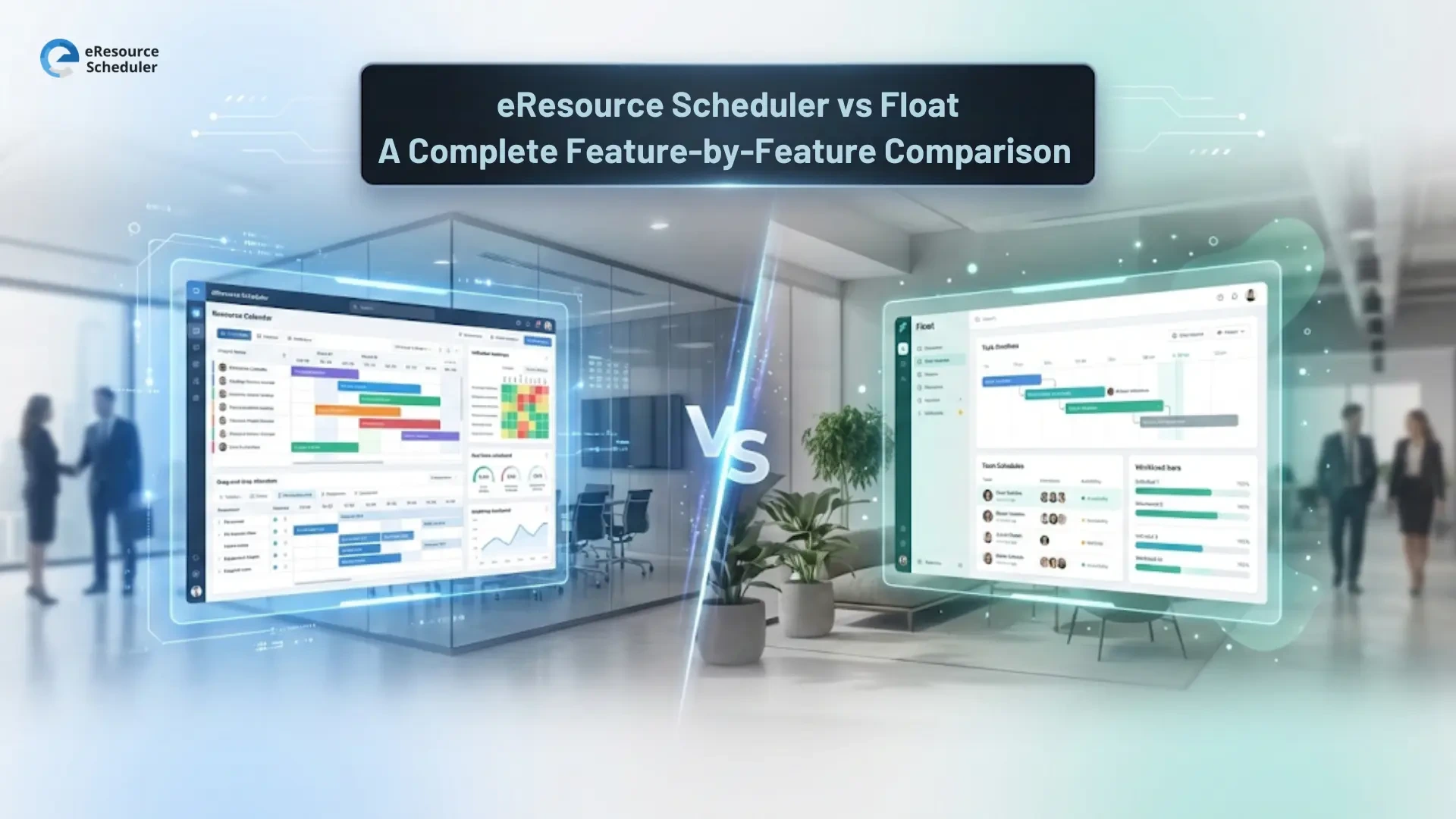
Resource management has a direct impact on revenue and on how stressed your team feels at the end of the week. That is why growing teams eventually move from spreadsheets to real resource management software that can show the full picture, not just colourful boxes on a calendar.
Two names usually end up on the same shortlist at that stage. eResource Scheduler and Float. Both help project based teams see who is doing what, avoid obvious overload, and keep work moving without a dozen status calls. In most searches you will see people talk about eResource Scheduler vs Float, but the real question is which one actually fits the way your team runs projects and makes money.
So which tool deserves to be in the center of your operations stack and not just another tab. In the next sections we will break down eResource Scheduler vs Float difference, feature by feature and pros in plain language so you can decide with a clear head, not just a gut feel.
If you are still on spreadsheets, both eResource Scheduler and Float are a huge upgrade. They sit in the same family of modern workload management tools that stop you from guessing who is free and who is quietly drowning.
Both tools help project-based teams:
In short, eResource Scheduler and Float both fix the “no one actually knows what is going on” problem. They give you one central place to see work, instead of chasing updates in chats, calls and random sheets.
Where they separate is not in whether they can schedule people. It is in how deep they go into utilisation, actual hours, and the business impact of those bookings. That is where eResource Scheduler usually feels more like an operations hub than just a neat planning board, especially for teams that track utilisation, billable hours and margins.
Both eResource Scheduler and Float are modern workload management tools that get you out of spreadsheet jail. The real choice is how deep you want to go into operations and profit. This table gives you that difference at a glance.
| Criteria | eResource Scheduler | Float |
|---|---|---|
| Founded | Founded in 2011 as dedicated resource management software for project based teams. | Founded in 2011 as a visual resource scheduling and planning tool. |
| Tool overview | Complete resource management software that connects scheduling, utilisation, timesheets and financials so operations and finance see the same picture. | Visual resource scheduling tool that focuses on clear calendars and quick planning for teams that live in tasks and timelines. |
| Best for type of company | Consulting, engineering, IT services, agencies and other project based firms that care about both delivery and profit. | Creative and digital agencies, studios and modern teams that want simple, visual control of workload and projects. |
| Best for team size | Works for small teams and scales well to large departments with many projects, roles and locations. | A very natural fit for small to mid sized teams where planning is close to individual people and tasks. |
| Cost or pricing style | Flexible pricing that starts at $5 per resource per month and highly configurable modules so firms can start with scheduling and add timesheets or financials later. | Straightforward pricing starts at $7 per person per month, which makes it easy for smaller teams to budget. |
| Free trial | eResource Scheduler offers a 14 day free trial with full access to scheduling, utilisation, timesheets and financials, so you can see how it behaves with your real projects, people and margins. | Float offers a 30 day free trial that lets teams explore its simple visual planning. |
| Strengths | Configurable views for people, roles and projects, deep utilisation and availability reports, integrated timesheets and financials, strong fit for complex multi project and multi location teams. | Simple and intuitive interface, clean visual timelines, quick onboarding for new users, great for short term workload balancing and straightforward project planning. |
| Things to keep in mind | Works best when you actually use scheduling, utilisation, timesheets and financials together. If your team only needs very light planning, some of that depth may stay unused. | Works mainly as a planning layer. Teams may still depend on other tools or spreadsheets for deeper financial analysis and more advanced capacity planning. |

Before deciding between eResource Scheduler and Float, it helps to see how each tool handles the core parts of resource management. Let’s start with scheduling, where teams spend most of their time.
Scheduling is where both tools look similar at first but support different planning styles once work starts moving.
How eResource Scheduler handles scheduling
How Float handles scheduling
Capacity planning is not only about workload today but also whether you can deliver tomorrow.
How eResource Scheduler supports capacity planning
How Float supports capacity planning
Timesheets reveal what really happened, not just what was planned.
eResource Scheduler
Float
Financial clarity is where both tools take different approaches.
eResource Scheduler
Float
The depth and purpose of reports in this resource planning software comparison vary by tool.
eResource Scheduler
Float
Integrations help your scheduling tool fit into the systems you already use. Both eResource Scheduler and Float support this, but they approach it differently.
eResource Scheduler approaches integrations with a wider operational lens.
Float keeps integrations simple and straightforward.
Both eResource Scheduler and Float bring strong value to resource planning, but their strengths show up in different parts of the workflow. Here’s what each tool does particularly well.
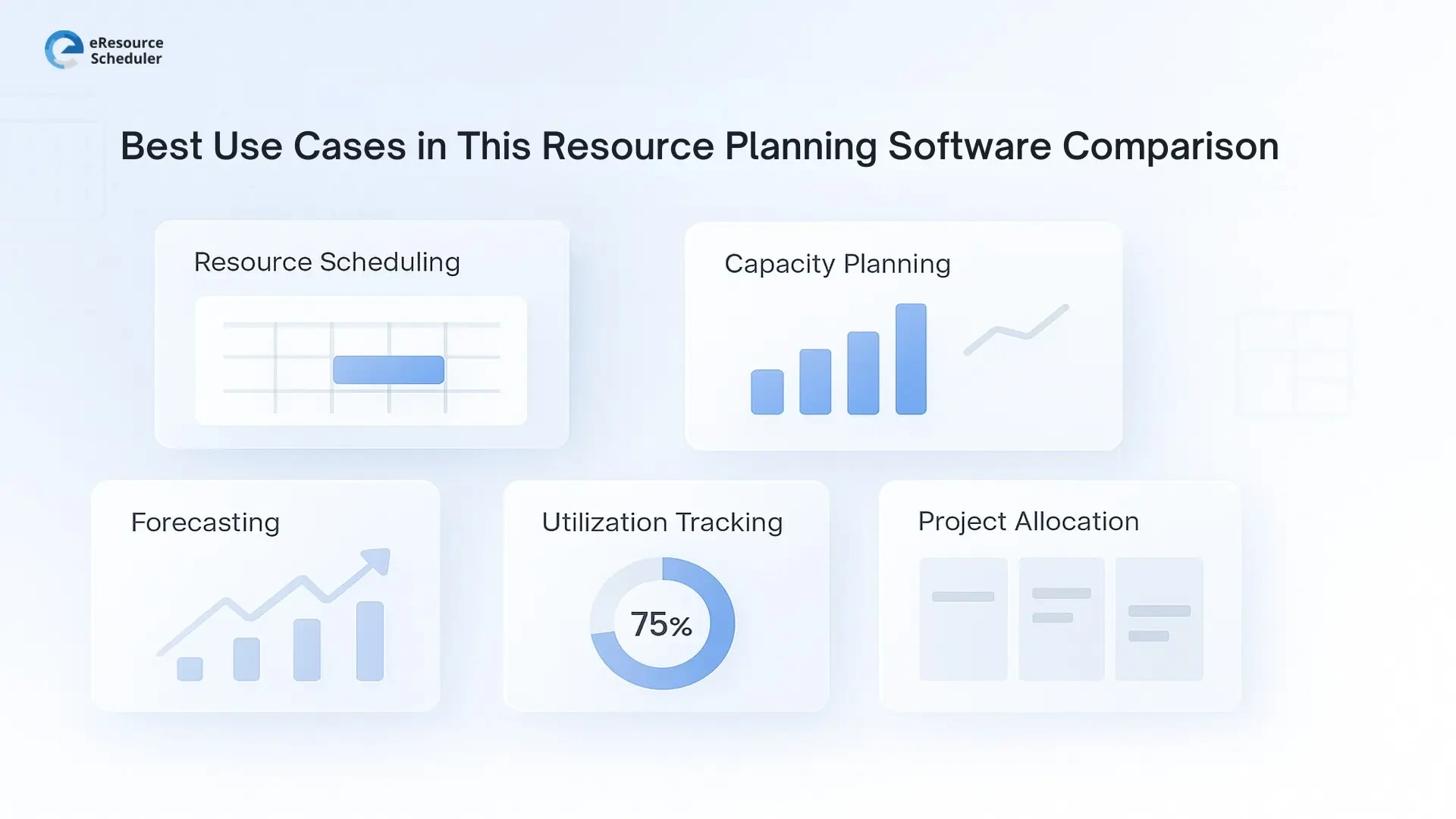
Once you understand how both tools behave, the real question becomes simple: which one matches the reality of your team? Not every organisation plans the same way, and the right resource scheduler depends heavily on how you work today and where you’re heading.
eResource Scheduler tends to be a stronger option if your team:
Float is often a better fit if your team:
eResource Scheduler vs Float is not about which tool is “better.” It’s about which one fits the way your team works.
eResource Scheduler as a resource management software is a great choice if your work involves utilisation targets, multi-team staffing, billable hours, project margins or long term planning, the extra depth pays off. It becomes the system where scheduling, time and financials align in one clear view.
Float is good for teams that want fast, simple, visual scheduling without additional layers. It keeps weekly planning clean and helps small to mid sized teams stay organised.
If you want to see how your own projects, people and margins look inside eRS, start your 14 days free trial and test it with real data.
1. Is eResource Scheduler better than Float for small teams?
It depends on how you work. If you are a small team with very simple, task based schedules, Float can be enough. If you handle multiple clients, track utilisation or billable hours, or expect to grow, eResource Scheduler is usually the stronger long term fit.
2. Which tool is better for resource capacity planning?
Float helps with short term adjustments and quick workload checks. Teams that care about accurate utilisation, hiring decisions and long term resourcing usually need more depth. eResource Scheduler provides stronger forecasting views, clearer demand visibility and better alignment between resourcing, project plans and capacity.
3. Do both tools support timesheets?
Yes, both tools offer timesheets. Float keeps them basic for quick logging, while eResource Scheduler ties actual hours directly to utilisation and financials. That extra connection helps teams understand what time really costs and which projects are performing well.
4. Can I use these tools with my existing project or finance systems?
Both tools integrate, but in different ways. Float keeps integrations lightweight for everyday planning. eResource Scheduler offers open rest API integrations that support more complex workflows, making it easier for growing organisations to connect scheduling, time and financial data across their existing systems.
5. How do I know which tool is right for my team?
If your world revolves around simple schedules, Float can be enough. If you manage multiple projects, track billable hours, rely on utilisation targets or want scheduling, timesheets and financial clarity in one place, eResource Scheduler is built for that level of decision making.

Plan Smarter. Schedule Faster. For Free.
Join thousands already using eResource Scheduler to align teams, time, and tasks seamlessly.
 ALL FEATURES INCLUDED