Learn more
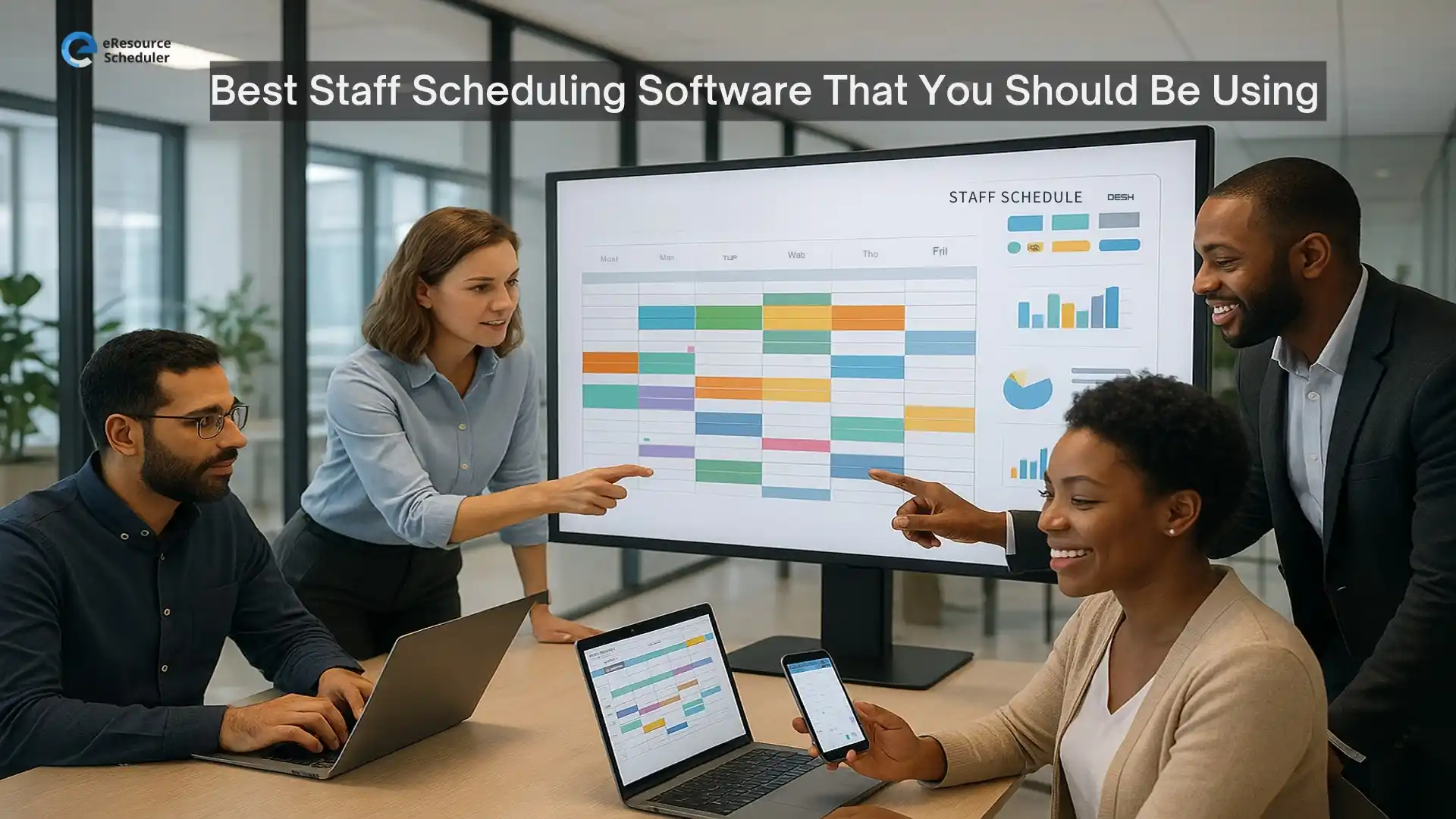
Running modern teams without a strong scheduling system is like steering with fogged-up glasses. Workloads shift. Priorities collide. Capacity gets stretched without anyone noticing. Leaders need a clearer way to keep operations steady as teams grow, roles expand, and work becomes more dynamic.
That’s where the right employee scheduling app steps in. The best tools do more than drop names into empty slots. They give teams real-time visibility, reduce coordination friction, and support intelligent staffing decisions that protect productivity while keeping costs in check.
This guide breaks down the top options available today and helps teams choose the platform that supports accurate, scalable, and future-ready scheduling.
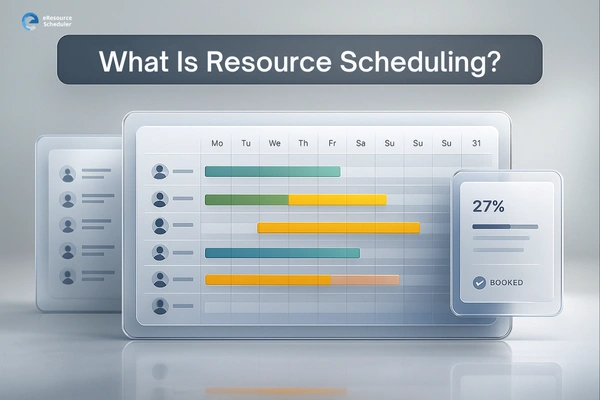
Staff scheduling software helps managers create, assign, and adjust work schedules with accuracy and real-time visibility. It replaces spreadsheets and manual planning with automated workflows that track availability, skills, shift patterns, and capacity.
A strong resource scheduler software connects people, work, and demand so teams stay aligned. It simplifies communication, reduces admin effort, and supports leadership with data-backed insights for smarter operational decisions.
It also brings consistency to operations by standardizing how schedules are built, approved, and communicated. High-quality tools offer forecasting that anticipates workload spikes and staffing gaps before they become problems. They centralize every detail, from team capacity to skill distribution, so leaders can make informed decisions without chasing scattered information.
For growing organizations, staff scheduling software becomes the operational backbone that keeps teams coordinated, reduces costly misalignment, and creates a predictable rhythm across departments.
eResource Scheduler is a staff scheduling software built for organizations that need more than basic shift assignment. It brings resource scheduling , time tracking, capacity planning, and control into one place so leaders can make data-backed staffing decisions, allocate skills efficiently, and forecast future demand. It supports multi-team, multi-skill and multi-location planning with precision.
Leaders rely on eRS because it unifies availability, skills, and workload intelligence into a single system. It goes deeper than basic apps, supporting operational forecasting and resource optimization. This is scheduling that aligns decisions with business outcomes.
Connecteam is built for mobile-first, deskless teams that need quick scheduling, communication, and day-to-day coordination. It's designed to simplify shift workflows and keep supervisors connected with frontline staff. The platform works well for teams that operate on the go.
Agendrix offers simple, visually clear scheduling built for teams that want an easy onboarding experience. It focuses on shift creation and communication, making it a fit for smaller teams or single-location setups. Its interface keeps planning quick and uncomplicated.
7shifts specializes in restaurant and hospitality scheduling. It brings labor cost, profit, and margin forecasting, POS integrations, and strong communication tools designed specifically for service environments. It's built to streamline shift-heavy operations with high turnover.
Sling is a communication-heavy scheduling platform built for frontline teams. It focuses on keeping managers and staff aligned through alerts, messaging, and availability updates. Its clean interface makes it easy for new teams to adopt.
Homebase is built for small businesses that want simple scheduling with payroll and timesheet integration. This resource scheduler software is ideal for shops, cafés, and local teams that need easy communication and shift management without extra complexity.
Workfeed offers a modern, minimalistic scheduling experience that works well for small teams wanting automation. Its UI is clean, and the onboarding is fast, making it attractive for new schedulers.
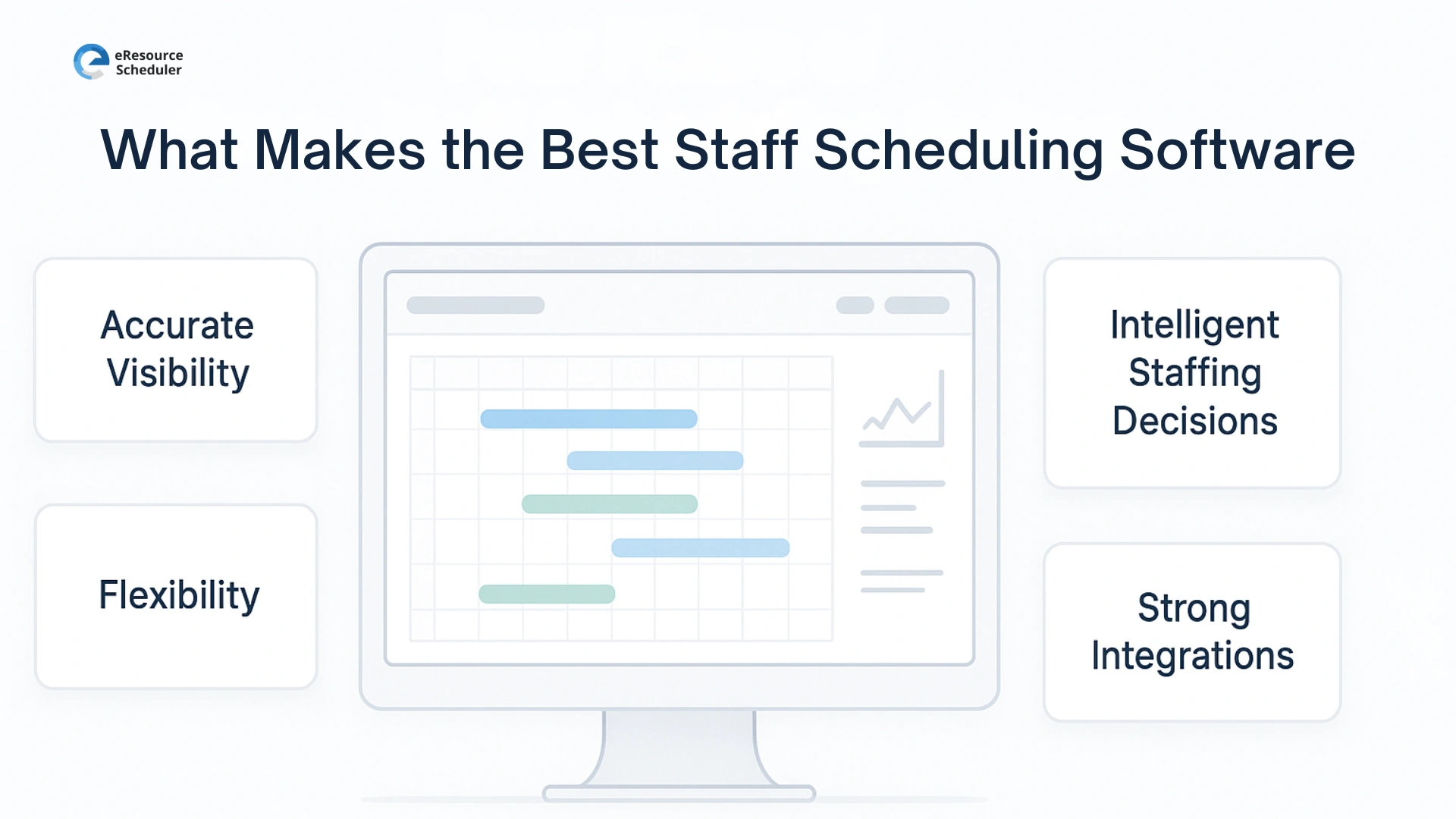
The strongest tools do much more than place people into slots. They support complex workforce realities and help teams scale without chaos. They also reduce the dependency on manual judgment, which often leads to avoidable inconsistencies. The right resource scheduler software turns scheduling from an admin task into a strategic advantage.
Clear availability, skill tagging, and workload views reduce scheduling errors and last-minute scrambling. The best platforms surface gaps before they become operational risks and help managers plan proactively instead of reactively.
This level of visibility ensures each decision ties back to real capacity rather than assumptions or outdated information.
Dynamic scheduling, multi-location support, and customizable views help managers build schedules that adapt as work shifts. Flexible systems handle sudden changes like absences, urgent tasks, or new priorities, without breaking the workflow.
They also make it easier for teams to operate cohesively across distributed locations or hybrid setups.
Forecasting, utilization analytics, and capacity insights keep staffing aligned with demand patterns. The smartest tools analyze historical trends so managers can plan headcount and coverage with confidence.
They enable leaders to balance cost, workload, and performance in a way that protects both efficiency and employee well-being.
Smooth syncing with payroll, HRIS, and operational workflows keeps data clean and decisions consistent. Integrated systems eliminate double-entry errors and ensure every department, from HR to finance, works from the same source of truth.
This reduces administrative overhead and creates a more predictable operational cadence across the organization.
The best staff scheduling software is the one that supports real business needs rather than just placing people into shifts. While several tools listed here work well for specific use cases, eResource Scheduler stands out with its depth, configurability, and data-driven intelligence.
If your goal is better visibility, stronger utilization, smarter capacity planning, and scheduling that actually scales, eRS is the tool that delivers all of it in one system.
Start a 14-day free trial of eResource Scheduler and experience strategic scheduling in action.
1. What is the best staff scheduling software for businesses?
The ideal choice is the one that unifies availability, skills, workload data and forecasting into a single system. Tools that offer real-time insights, configurability and strong analytics tend to deliver the most long-term value for growing teams.
2. What features make an employee scheduling app effective?
A high-performing platform should combine clear availability tracking, conflict prevention, utilization analytics, demand forecasting and mobile accessibility. These features help managers build actionable schedules and reduce coordination friction across teams.
3. Is scheduling software useful for knowledge workers or non-shift teams?
Absolutely. Knowledge teams rely on visibility, capacity planning and workload balance just as much as shift-driven teams. Scheduling tools help them prevent burnout, improve planning accuracy, and allocate work based on skill and availability.
4. Which scheduling tool works best for distributed or hybrid teams?
Distributed teams benefit most from centralized scheduling systems with multi-location visibility, custom views, and intuitive communication features. Platforms that offer mobile access and real-time updates create smoother coordination across geographies.
5. How do intelligent staffing decisions improve workforce planning?
Data-backed staffing reduces guesswork by pairing demand forecasts with real capacity and skill availability. This leads to steadier workloads, fewer bottlenecks and a more predictable operational rhythm across the organization.

Plan Smarter. Schedule Faster. For Free.
Join thousands already using eResource Scheduler to align teams, time, and tasks seamlessly.
 ALL FEATURES INCLUDED