Learn more
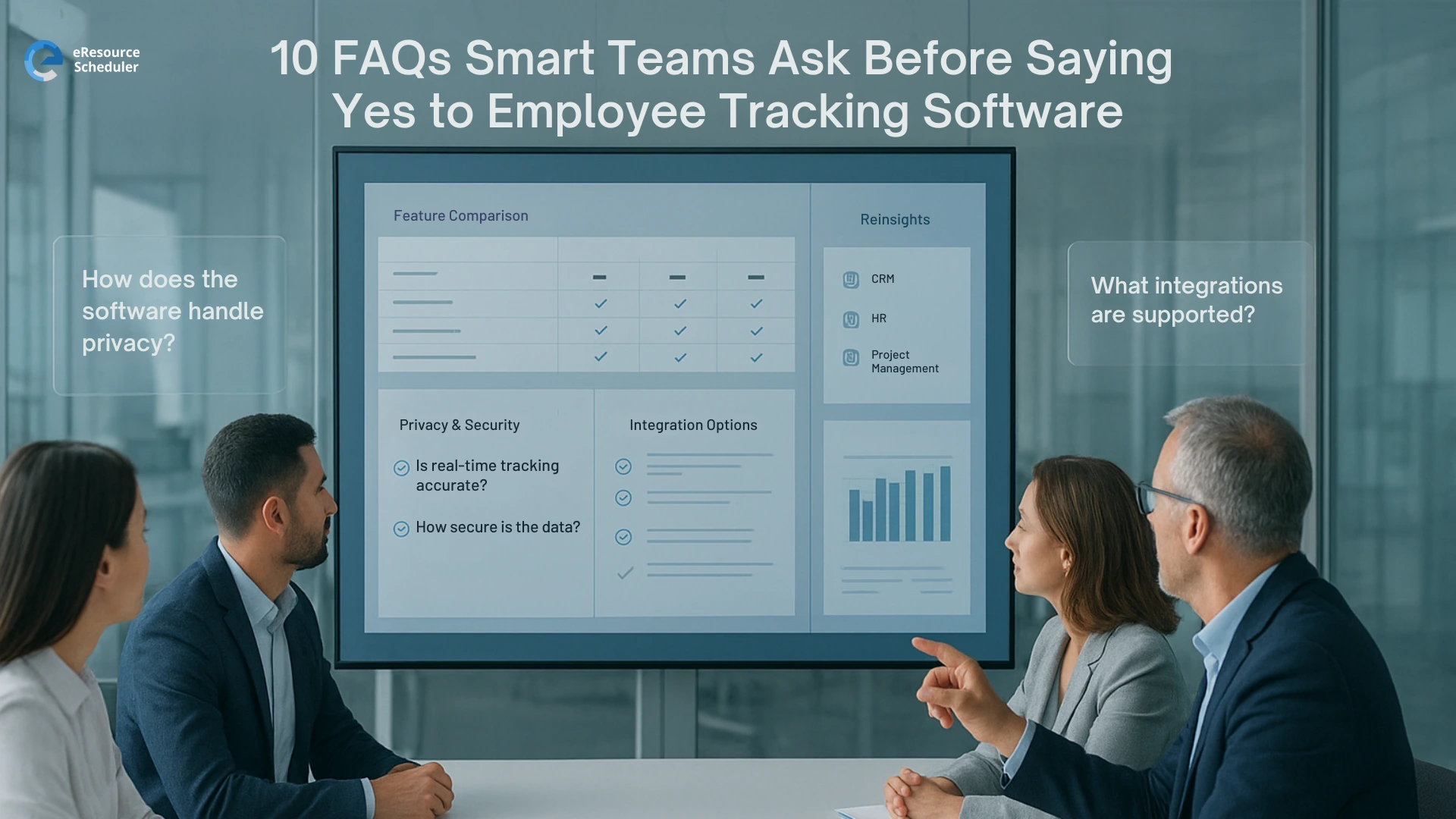
Employee tracking software is one of those topics that makes the whole room sit up. Managers see possible clarity. Teams hear the word tracking and think of cameras and screenshots forever.
Meanwhile work has changed. Remote and hybrid work are no longer a temporary experiment in the US. Recent workplace reports show a steady shift toward flexible arrangements, mixed schedules, and teams spread across cities and time zones. Great for talent. Tough for visibility.
You already use project tools. You might even have timesheets or a resource management software in place. So the real question is not whether people are working. It is whether you actually need another layer that follows how they work.
Smart teams do not rush into a contract because a sales demo looks smooth. They treat employee tracking software like any serious operational change. They ask uncomfortable questions up front and decide from a place of facts, not FOMO.
This guide walks through ten questions that experienced project managers and operations heads tend to ask before they say yes.
By 2026 most leaders are not impressed by flashy monitoring tricks. They want tools that help them plan work better, protect their people, and make cleaner decisions.
eResource Scheduler is a resource management software that helps project managers, operations heads, and team leads plan capacity, schedule work, and understand how time is actually used. For teams like this, tracking data is only useful if it feeds into smarter planning, not just more screenshots.
Employee tracking is no longer about checking if someone is at a desk. Used well, it becomes one input alongside capacity planning, scheduling, billing, and compliance.
Used badly, it sends a quiet message that you trust the software more than you trust your own team.
So the real question changes from should we monitor people to can this data help us set fair expectations, balance workloads, and run projects with fewer surprises. If the answer is no, the tool is just background noise.
Real talk. Curiosity is not a business case.
If the only reason this topic is on the table is because a vendor reached out or a leader saw something on LinkedIn, hit pause.
Start with concrete problems such as
If you cannot connect employee tracking software to at least two of those problems, you are not solving anything. You are just collecting more data that nobody will use.
A good litmus test. Ask each stakeholder to finish this sentence in one line. We need employee tracking because. If the answers are vague, you are not ready.
Short answer. Yes, employee tracking is generally legal in the US. Longer answer. The details matter, and you should treat them seriously.
You need to think about
Employment lawyers are usually very consistent on this topic. They suggest transparency, clear written policies, and limits on what you monitor. Collect what you need for a legitimate business purpose and avoid the rest.
You do not need to turn your managers into legal experts. You do need one written policy that explains what is tracked, why, how long it is kept, and who can see it.
This is where most rollouts go wrong.
There is a massive difference between tracking work and tracking people.
Guess which one teams resent.
Smart leaders place clear boundaries. They stay away from any feature that feels like constant surveillance unless they are in a field where strict monitoring is required by law.
They also give employees direct access to their own data. When people can see what the system sees, it feels more like a shared dashboard and less like secret evidence.
If you cannot answer this question clearly, you are not ready to turn the system on.
Start with the basics.
Many teams use a layered model. Individual employees and direct managers see their own and their team view. HR or operations may see wider patterns. Only a very small group can access raw detail, and usually only when there is a specific reason.
Write this model in plain language and include it in your policy and onboarding. Ambiguity is where mistrust grows.
No manager wakes up excited to maintain one more report.
If employee tracking software cannot feed the systems you already use, it will become one more tab no one has time to open.
At minimum you want to know how easily it connects with
Ask for a realistic walk through, not just a slide that says integration available. You want to see how data actually flows from one tool to another and how much manual cleanup someone will have to do every week.
This is the quiet fear in the room. Will this make my team feel like we do not trust them?
The honest answer. It can, if you implement it carelessly.
Smart teams treat this as a change management project. They do a few things differently.
When employees see that reports are being used to stop weekend overload, improve staffing, or make billing more accurate, the mood changes. The tool stops feeling like a judge and starts feeling like a shared mirror.
Most employee tracking tools promise endless dashboards. In reality, you will probably need a small set that answers recurring questions.
For example
Those numbers become a lot more powerful when they connect with your timesheet software so managers can see hours, effort, and project context in one place instead of juggling separate exports.
Ask every vendor to show those real use cases, not just a pretty dashboard. If you cannot imagine a weekly or monthly meeting where people pull up a specific report and make decisions, that report is just decoration.
A single surprise email that says tracking starts Monday is a great way to tank morale.
A calmer rollout looks more like this.
First, align your leadership group.
Agree on the purpose, what you will track, and what you will not track.
Second, talk to managers.
Give them talking points and space to ask their own questions first. If they are confused, the rest of the team will be too.
Third, introduce the tool to the wider team.
Short live session. Plain language. Honest Q and A. No corporate buzzword salad.
Fourth, follow up after the first month.
Share early insights and what you changed due to the reports. When people see practical benefits, the temperature in the room drops.
Sticker price is the easiest part of this decision.
Real cost includes
That sounds heavy, but there is also real upside when it works. Cleaner billing. Fewer arguments about hours. Better staffing decisions. Less burnout in hidden corners of your org.
Before you sign, sketch a simple model. If this tool saves a certain number of hours per month across managers, finance, and HR, does that outweigh the full monthly cost. If the math is shaky, you may be chasing a trend rather than solving a problem.
The worst outcome is not saying no. The worst outcome is drifting into a yes and never checking if it paid off.
Set success signals before you roll out. For example
Use a mix of data and sentiment. Look at reports. Ask managers what changed in their day to day work. Ask employees how they feel about transparency and expectations now.
If the tool gives you clearer planning, better margins, and a more honest conversation about workload, it is earning its place. If it just creates more dashboards that no one uses, it is okay to say we tried it and moved on.
Employee tracking software is not a small switch. It changes how people feel about work, trust, and accountability. That deserves more than a quick yes after one good demo.
Use these ten FAQs as a sanity check with your leadership team. If you cannot answer them clearly, you are better off waiting than rolling out half baked monitoring.
For many teams, getting a clear handle on capacity, schedules, and actual hours is the real first step. Tools like eResource Scheduler already help you connect projects, people, and time in a way that makes performance conversations more factual and less emotional.
If you want to see how far that kind of clarity can take you before adding heavy tracking, start a free trial of eResource Scheduler and plug in a few live projects. Let your project managers and ops leads test it with real work and decide what level of employee tracking you genuinely need after that, instead of guessing.
1. What is employee tracking software
Employee tracking software records basic work data such as hours, apps used for work, and time spent on tasks. It gives managers a clearer view of how work actually moves across projects and teams.
2. Is employee tracking software legal
It usually is, but it depends on local employment and privacy laws. Most companies stay on the safe side by creating a clear written policy, telling people what is tracked and why, and avoiding any monitoring that is not needed for real business reasons.
3. Will tracking hurt trust with my team
It can if you turn it on without context. When you explain the purpose, show how reports support fair workload and planning, and let people see their own data, it feels more like a shared fact base and less like a spy tool.
4. How is employee tracking software different from timesheet software
Employee tracking software captures activity in the background, while timesheet software is where people record hours in a structured way. When both work together, you get cleaner timesheets and more accurate reporting for planning and billing.
5. How do we know if employee tracking software is worth keeping
Look for real changes, not just nice looking dashboards. You should see better project margins, fewer surprise late nights, clearer capacity for upcoming work, and more grounded conversations between managers and their teams. If none of that improves, the tool is not earning its place.

Plan Smarter. Schedule Faster. For Free.
Join thousands already using eResource Scheduler to align teams, time, and tasks seamlessly.
 ALL FEATURES INCLUDED