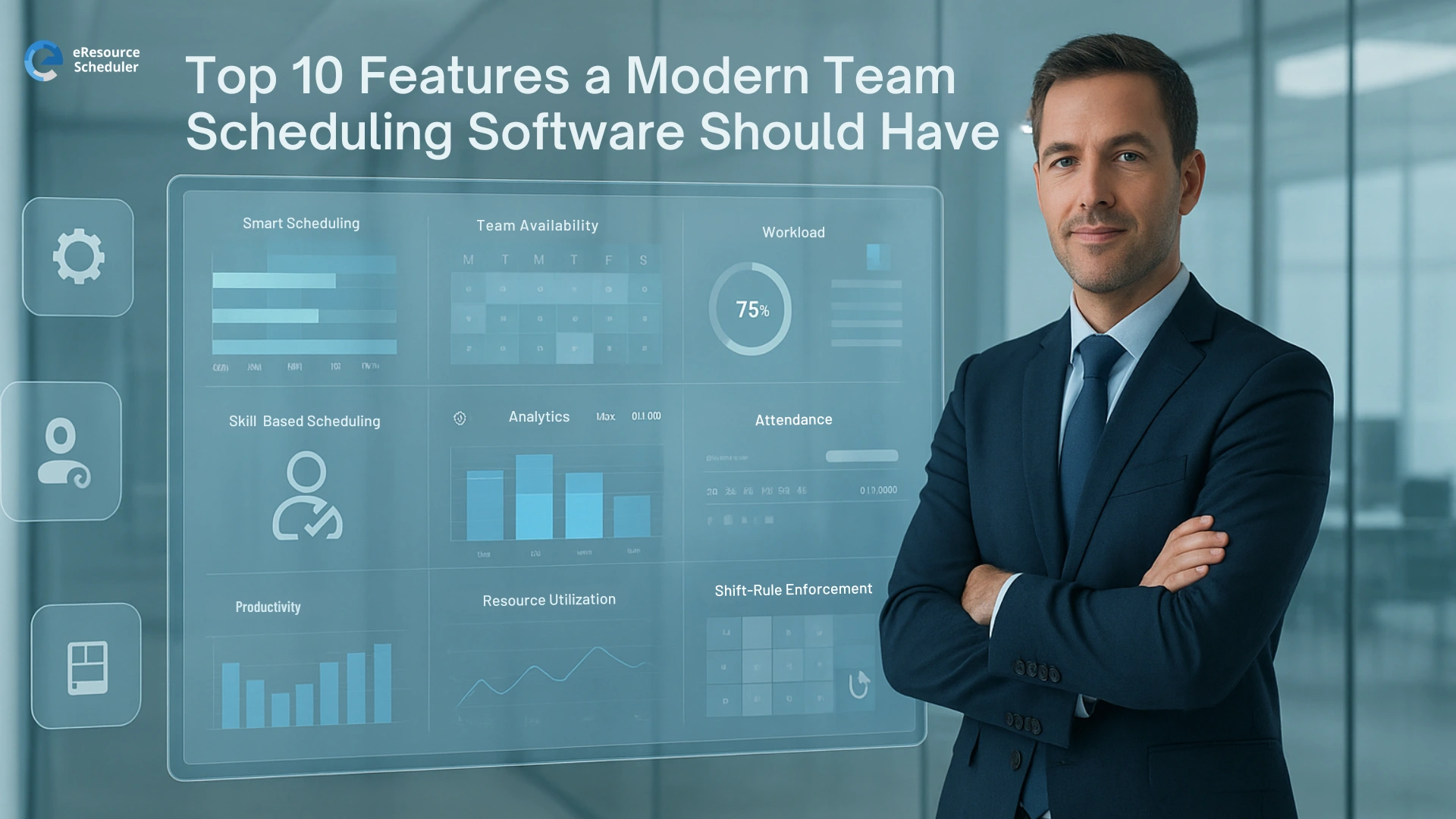
If you manage a team today, your week can feel like a puzzle that keeps changing. People jump between projects, meetings pop up from nowhere, and someone always forgets to update their schedule.
Since around 2024, more United States teams have gone remote or hybrid. That sounds flexible, but it also means you are lining up work across different time zones, tools, and personalities. A shared calendar on its own cannot handle all of that.
Modern team scheduling software is built for this new reality. It gives you one clear place to see who is busy, who has capacity, and what is actually realistic for your team. Tools like resource scheduler exist because managers are tired of guessing and hoping everything would somehow fit.
In this blog we will walk through the ten features that matter most. Treat it like a practical checklist you can keep in your back pocket when you compare tools. Simple, honest, and written for people who already have enough on their plate.
On paper, scheduling looks simple. Put names on tasks, line them up on a timeline, call it a day. In real life, that decision shapes burnout, delivery dates, client trust, and how often your team quietly checks job boards.
Recent United States workplace reports keep circling the same problem. People are not just overloaded. They are overloaded without context. They do not know what is coming next week, who can help, or why priorities keep shifting.
That is where the right team scheduling software changes the game.
When all work, people, and timelines live in one clear view, you can:
Instead of spending half your week chasing updates, you spend more time actually running the team. The tool does not replace your judgment. It gives you better information so your judgment can finally win.
Here is the real talk. Most tools say they are all in one and then leave you juggling exports and side notes anyway. So instead of staring at feature grids, use this list as your filter.
Tools like eResource Scheduler are built for teams that handle billable work, manage deadlines that cannot slip, and need scheduling that actively protects profitability rather than simply showing availability.
If a product does not cover most of these, it is not built for how teams truly work today.
A modern team scheduling software should feel like a clean control board.
You open it and instantly see who is doing what, when work starts and ends, and where you have space. Think simple timeline or grid views that both managers and team members can read without a long walkthrough.
If people need a guide just to read the schedule, the design is working against you.
Static schedules look fine on day one and then reality moves on.
Good team scheduling software shows real time availability. You can see planned hours versus normal hours and who is close to their limit. This is where the idea of workforce scheduling software really helps because you are not assigning tasks in the dark.
The goal is simple. No one should be slammed while someone else quietly sits underused.
You already know not every developer or analyst is a copy paste replacement for another.
Your scheduling tool should let you tag people by skills, roles, and seniority. When new work arrives, you can filter for the right mix instead of guessing from memory.
This keeps quality steady and helps you spot where you genuinely need new hiring or training.
Managers do not want to live inside the tool. They just need to move work around fast.
A strong platform lets you reassign a task, shift a booking to next week, or extend a piece of work in a few quick steps. No long forms, no confusing menus.
If changing the schedule feels heavier than changing the work itself, people will go back to side spreadsheets.
Remote and hybrid teams in the United States often work across states and countries. That means time zones and work hours really matter.
Your team scheduling software should store each person's location, show local hours, and highlight overlaps for collaboration. The tool should quietly stop you from booking work at midnight for someone who lives three hours behind you.
Less guesswork, fewer awkward meeting times.
If the schedule lives in one place and the work lives somewhere else, things get missed.
Modern employee scheduling software should connect with your calendar and project systems. When you assign work in the schedule, it should appear on personal calendars and stay in sync with project boards.
That connection keeps everyone honest. One source of truth, many places to view it.
You need to know how planned work compares with actual work, especially if clients and budgets are tight.
Some team scheduling tools include basic time tracking. Others integrate smoothly with your existing time tracking system. Either way, you should be able to see planned hours, logged hours, and the gap between them without a long export routine.
That insight feeds better estimates and protects your team from unrealistic timelines.
You are not only responsible for this week. You are also on the hook for what happens next month.
Good resource scheduling software lets you look ahead. You can see future workload, spots where demand will outrun capacity, and what happens if a big new project lands. When you pair that view with a solid resource management software, you get a much clearer picture of hiring, training, and priority calls.
Leadership will always ask "Can we take this on" and you need more than a guess.
People check their phones all day. Your schedule should live there too.
Modern team scheduling software should give every person a clean mobile view so they can check what they are working on, see changes, and stay aligned when they are away from their laptop.
This is especially important for consultants, field teams, and client facing roles who practically live on the road.
At some point someone in leadership will say "Show me the numbers."
Your scheduling platform should provide clear reports on utilization, workload by project or client, and trends over time. This is where strong workforce scheduling software stands out. Reports should help leaders understand where people are stretched, where money is made, and where more support is needed.
No vanity charts. Just honest views that support real decisions.
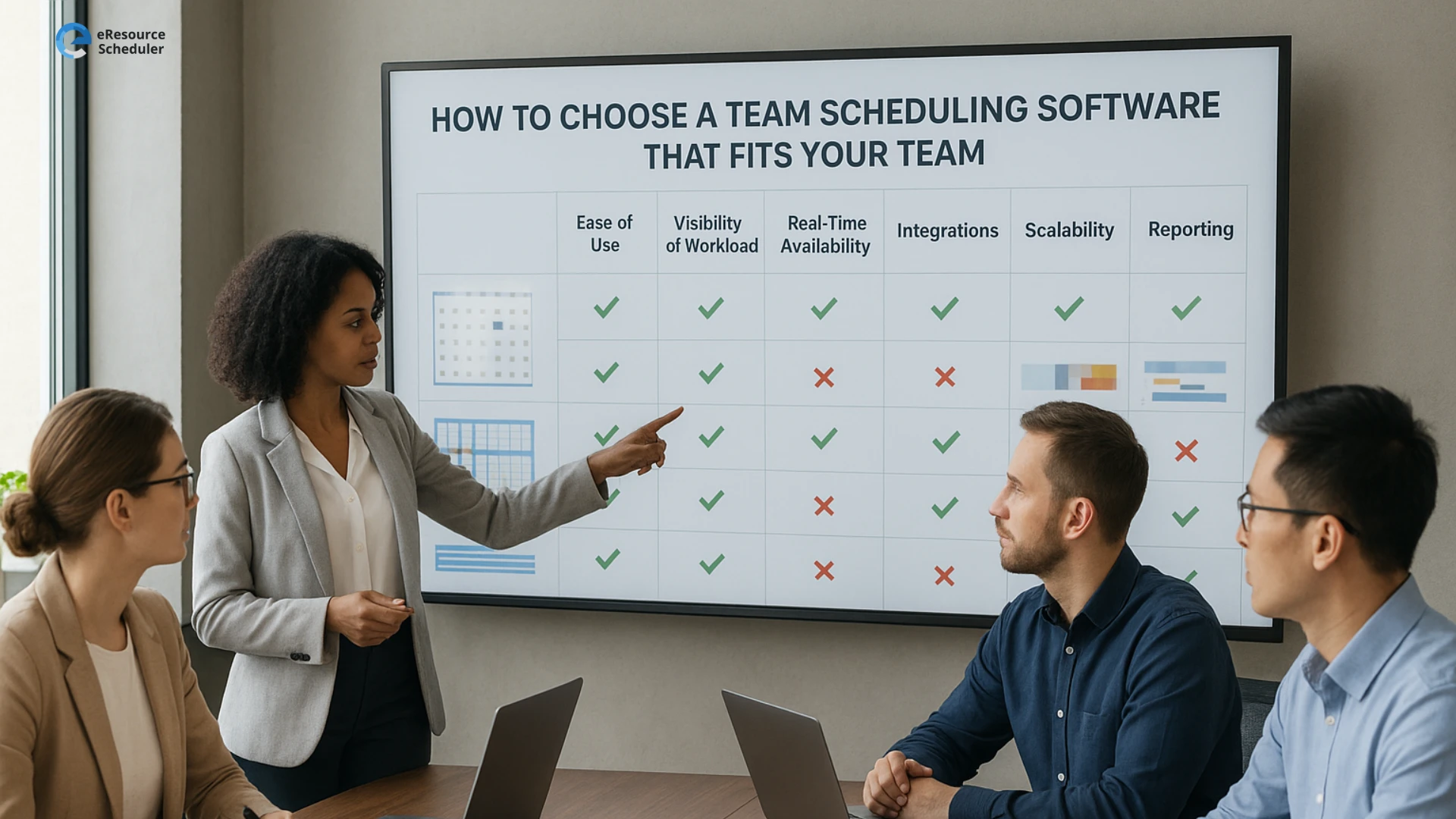
When you are picking team scheduling software, focus less on shiny feature grids and more on quick reality checks.
Ask yourself
If a modern team scheduling software passes these simple tests and includes most of the ten features already covered, it is likely a strong fit for how your team actually works.
Team scheduling software really pays off when it feels practical. These ten features are not nice extras. They are the basics that help you see who is working on what, who still has room, and what your team can realistically handle next.
When you have that kind of visibility, planning feels steadier. Managers stop guessing, people know what is coming, and leaders get a view they can actually trust for dates, budgets, and staffing calls.
If you want to see how this could look with your own team, start a free trial of eResource Scheduler and set up a few real projects and people. Use it for a week with your actual workload and let the tool show you whether it gives you the clarity and control your current setup is missing.
1. What is team scheduling software and why do teams need it
Team scheduling software is a tool that shows who is working on what and when. It helps managers line up people, projects, and timelines in one place so they are not guessing from spreadsheets or chat messages.
2. How is modern team scheduling software different from a shared calendar
A shared calendar shows meetings. Modern team scheduling tools show full workloads. You can see capacity, skills, project assignments, and future demand in one view instead of piecing everything together by hand.
3. Which features matter most when choosing a team scheduling tool
Look for clear visuals, real time availability, skill based assignment, strong forecasting, and reports leadership can trust. These features make the difference between a tool the team actually uses and one they silently ignore.
4. Can team scheduling software help reduce burnout
Yes. When a workforce scheduling software shows who is overloaded and who has room, managers can spread work more fairly. That prevents quiet overwork and supports healthier long term workloads.
5. Can small teams also benefit from employee scheduling software
Small teams often feel changes faster than big ones. Employee scheduling software helps them stay on top of shifting priorities, new client work, and vacations without relying on memory or long message threads.


Plan Smarter. Schedule Faster. For Free.
Join thousands already using eResource Scheduler to align teams, time, and tasks seamlessly.
 ALL FEATURES INCLUDED